De Terra Italica Map v 1.0

FS19 mods

About the mod:

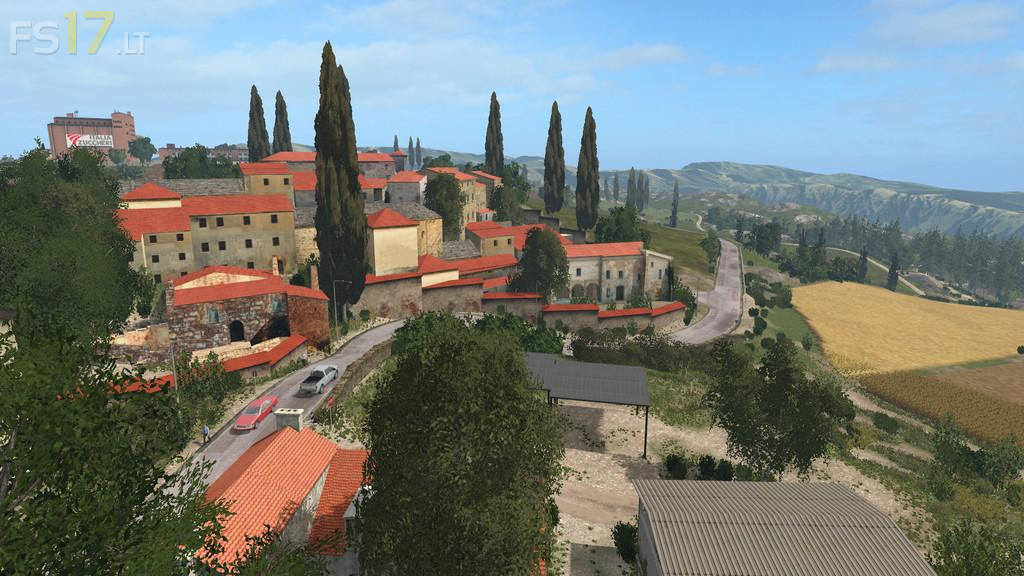
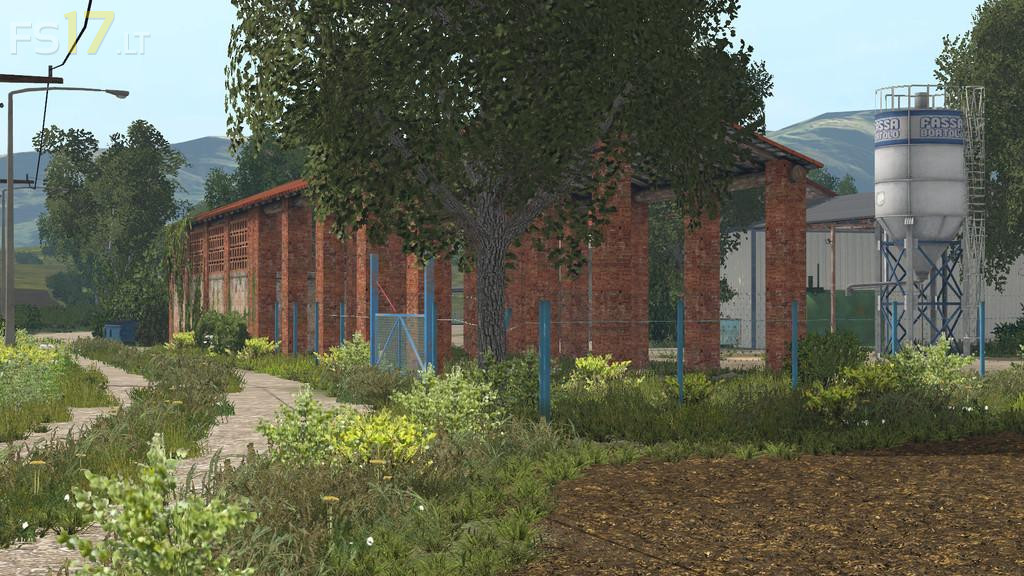
This map represents the area of the central-northern part of Italy.
A land that expands on the hills, on the border of two beautiful Italian regions: Emilia-Romagna and Tuscany.
A map that represents the mediterranean landscapes of these areas, with its gentle slopes and the typical vegetation that characterize the surrounding area.

Credits:
Sukaz, MarcoLs

How to install FS17 mods?

Firstly find a mod which you like and want to download. Then download a mod to your PC. Mods are usually in .zip format file. But sometimes it can be in .rar. If a mod file is a .zip format no needed additional actions. If a file is in .rar, then you must unarchive mod with software like WinRar or Zip7. Windows 10 users no need to use software for archives, Win10 itself has a feature to unarchive files.

The next step is to find mods folder in your PC. Usually, it is in Documents/My Games/Farming Simulator 17/2017. Open the "mods" folder and put downloaded .zip archive or unarchived .rar file to this folder.

Last step. Enjoy of FS17 mods!

2 thoughts on “De Terra Italica Map v 1.0

  • Johnny says:
    2017-07-10 at 08:23

    Hi, the map is very beautiful, but the animals are freeze when they go to eat at the grocery store. I saw it with the pigs. Please correct this bug, thank you.

  • Johnny says:
    2017-07-10 at 08:39

    Sorry, I do not speak English and I’m using a translator. I resume the comment because it seems unclear: the animals are frozen when they go to eat in the manger. I saw it with the pigs. Please fix this bug. Thank you.

Leave a Reply

Your email address will not be published. Required fields are marked *