Agro Moravany Map v 2.2
About the mod:
Version 2.2:
* Fixed Manure bug
* Fixed BGA
* Fixed Moddesc error
Credits:
aifik, Tautvis
How to install FS17 mods?
Firstly find a mod which you like and want to download. Then download a mod to your PC. Mods are usually in .zip format file. But sometimes it can be in .rar. If a mod file is a .zip format no needed additional actions. If a file is in .rar, then you must unarchive mod with software like WinRar or Zip7. Windows 10 users no need to use software for archives, Win10 itself has a feature to unarchive files.
The next step is to find mods folder in your PC. Usually, it is in Documents/My Games/Farming Simulator 17/2017. Open the "mods" folder and put downloaded .zip archive or unarchived .rar file to this folder.
Last step. Enjoy of FS17 mods!



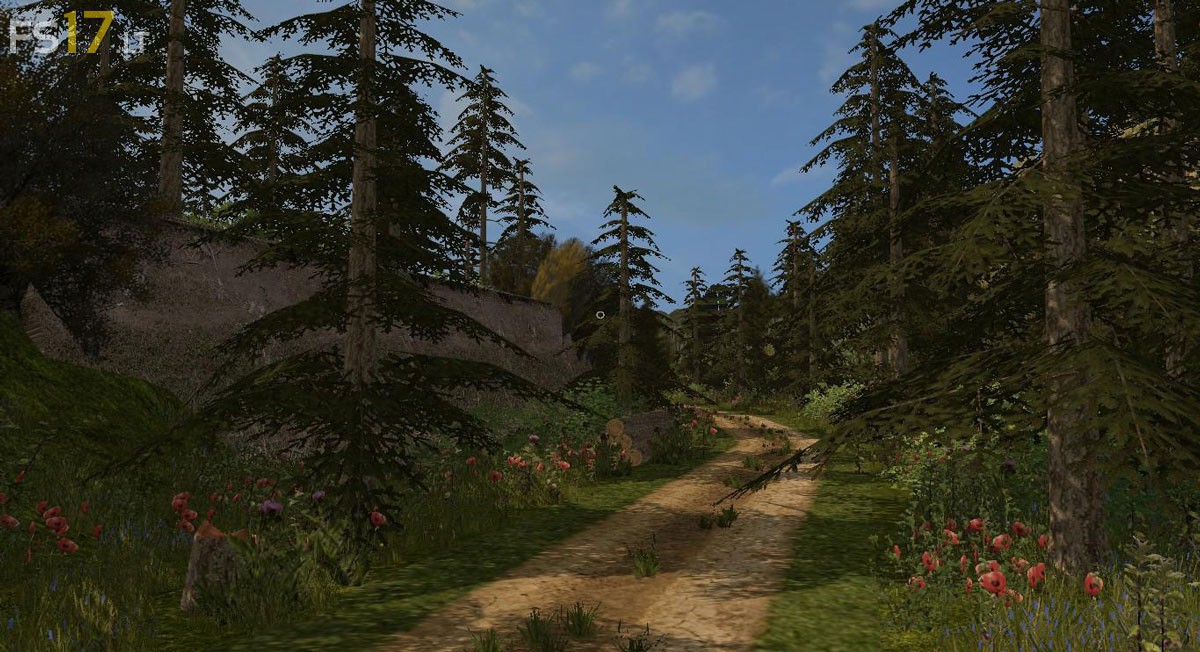

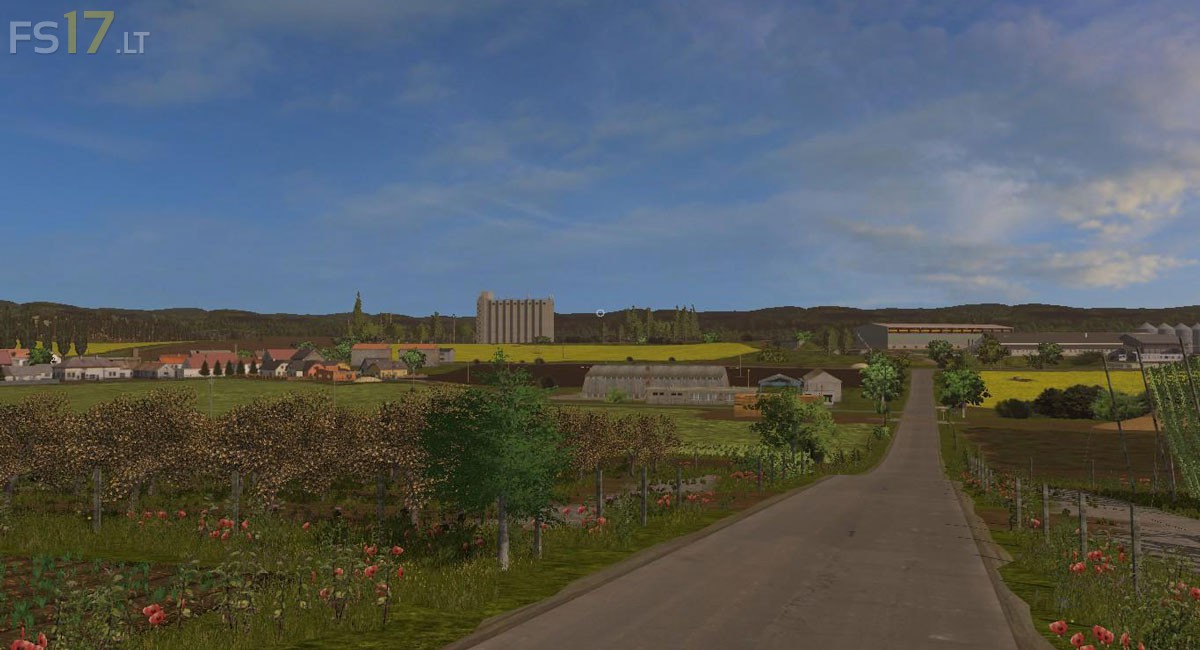
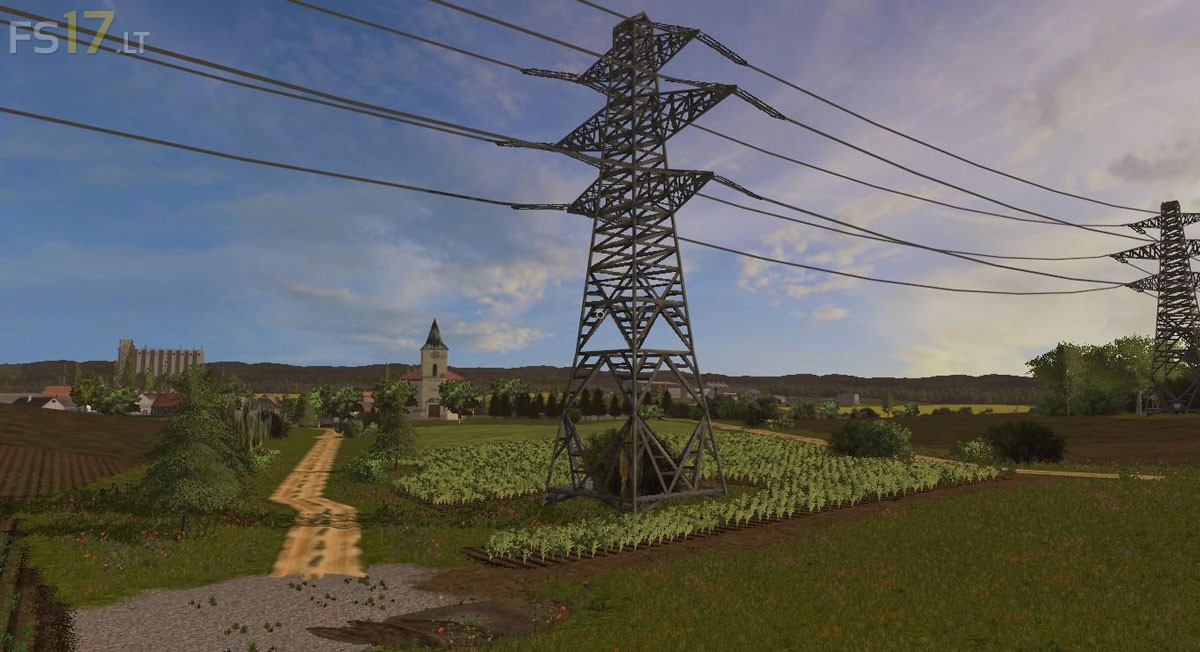

How do you install map mods? thanks
The same way you install all the other mods, but sometimes the file needs unzip
Just put in in the modfolder, make a new savegame en select the map 🙂
Thank you very much guys 🙂
Gameplay video:
https://www.youtube.com/watch?v=lRTK0UCG48Y
hello it s a nice map very good job
I have just a small problem, I cannot buy fields so I cannot work over. How make t one to buy a field there are no placard to buy. Thank you for re-laying me l
nice map but has lots of bugs. Also there is no place to sell your machines at the shop so rented vehicles can not be returned and are costly charged every hour for them so make has become unplayable as I am having to constablt pay for machines. would be a good map if all the bugs are fixed