

International Harvester Farmall 1206 v 1.1.0.1

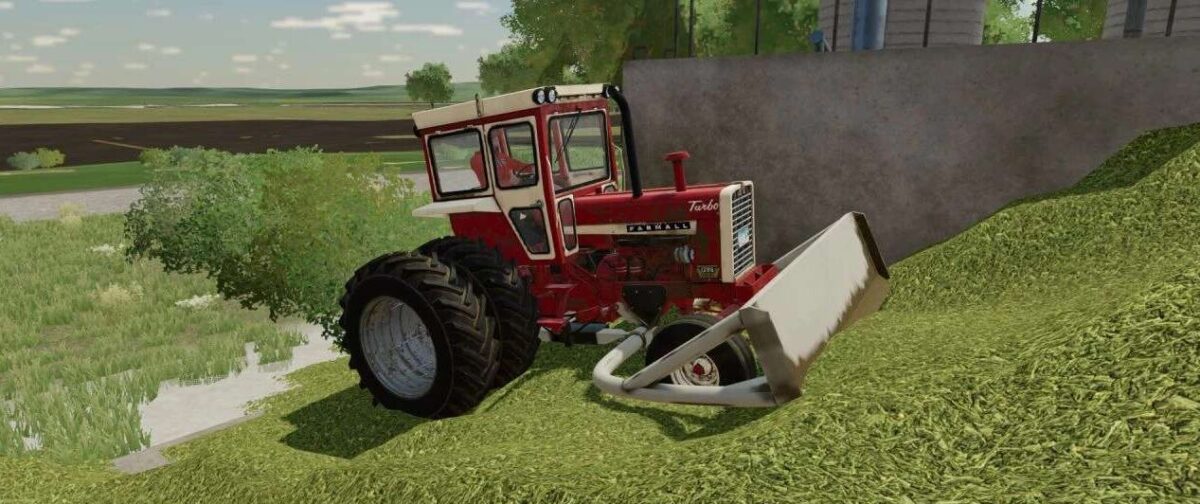
International Harvester Farmall 1206 v 1.1.0.1
About the mod:
– Power 95 hp
– Two types of transmission: manual 8 speed unsynchronized and 16-speed partial power shift
– Rear hitch load capacity: up to 3 tons
Version 1.1.0.1:
* Added new tire configurations, minor visual changes in the muffler configuration, the ability to hang a trailer tank for seeds and fertilizers is now clearly indicated (it was there before, but the author did not emphasize it). The mod is divided into two – a tractor with a narrow front end and a rear wheel drive one
* Use “Narrow Tires” to be able to drive without damaging crops.
Credits:
ALeXNorgler, EY Modding