

Farming Play 25 v 0.5 BETA

Farming Play 25 v 0.5 BETA
About the mod:
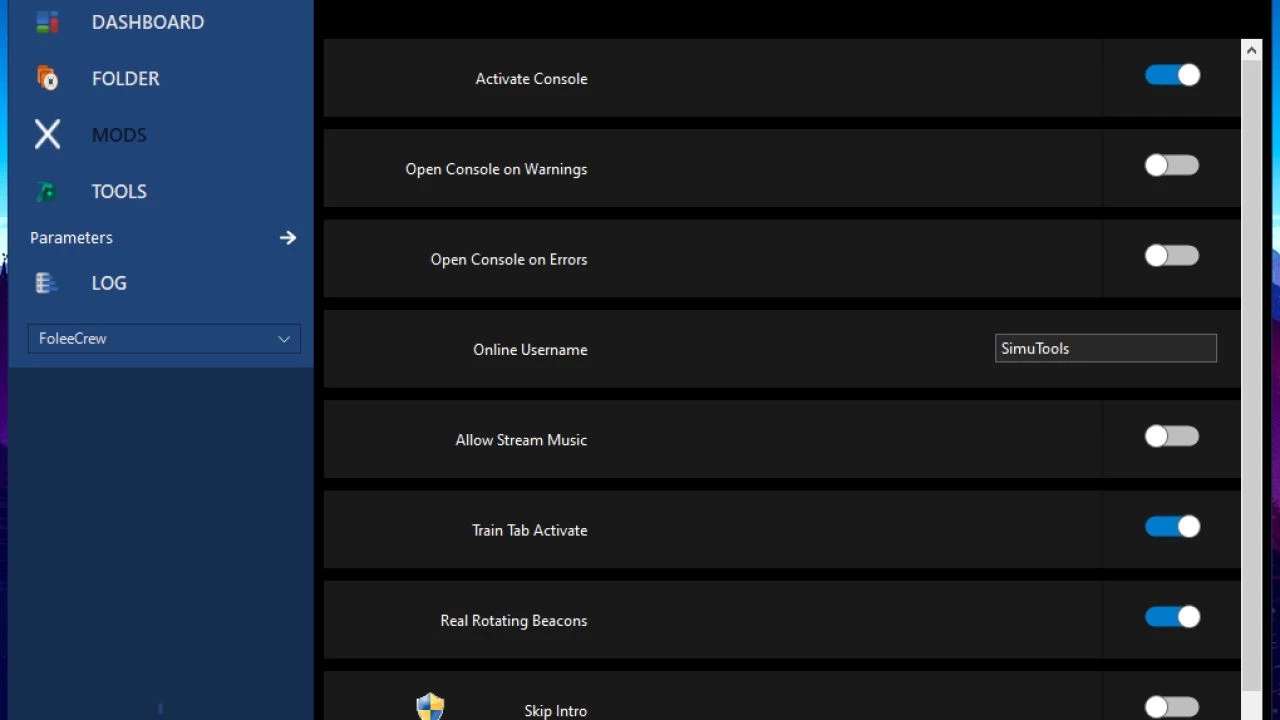
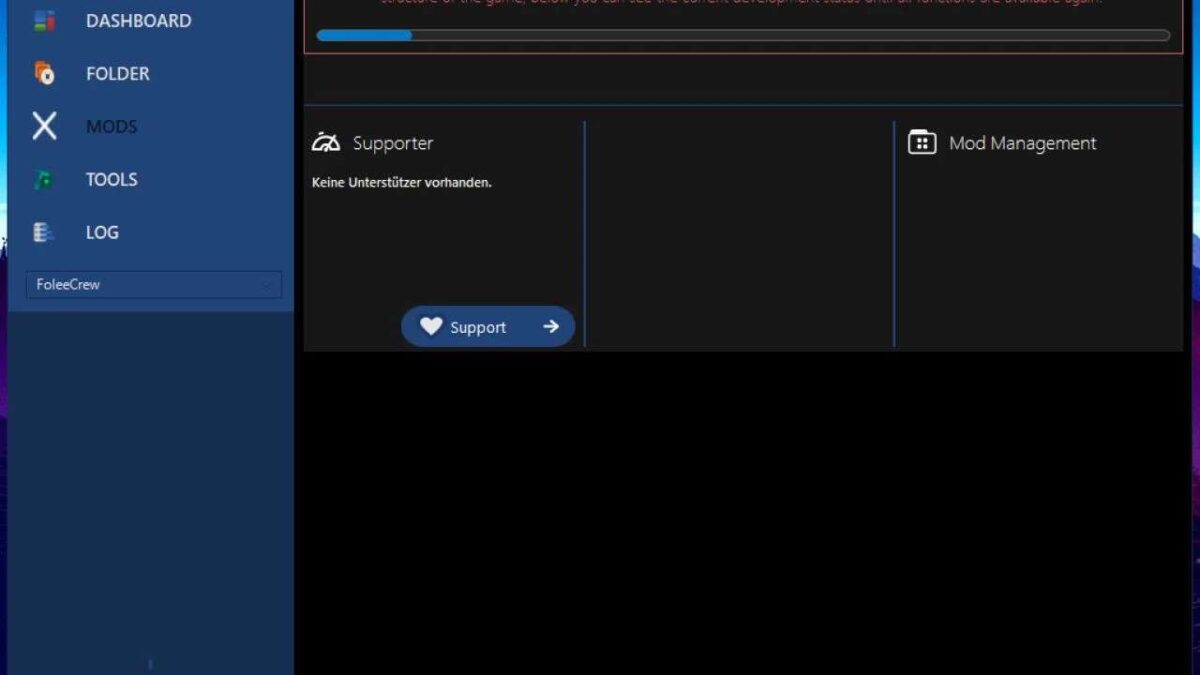
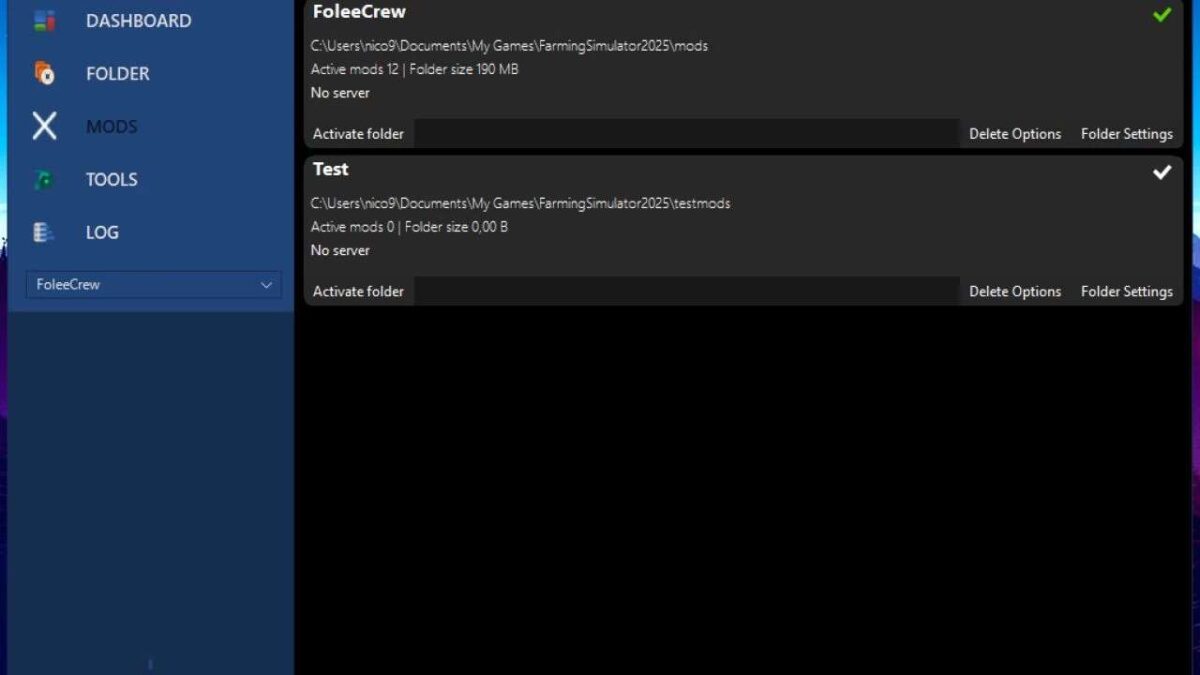
FarmingPlay25 is a game launcher for the LS25 that offers some additional features such as:
– Mod management
– Folder management
– Game settings
– Download Manager
How do I install it?
– It is best to unzip the zip file in a folder (I recommend 7-Zip Simply right-click on the file -> 7-Zip -> Unzip to…)
– Then click on “FarmingPlay25 – Setup.exe” and follow the setup instructions
– As soon as the installation is complete, the launcher opens and the setup begins.
Current problems / work:
– Mod area is currently still under development, only the folder area / parameter area is currently available
Credits:
SimuTools