

Ballydorn Farm Map v 2.0

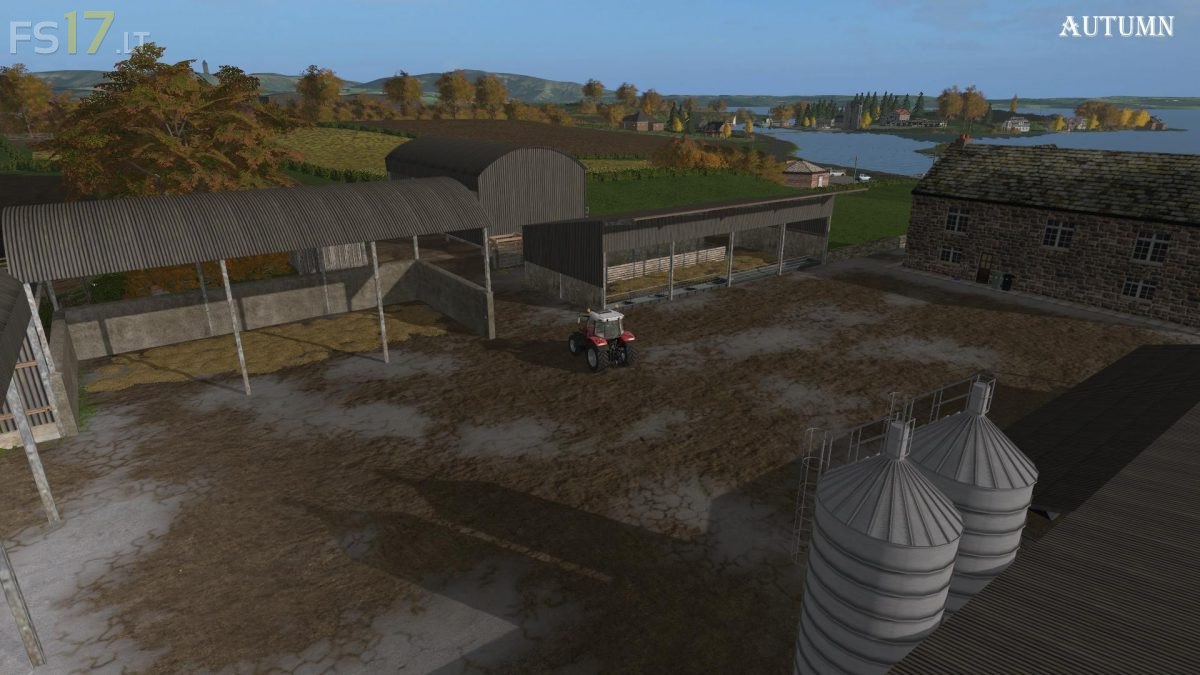
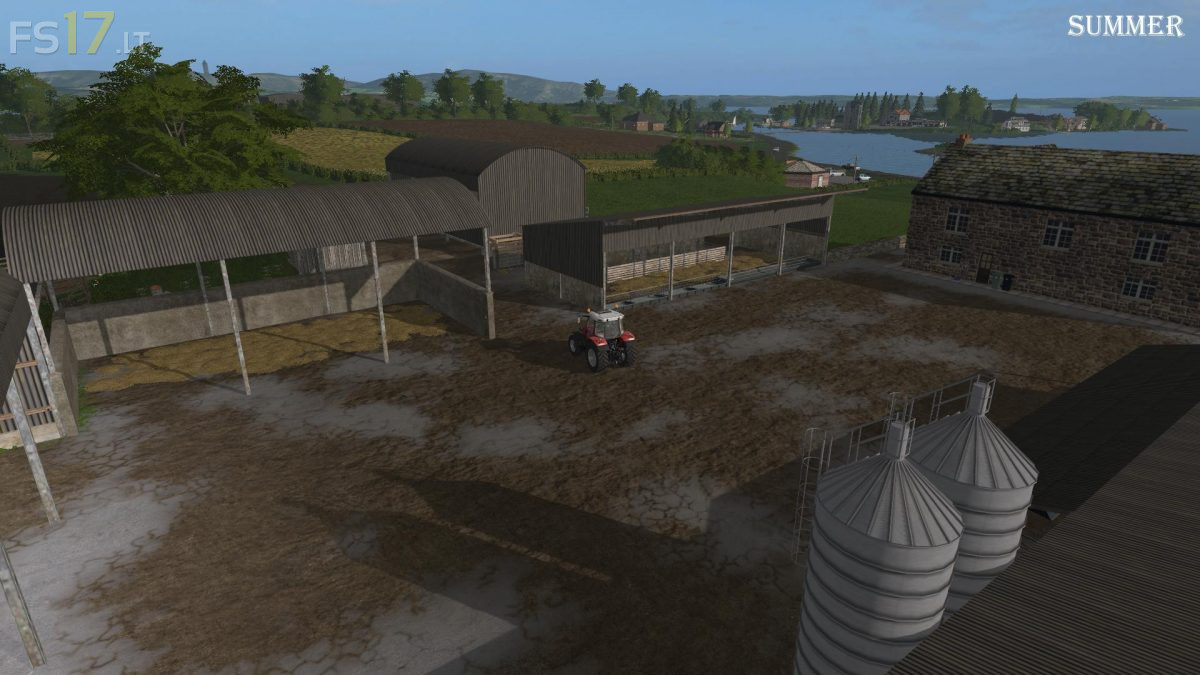
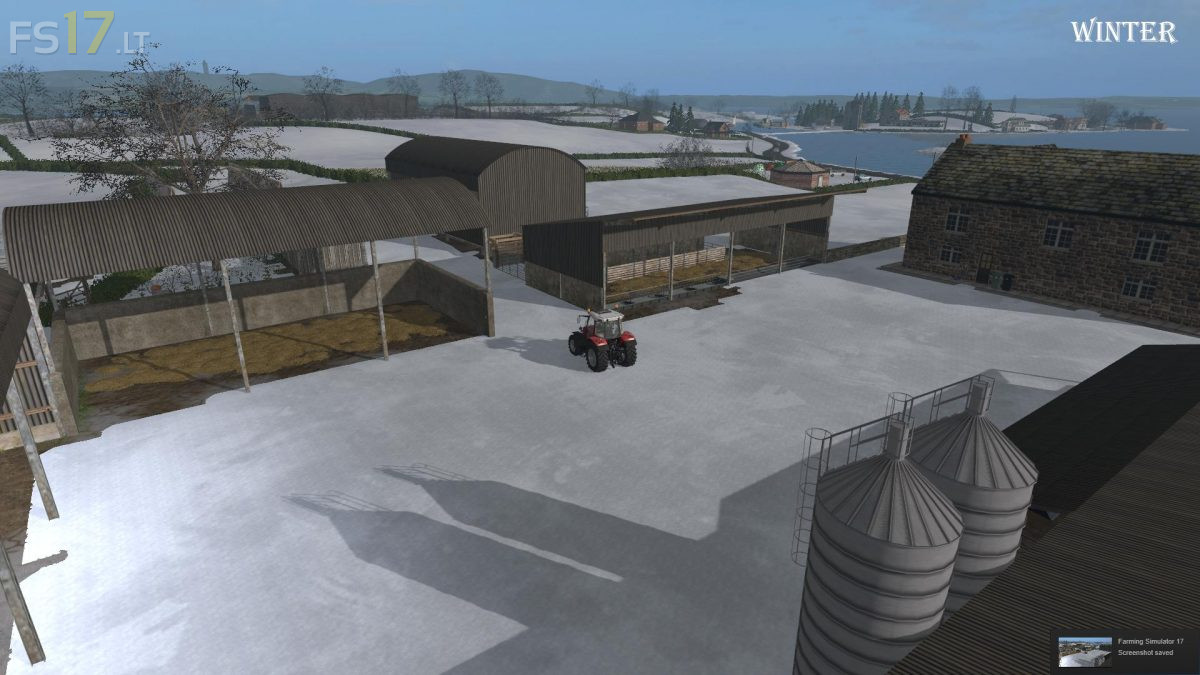
Ballydorn Farm Map v 2.0
Version 2.0:
1 Cultivated texture on fields 11, 13 and 14 changed to sown texture. (Only effects new savegame)
2 Log file error for invalid case fixed.
3 Cow sound (with no cows present)at Livestock farm removed.
4 Floating scenery at roadworks fixed.
5 Floating gravestones at church fixed.
6 BCA trailer supports fixed with wooden blocks.
7 BGA torch light fixed.
8 Several houses with flickering textures replaced.
9 Green lights on all houses, petrol station, stables and Biocer now off during the day. Building internal green lights left on during daylight as I think this is more realistic.
10 Stable lantern lights replaced with compound lights.
11 Have never encountered traffic collision at junction next to machine shop but traffic spline adjusted to less severe turn. (If you do experience this just stop and restart traffic in the in game menu)
12 Fixed floating rocks at waterfall
13 Fixed corner of house on island next to nursery which was floating
14 Clothes lines now lose the clothes at night
15 Various Flickering textures on trees and signs fixed
16 Tip collisions fixed
17 Small scenery changes
18 Map prepared for Seasons Mod.