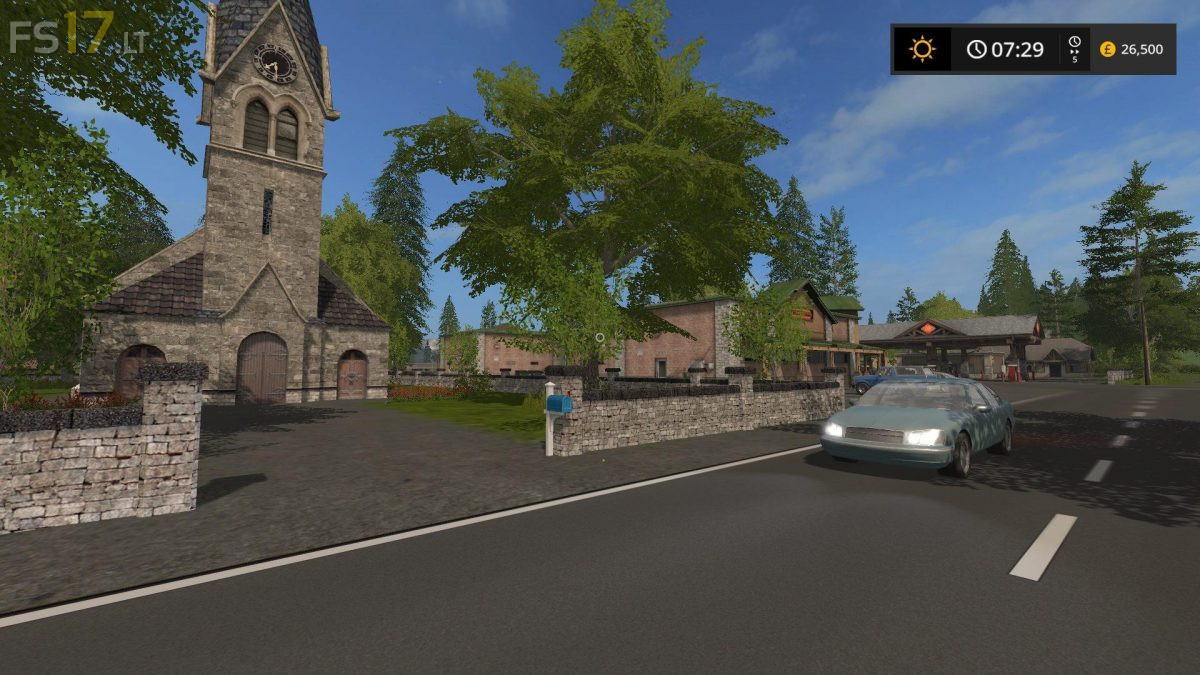
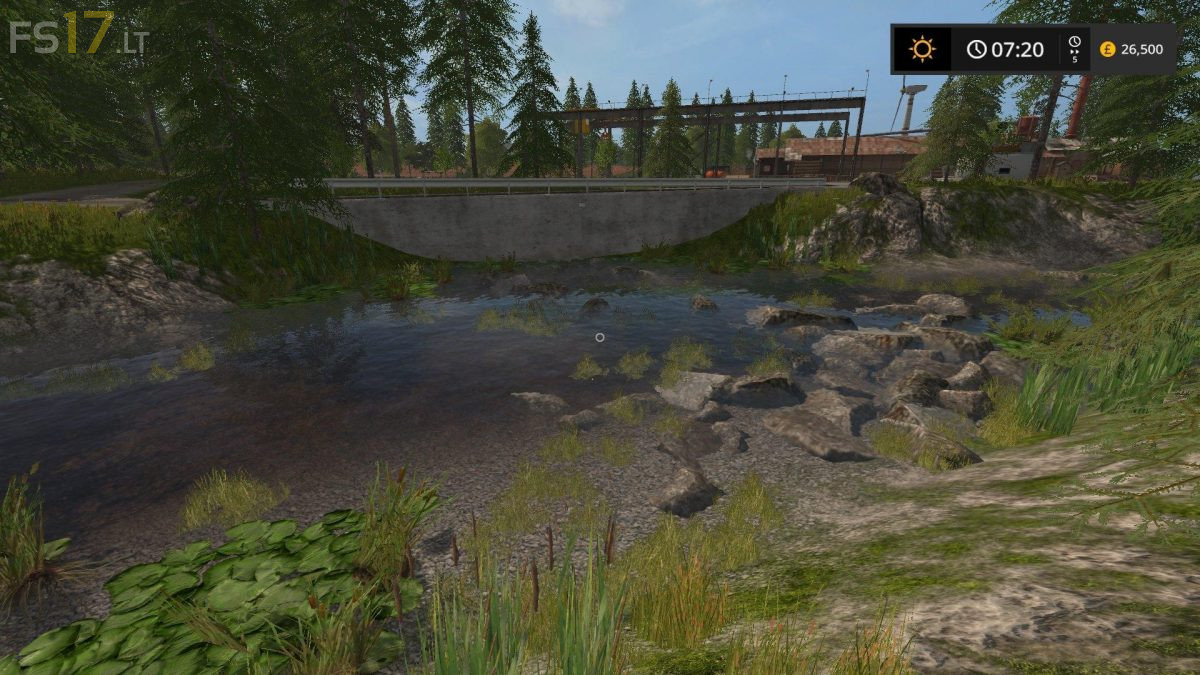
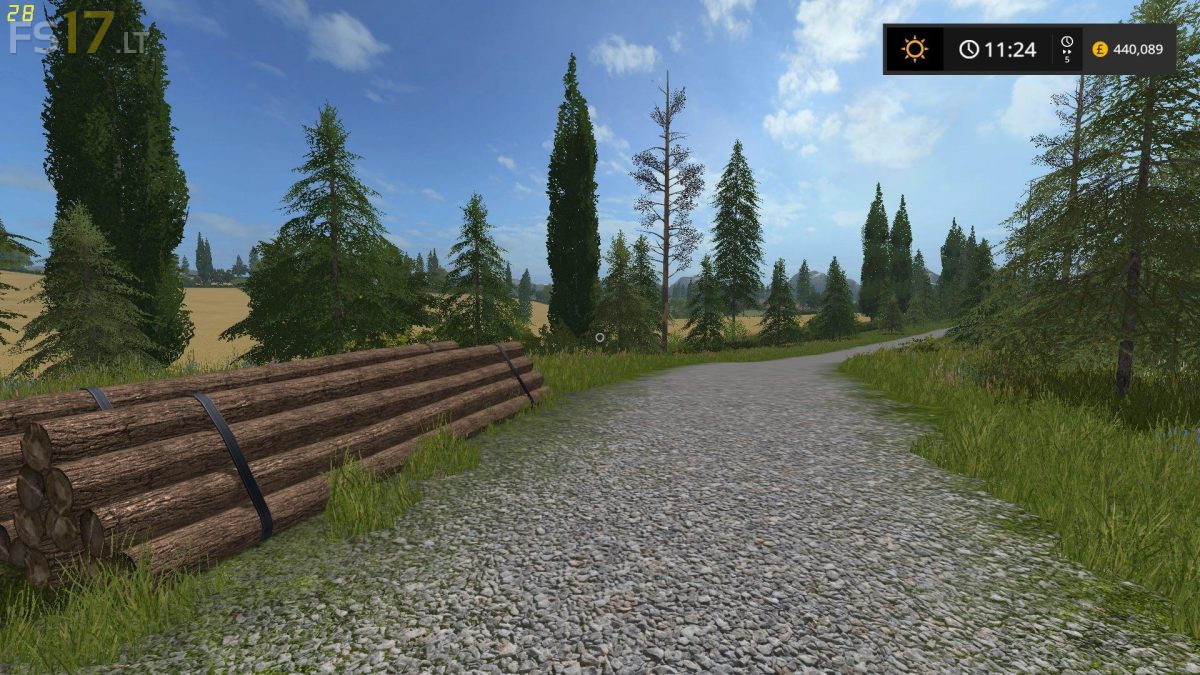
Snettertons Farm Map v 1.0

FS19 mods

About the mod:

2 separate map versions. Unzip your downloaded version and place the map zip into your mods folder. The latest Giants FS2017 game update is required for the map to work, this is available in the Giants website or through Steam updates.
So this was all timed for one of the user’s childrens birthdays today. They have the map and were unaware it was made for them even though they follow the page. Mission accomplished.

Credits:
@StevieFSMods

How to install FS17 mods?

Firstly find a mod which you like and want to download. Then download a mod to your PC. Mods are usually in .zip format file. But sometimes it can be in .rar. If a mod file is a .zip format no needed additional actions. If a file is in .rar, then you must unarchive mod with software like WinRar or Zip7. Windows 10 users no need to use software for archives, Win10 itself has a feature to unarchive files.

The next step is to find mods folder in your PC. Usually, it is in Documents/My Games/Farming Simulator 17/2017. Open the "mods" folder and put downloaded .zip archive or unarchived .rar file to this folder.

Last step. Enjoy of FS17 mods!

3 thoughts on “Snettertons Farm Map v 1.0

  • Andrew says:
    2017-07-03 at 06:10

    But whats the last version of fs17 ?

  • scaniatrucker73 says:
    2017-07-03 at 06:26

    Happy Birthday to the user’s child

  • Randall says:
    2017-08-16 at 12:47

    I+only+found+99+gold+nuggets.

Leave a Reply

Your email address will not be published. Required fields are marked *