

Harvest Profit v 1.0

Harvest Profit v 1.0

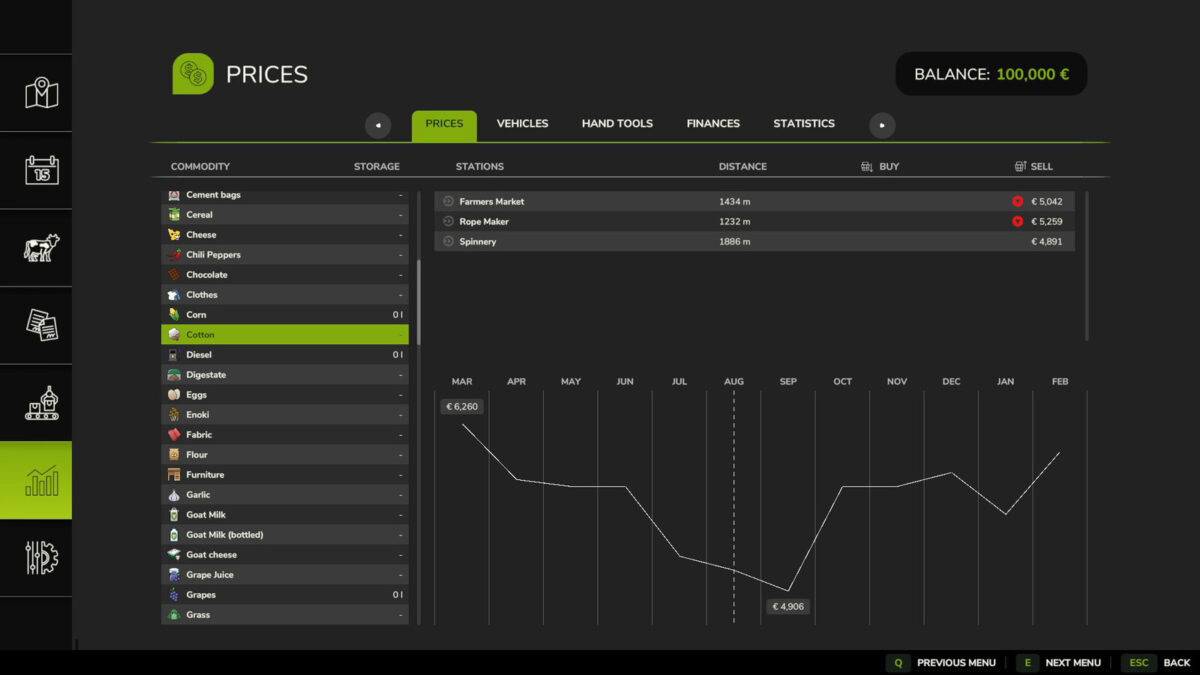
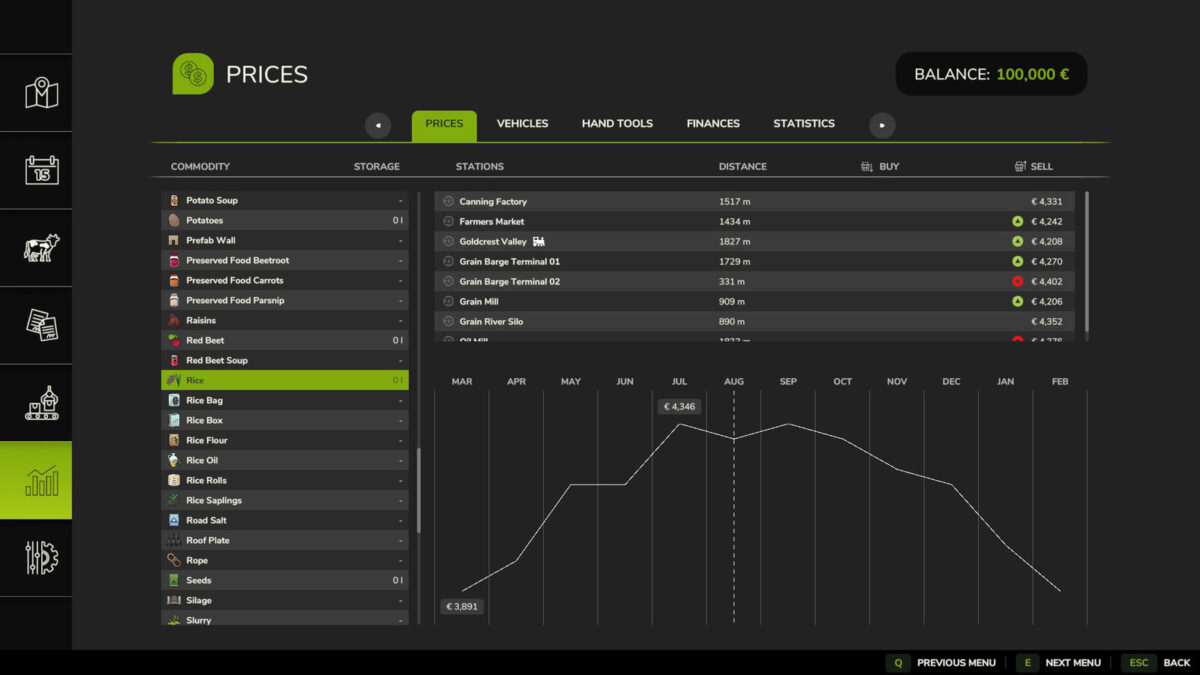
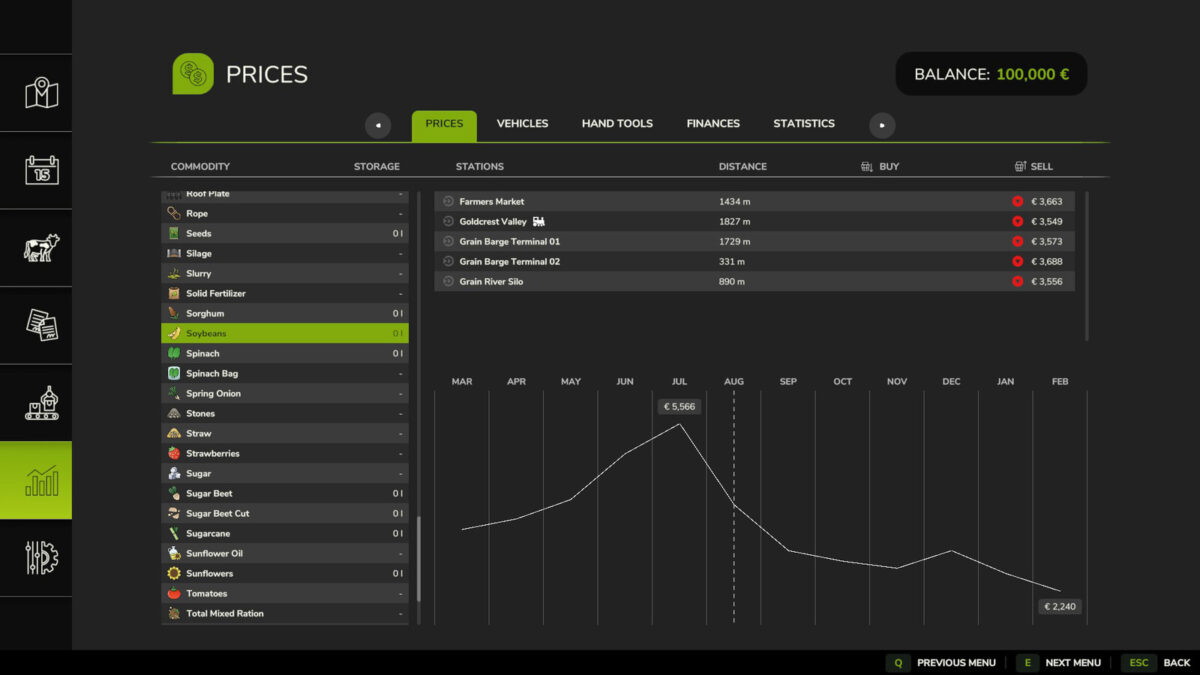
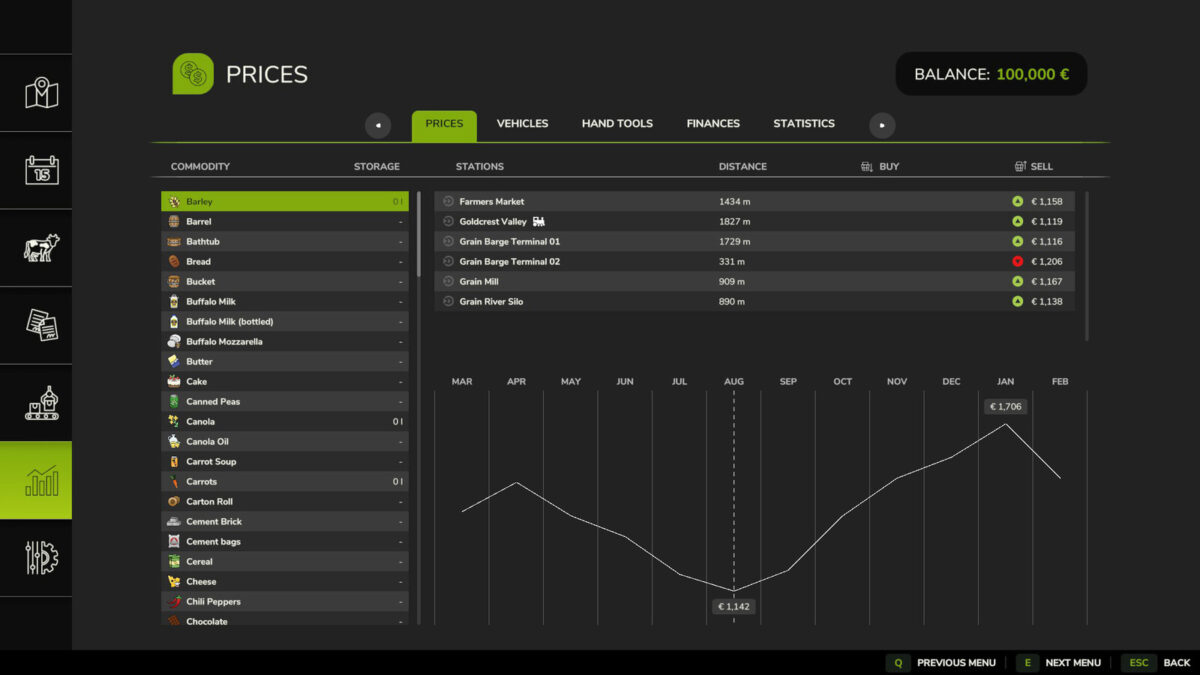
With this mod you will receive a higher price for your crops.
If you are used to playing with productions, you will have noticed that the price balance between
products and crops is not always well adjusted. If you enjoy harvesting and dedicating your time and
take care of your fields, but you think you are missing out on the benefits of the
productions, this mod will help you balance things out a bit more.
You will receive more for your crops of the basic grains in any difficulty mode, and the rest of
manufactured products will remain the same. You decide whether to cultivate, fertilize, sow, apply herbicide,
refertilizing, harvesting and transporting your crops is worth as much or more than the resulting products
of its processing.
Using wheat just to make flour will no longer be as beneficial, but it is still necessary to make bread
that it is. Dedicate part of your harvests to generate elaborated products and part to sell them and
get a fair price. Diversify and you will get better profit and satisfaction.
Raster R3 Modding
How do I install Farming Simulator mods?
Find a mod that you like and want to download first. Then, on your PC, download a mod. Mods are typically in.zip format. However, it is sometimes in.rar format. If the mod file is in.zip format, no additional actions are required. If a file is in.rar format, you must unarchive it using software such as WinRar or Zip7. Windows 10 users do not need to use archive software; Win10 includes an unarchive feature.
The next step is to locate the mods folder on your computer. It is typically found in Documents/My Games/Farming Simulator [Your FS game version, e.g. 2022]. Open the "mods" folder and place the downloaded.zip archive or unarchived.rar file there.
The final step. Have fun with Farming Simulator mods!