

Broxton Map v 3.0.2.1

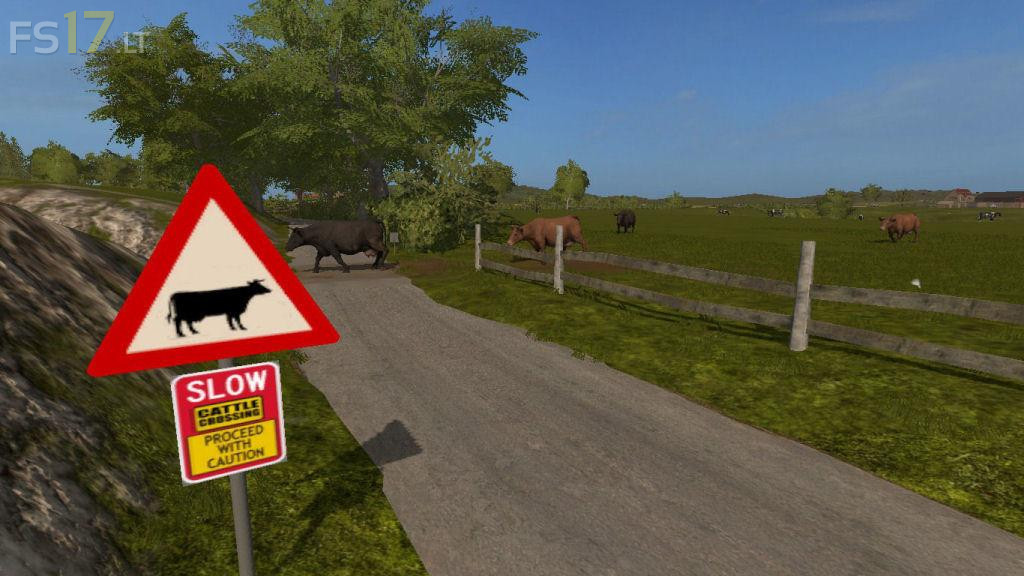
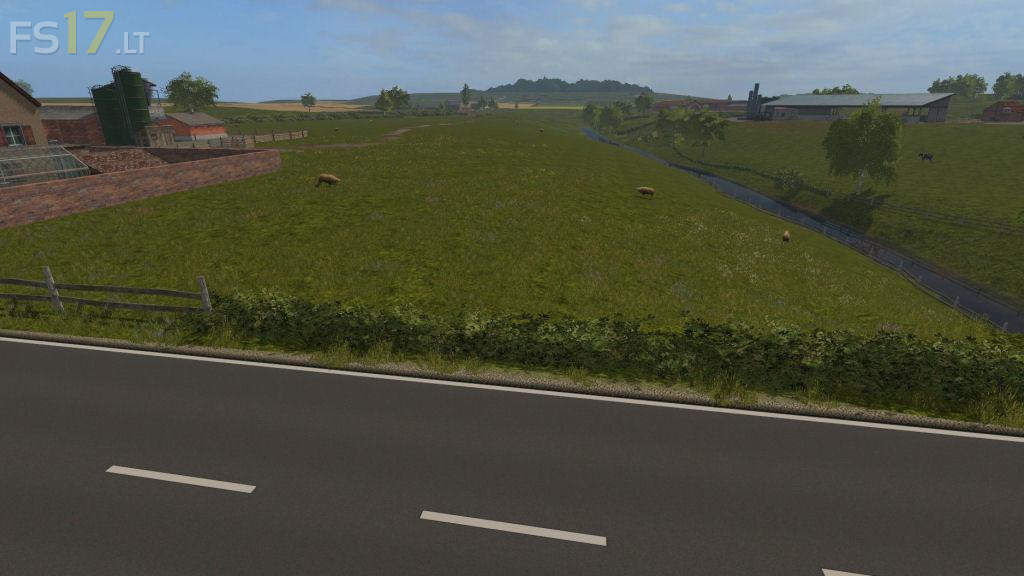
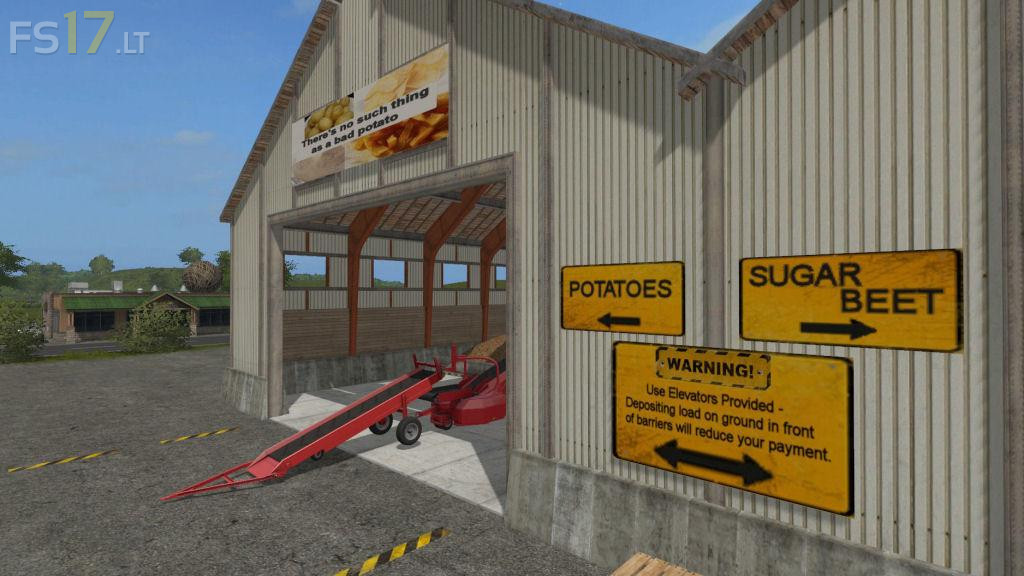
Broxton Map v 3.0.2.1
About the mod:
Based on 70’s Broxton/Duckington area in S.W. Cheshire, England.
Version 3.0.2.1:
* Fixed floating objects (car, bushes and barbed wire in Duckington area)
* Fixed pig mud texture placement
* Added trees on Bickerton Hill and other areas
* Fixed textures in entrance of field 34
* Fixed water plane in pond above Bank farm
* Added removable hedges & trees in Tilston road, Bickerton road, & Hampton area
* Added more hedges, fences & trees in various locations
* Altered Bank farm to provide more hardstanding for placeables
* Improved snowmask for Seasons mod
* Added ice surfaces, varying water planes & mud planes for Seasons mod – free water not available when frozen & some ditches dry up in Summer
Credits:
KMW