

Yurg’s Custom Mods Pack v 1.0.1.0

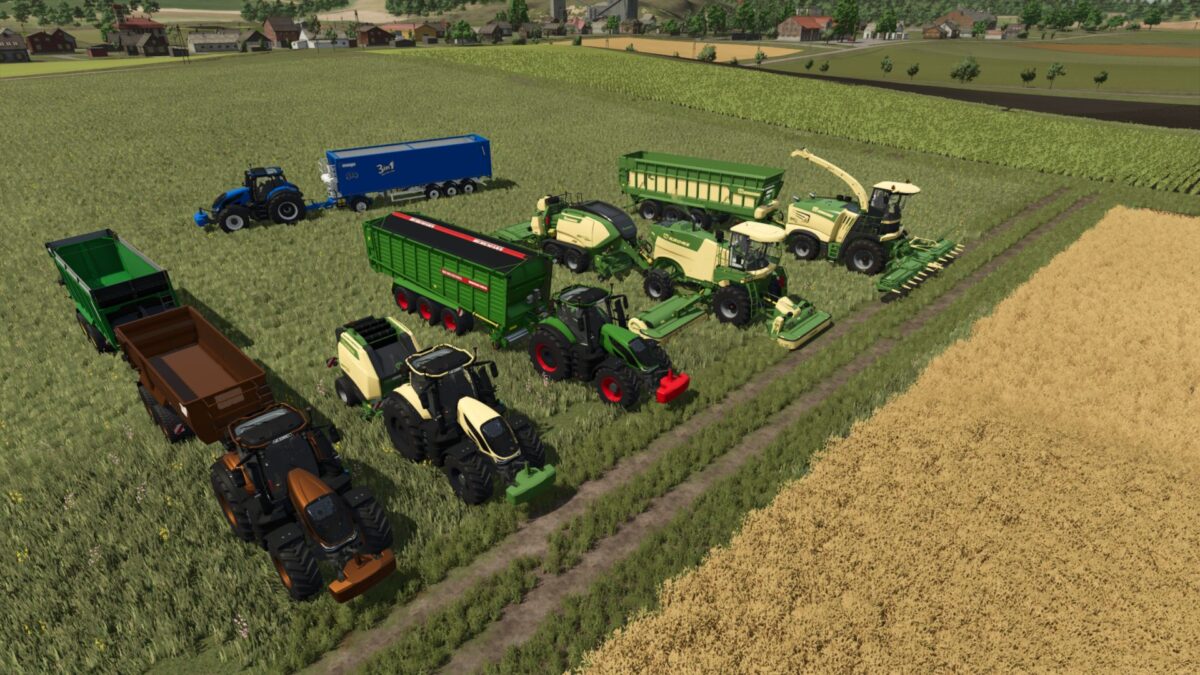
Yurg’s Custom Mods Pack v 1.0.1.0
The Pack consist of:
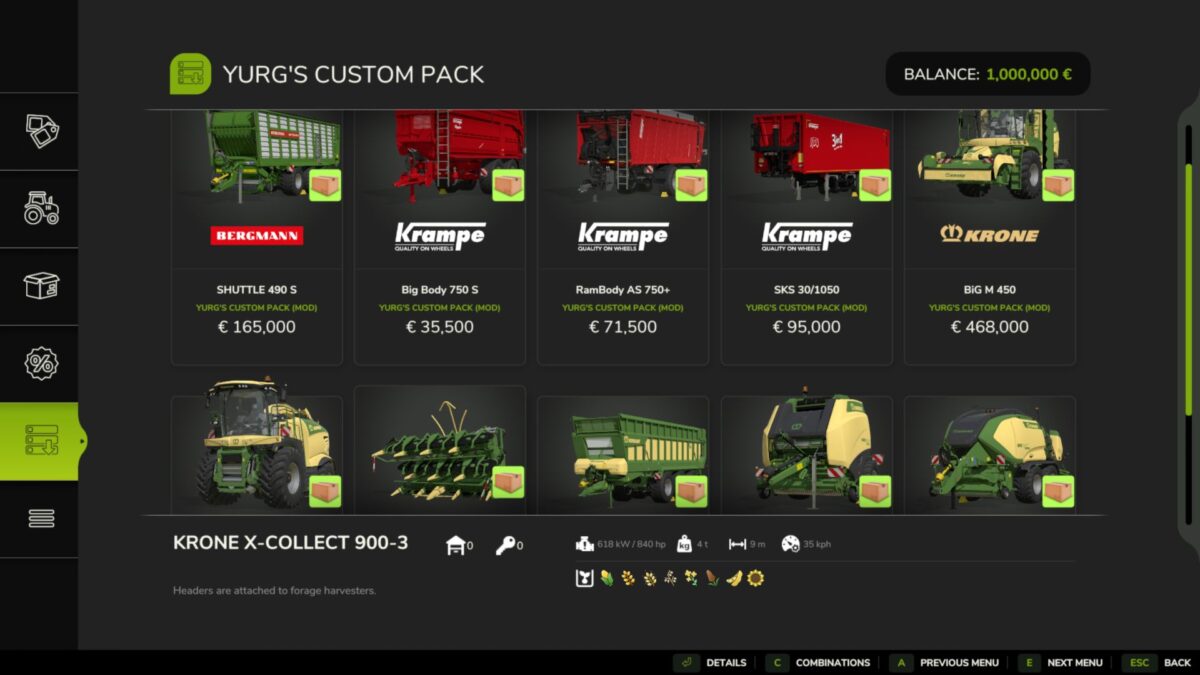
Bergmann Shuttle 490 S:
– base, chasis and rim colors
Bergmann & Krampe trailers:
– Valtra colors added
Krone Big X & Big M:
– Engines names update
Bergmann Shuttle 490 S
– Higher working speed (35)
– Higher empty speed
– Optional unreal capacity
Krampe Big Body 750 S
– Higher empty speed
– Optional unreal capacity
– Additional colors
– Optional trailer hitch
Krampe RamBody AS 750+
– Higher empty speed
– Optional unreal capacity
– Additional colors
Krampe SKS 30/1050
– Higher empty speed
– Optional unreal capacity
– Additional colors
– Optional trailer hitch
Krone BiG M 450
– Additional engines
– Trailer hitch (baler, …)
Krone BiG X 1180
– Additional engines
Krone X-Collect 900-3
– Higher working speed (35)
Krone GX 520
– Higher empty speed
– Optional unreal capacity
Krone VariPack V 190 XC Plus
– Higher working speed (20)
– Additional prechamber
Krone BiG Pack 1290 HDP VC
– Higher working speed (35)
Version 1.0.1.0:
Addition of:
* Krone EasyFlow 300 S
* Krone XDisc 620
* Valtra S Series
* Tenwinkel PAC Multi