

John Deere 7030 Series v 2.2.2

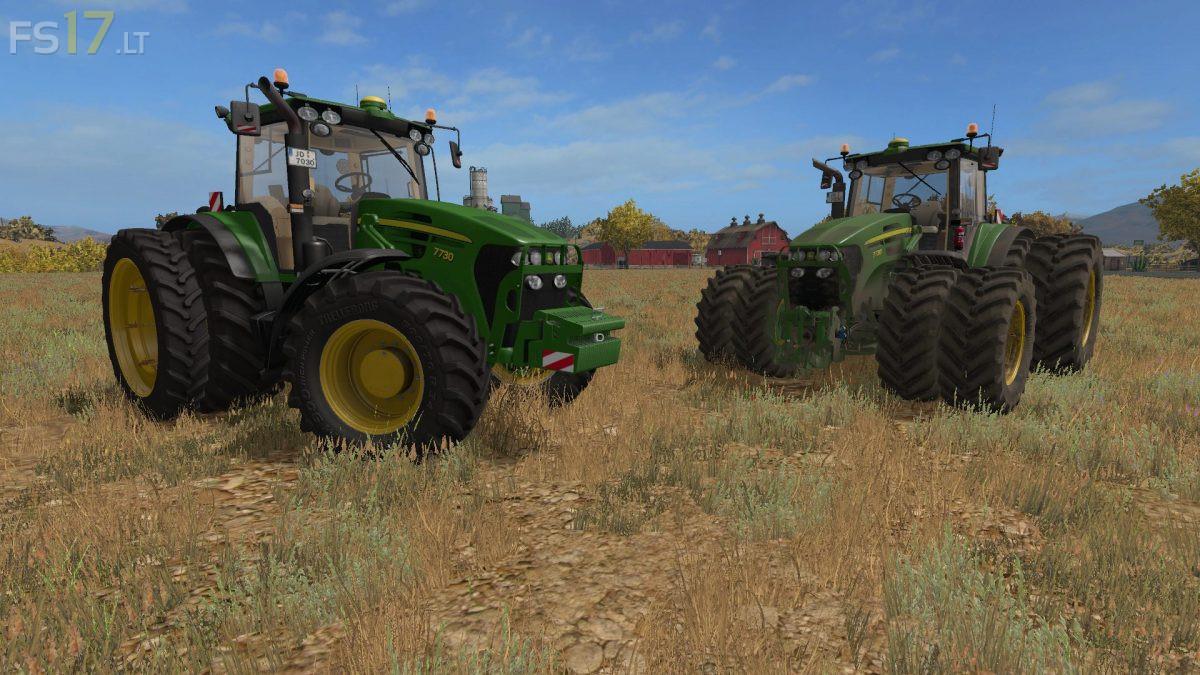
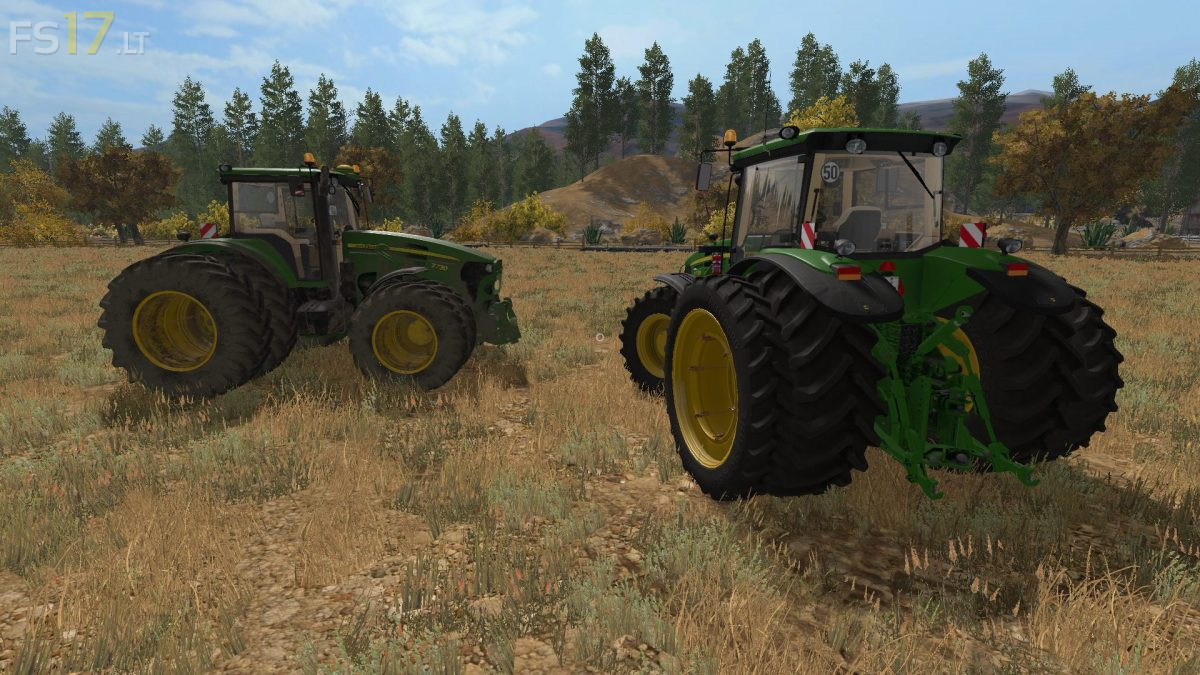
John Deere 7030 Series v 2.2.2
About the mod:
– Engine Setup: 220 hp, 235 hp, 250 hp
– Wheel Setup: Standard, Wheel Weights, Twin Wheels, Rear Twin Wheels, Twin Wheels Back Narrow
– Design: Basic, GPS StarFire 3000, Warning Signs, Full Option
– Completely washable
– Selection: Front hydraulics or front weight
– Interactive Control ( IC )
– Shining Texture
– Full animation of the front suspension
– The possibility of opening the left door outside the Tractor
– Frozen cabin
– Recumbent passenger seat
– Animated joystick
– Adjust the steering column
– A darker dynamic extraction system
– Foldable front handle
– Opened the door, the rear window
– Working light, turn signals, stop lamps
– Folding warning sign
– Dust under the wheels
– Movable front wing
– Animated hydraulics
Credits:
Sotillo, Rysiu77, Templear, Manuel Leithner, MajsteR