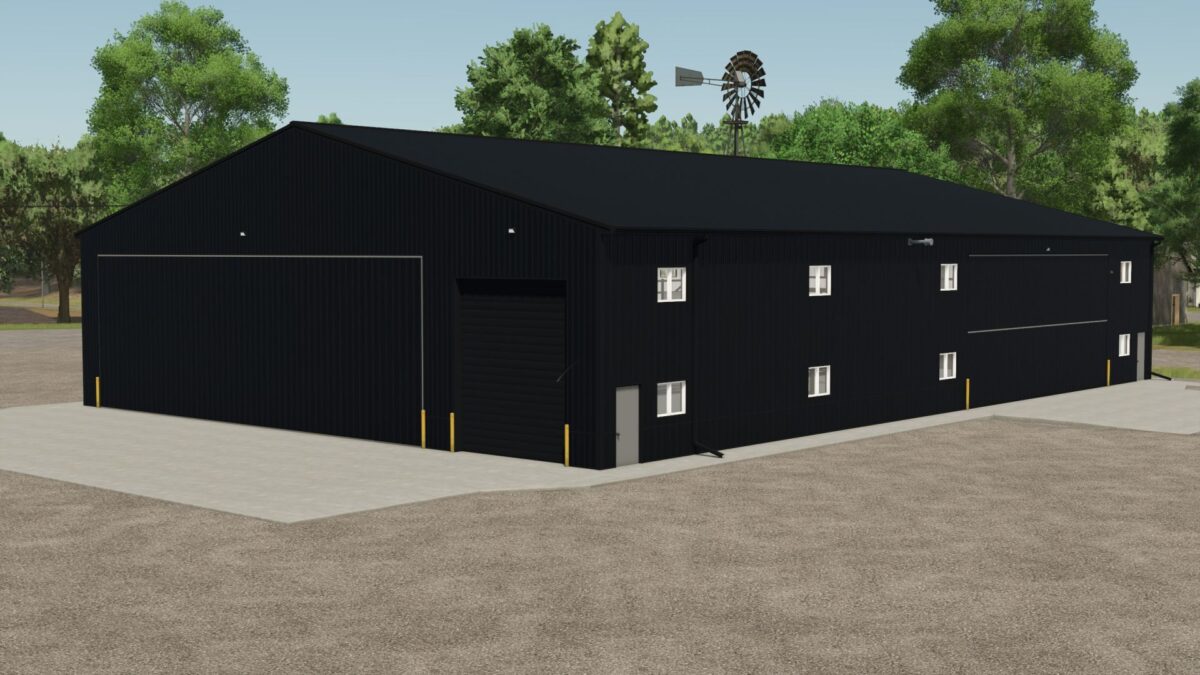
81 x 120 meters Shop/Garage v 1.0
About the mod:
This store gives you more space to accommodate more machines and work on everything in the store.
This store will be able to contribute to role playing games for a larger number of people.
Not much has changed in this store, everything has been converted to FS25, the exterior sheet metal and the windows get wet when it rains, a nice little feature, when it rains, water comes out of the gutters.
Price: €300,000.
Credits:
TrailerParkFarms, Legacy Ag, Vision Designs
How to install FS17 mods?
Firstly find a mod which you like and want to download. Then download a mod to your PC. Mods are usually in .zip format file. But sometimes it can be in .rar. If a mod file is a .zip format no needed additional actions. If a file is in .rar, then you must unarchive mod with software like WinRar or Zip7. Windows 10 users no need to use software for archives, Win10 itself has a feature to unarchive files.
The next step is to find mods folder in your PC. Usually, it is in Documents/My Games/Farming Simulator 17/2017. Open the "mods" folder and put downloaded .zip archive or unarchived .rar file to this folder.
Last step. Enjoy of FS17 mods!