

Claas Lexion 410/460 & 470/480 v 1.0

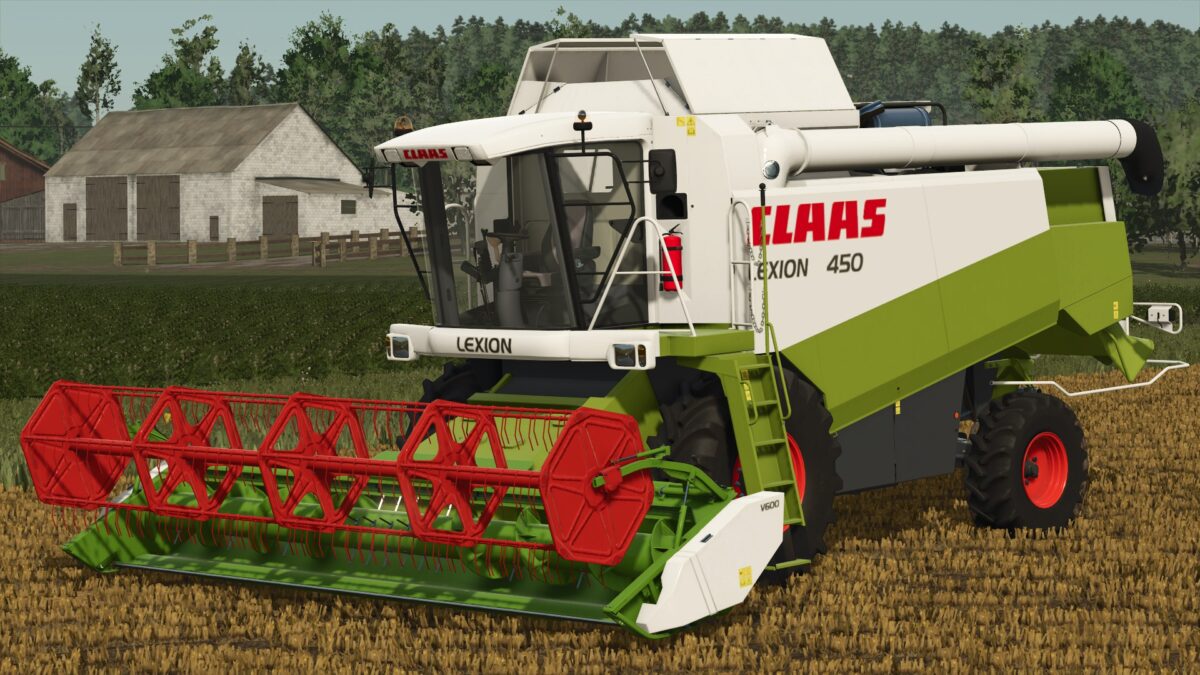
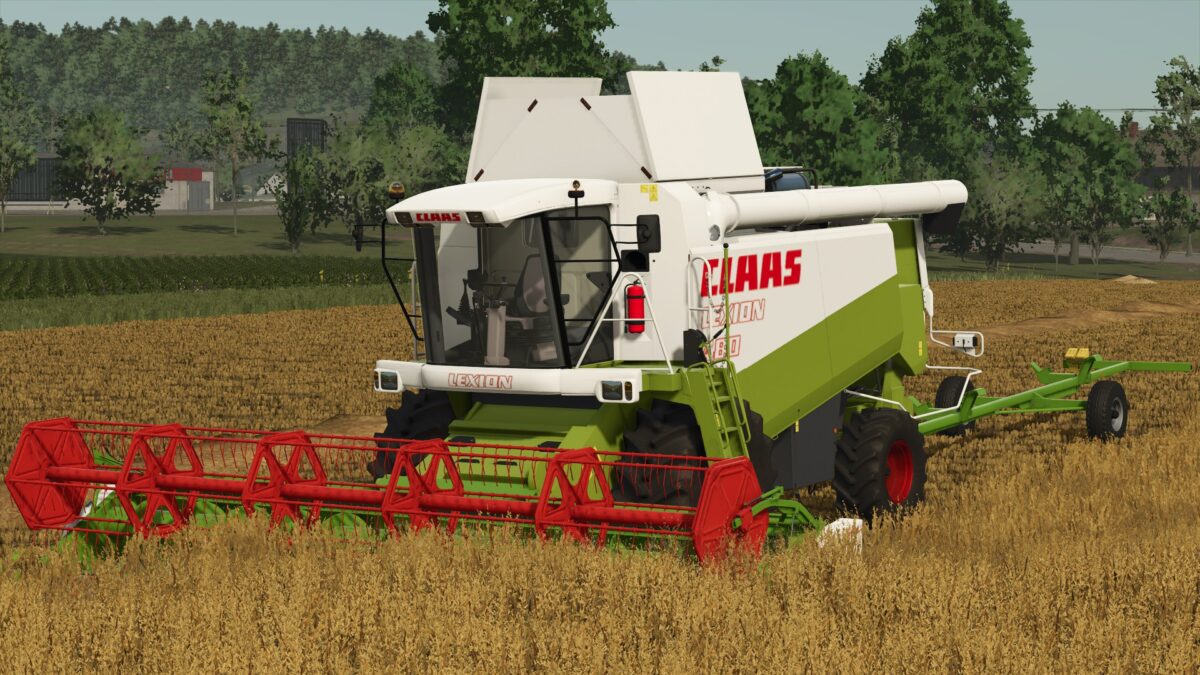
Claas Lexion 410/460 & 470/480 v 1.0
Two Claas Lexion Harvesters:
Claas Lexion 410/460:
– Power: 196 – 410 hp
– Capacity 6300 liters
– Model Configuration Options
– Wheels Configuration Options
– Wheels Brand Configuration Options
– Chaff Blower Configuration Options
– Extra Lights Configuration Options
– Extra Protection Configuration Options
– Warning Strips Configuration Options
Claas Lexion 410/460:
– Power: 320 – 412 hp
– Capacity 10500 liters
– Model Configuration Options
– Wheels Configuration Options
– Wheels Brand Configuration Options
– Extra Protection Configuration Options
Included:
Claas V600 Header:
– Working width 6 meters
– Working speed 10 km/h
– Stickers Configuration Options
Claas V660 Header:
– Working width 6.6 meters
– Working speed 10 km/h
– Stickers Configuration Options
Claas V750 Header:
– Working width 7.5 meters
– Working speed 10 km/h
– Stickers Configuration Options
Claas V600/660 Header Trailer:
– Design Configuration Options
– Taillights Configuration Options