

Papenburger Map 4K v 2.3.7

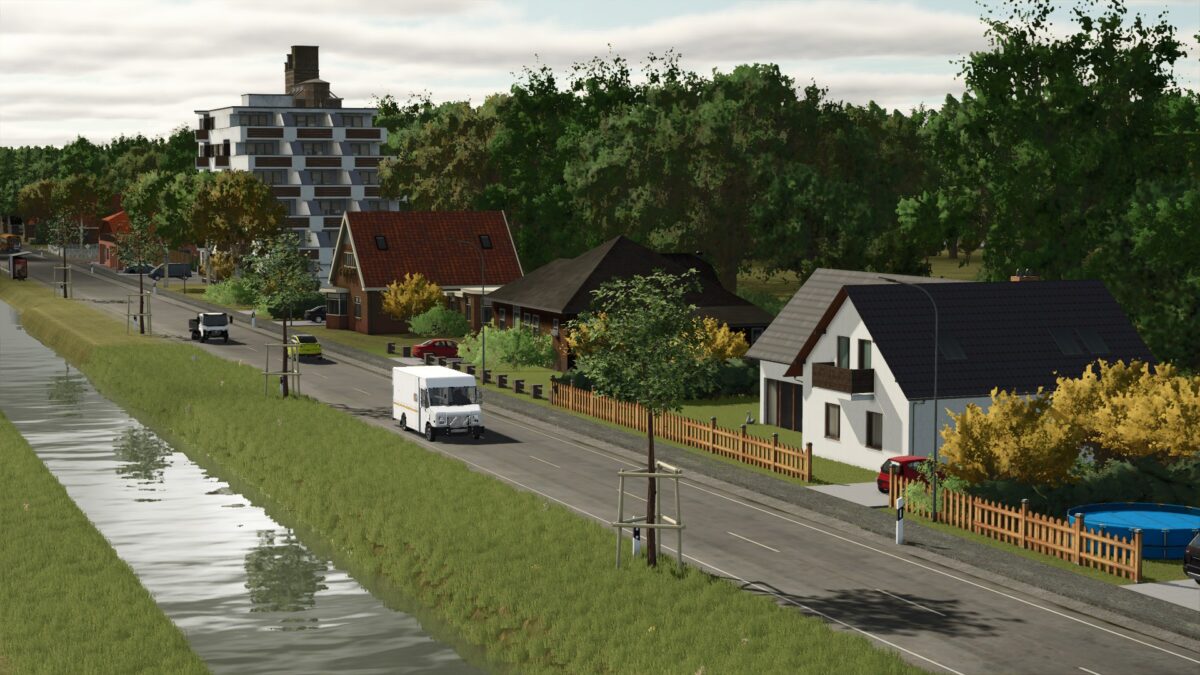
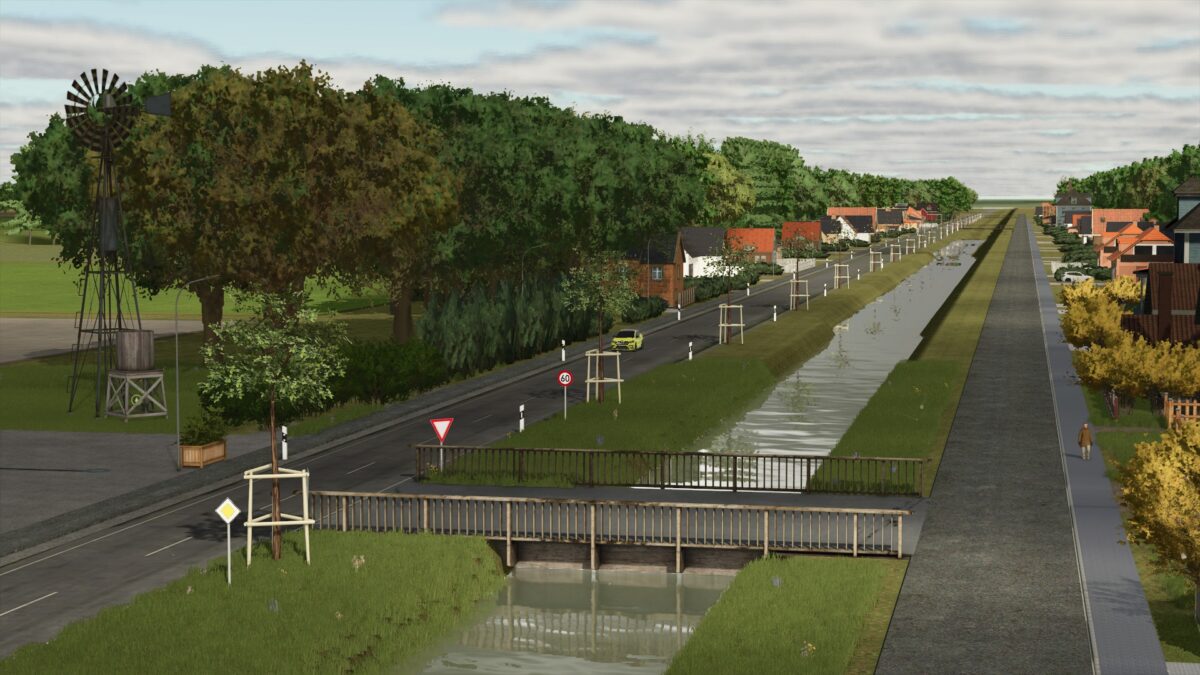
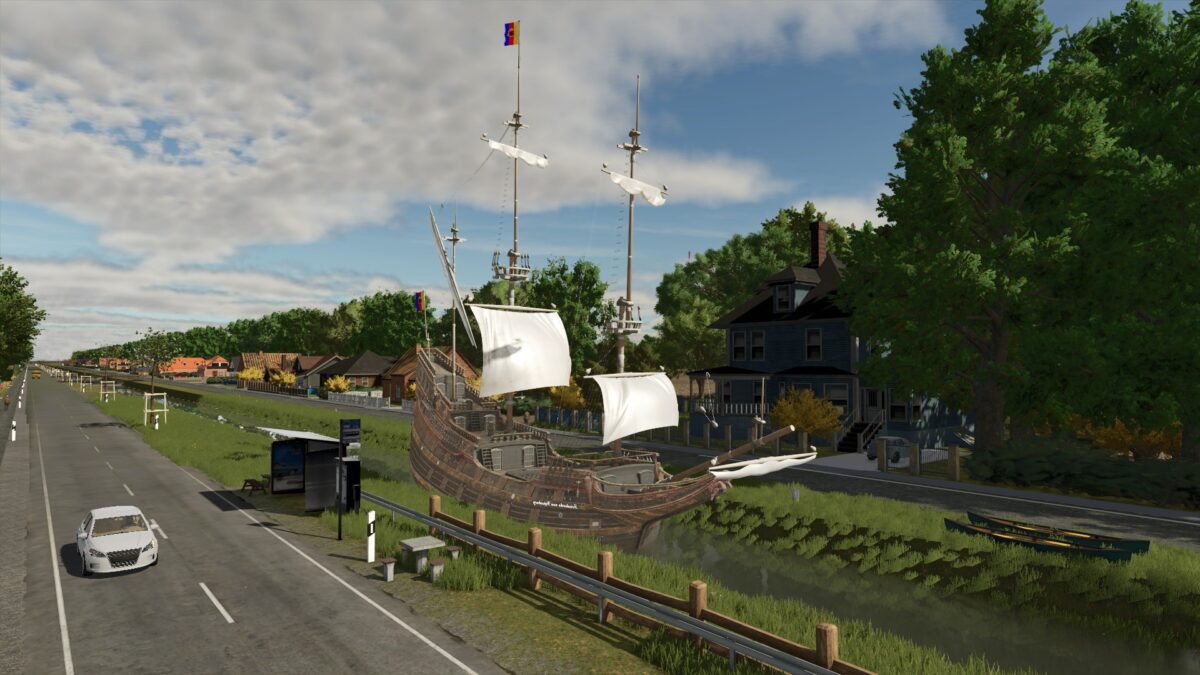
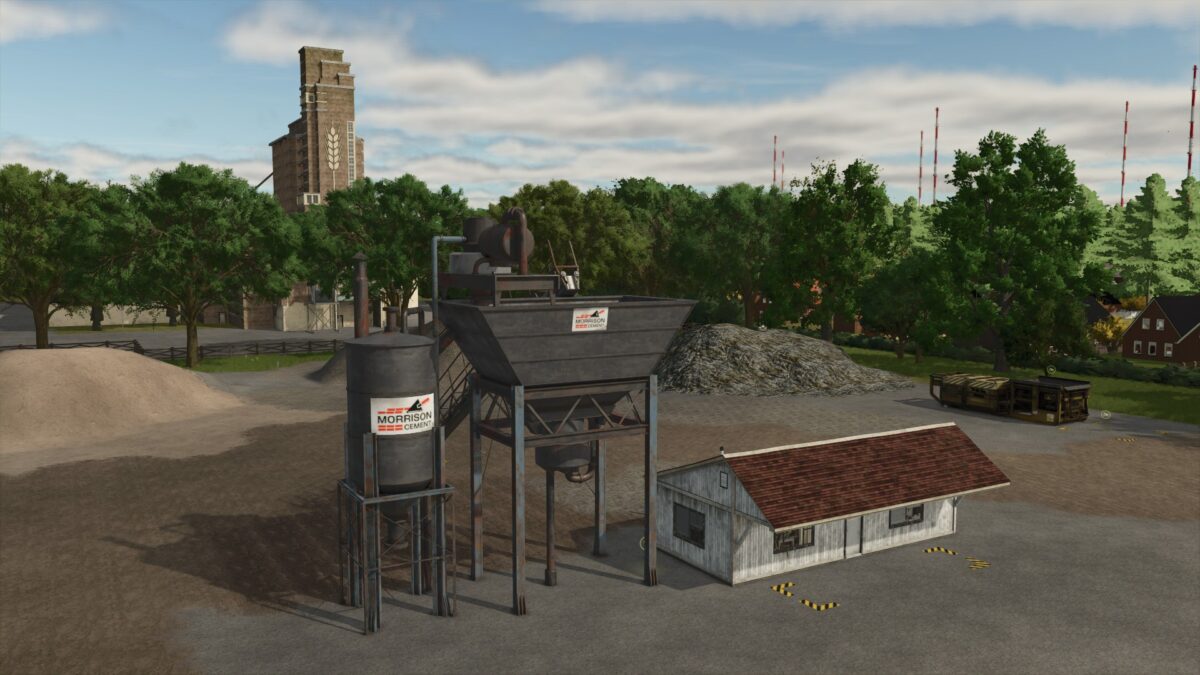
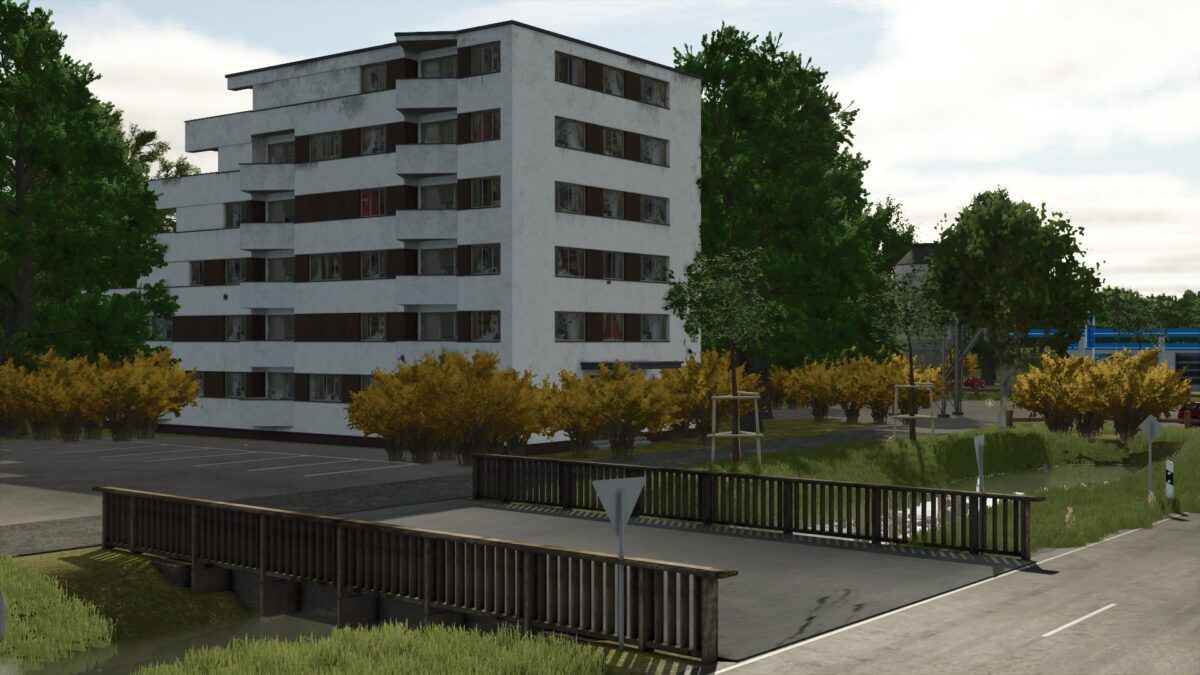
Papenburger Map 4K v 2.3.7
– 105 fields with a total of 1042.9 hectares
– 44855 trees
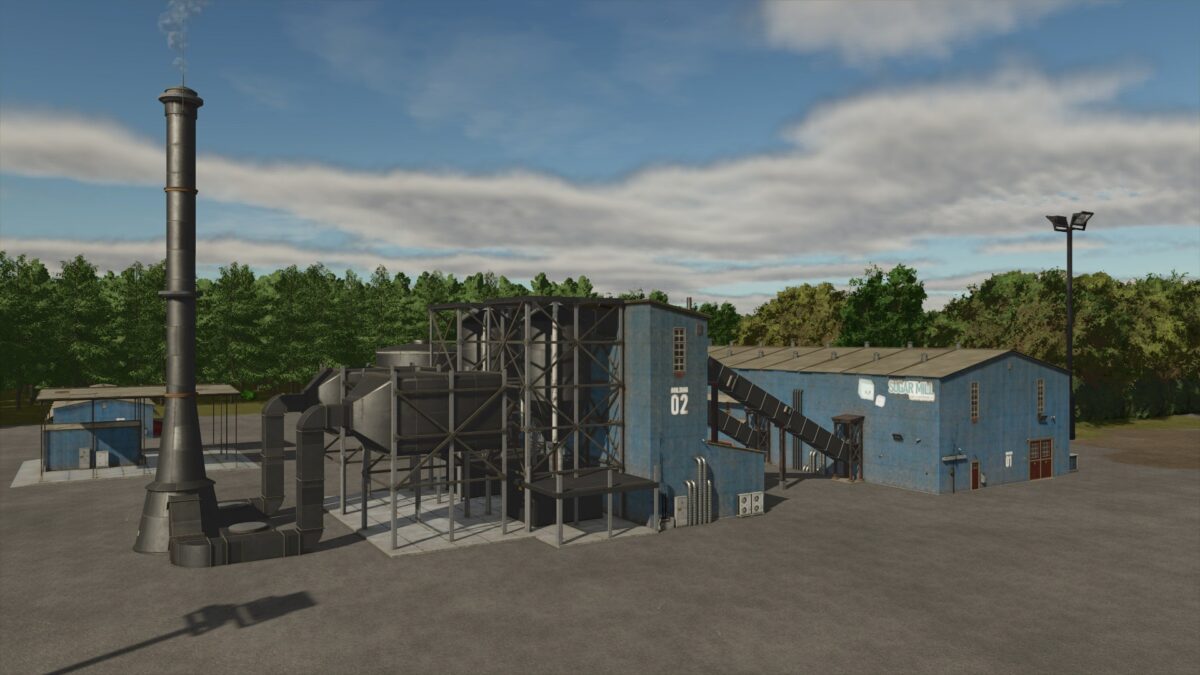
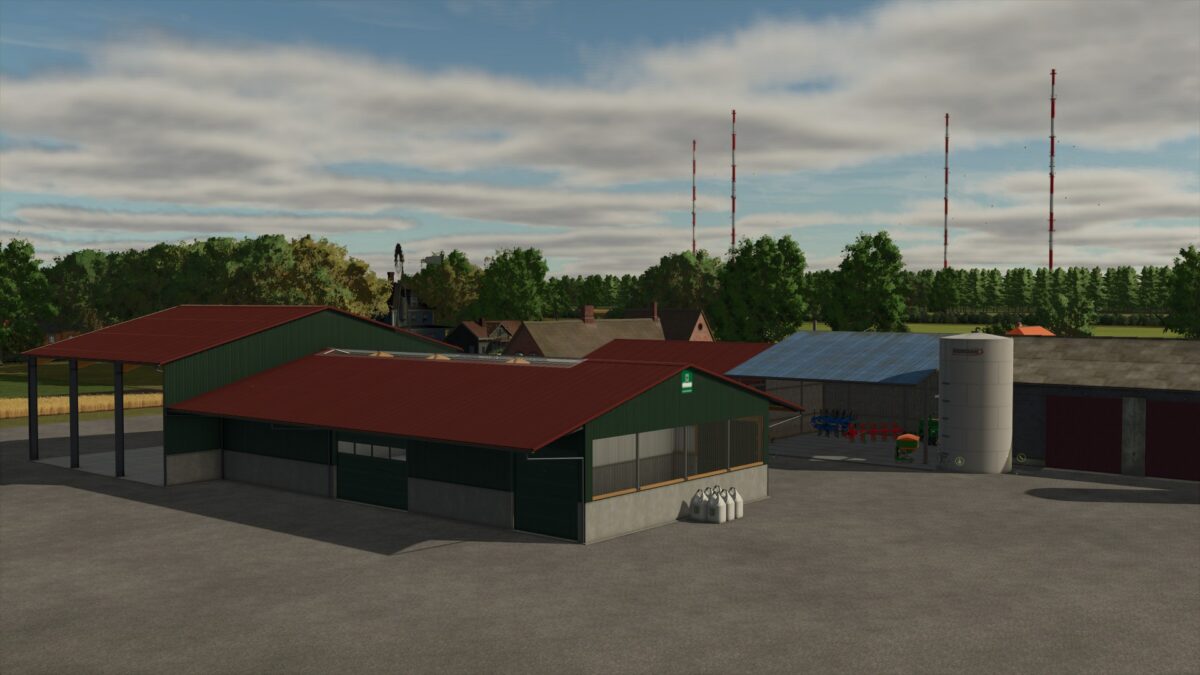
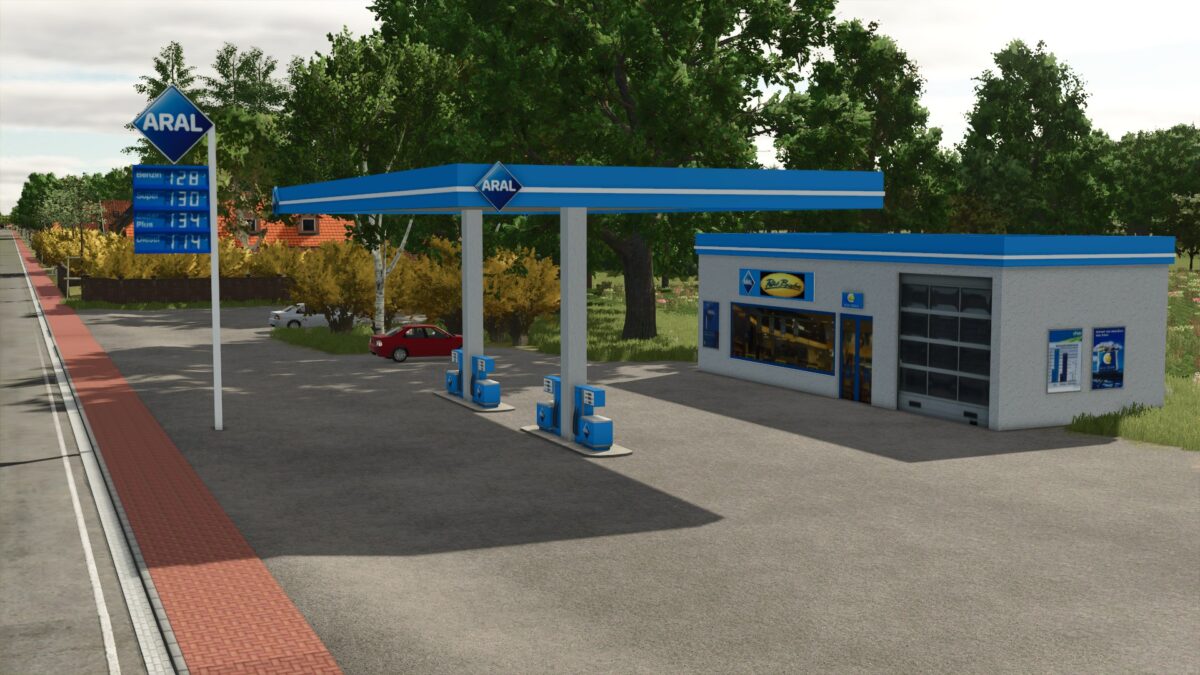
– Several sales outlets and productions
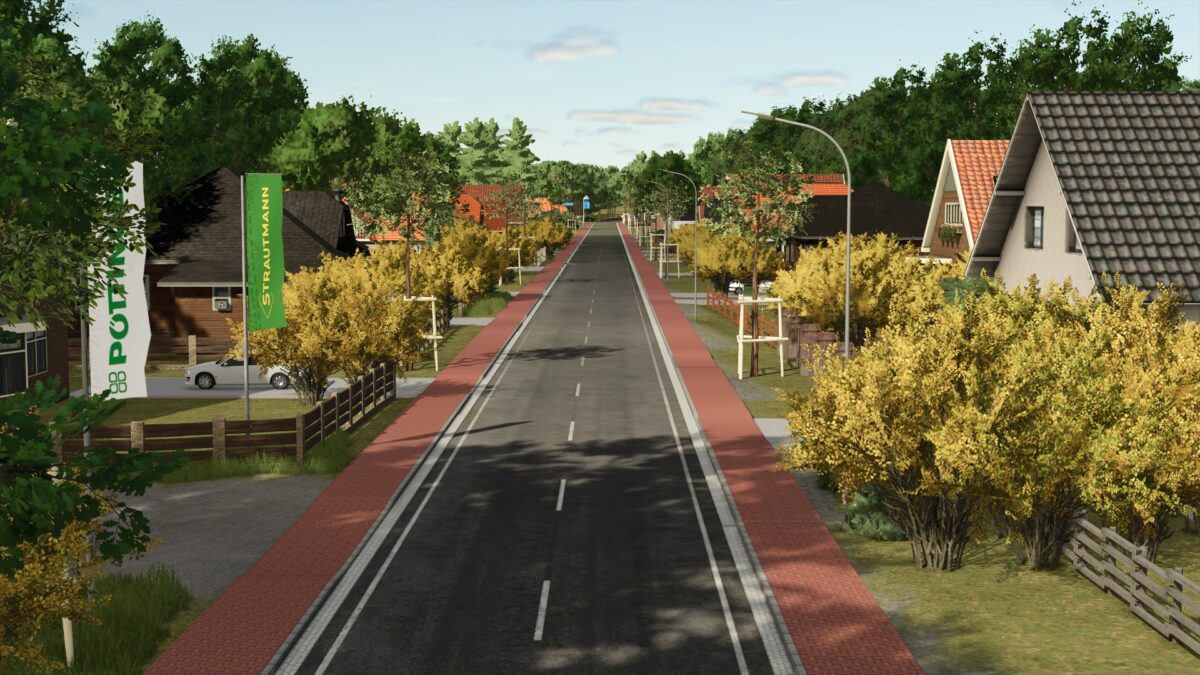
– There is traffic but be careful at the big intersection, they only drive straight ahead
– There is a small starting yard with a few machines. Only the bare essentials for now
– The decoration is not yet complete
Version 2.3.7:
* Map thinned out from 1.02 GB to 711 MB
* Kustall_Gross reduced in size (unfortunately you can no longer milk elephants)
* Trigger on the cowshed without meadow slightly adjusted
* Carpenter visible again in new savegame (if not there in the current save….in save, search for carpenter in the placeables .xml and at the end change farmId=”15″ boughtWithFarmlandOverwrite=”true”> to farmId=”0″> ! Do the same on the Debricrusher a few lines higher)