

Papenburger Map 4K v 2.3.8

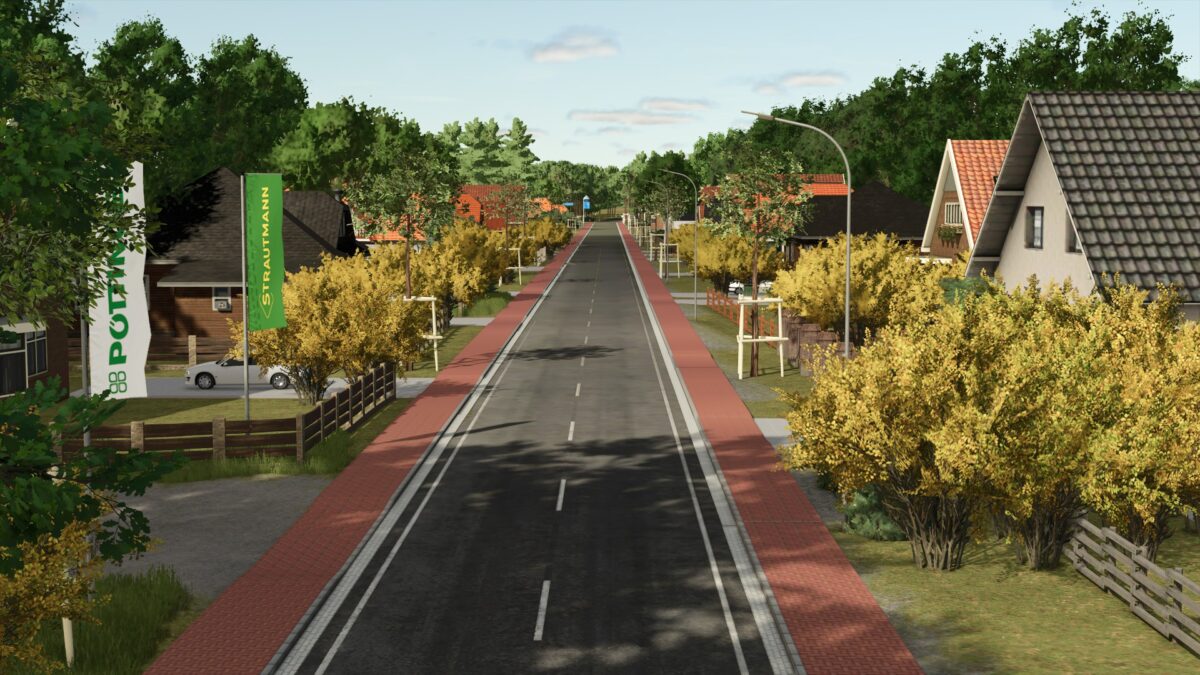
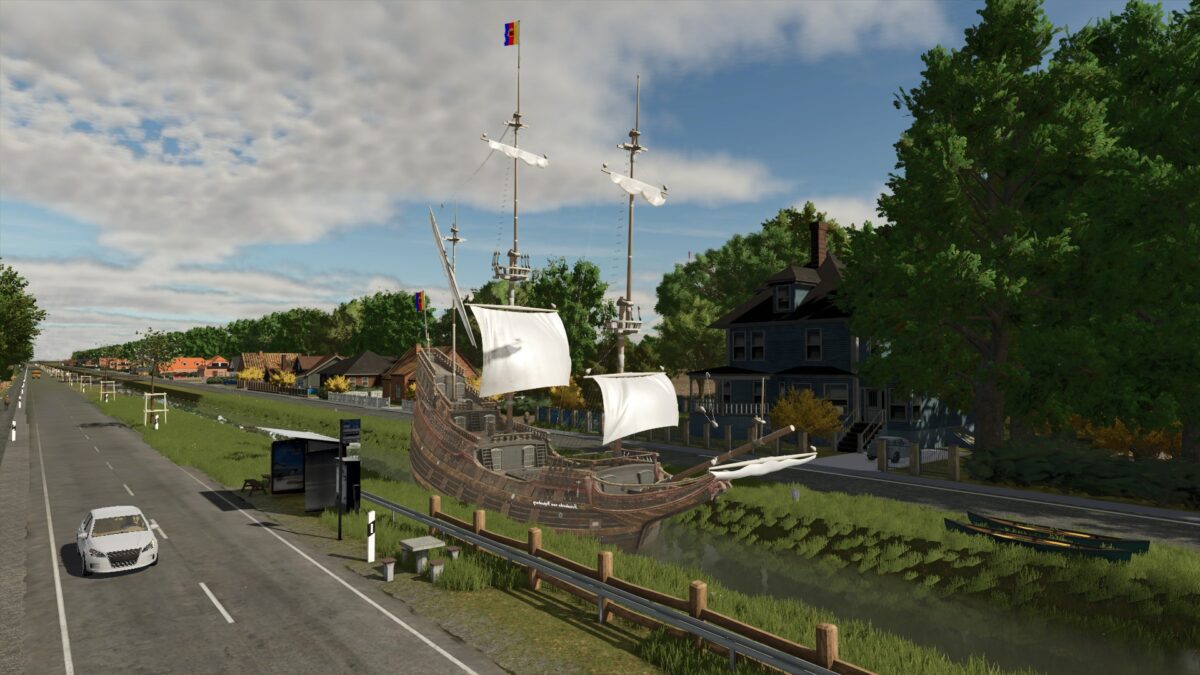
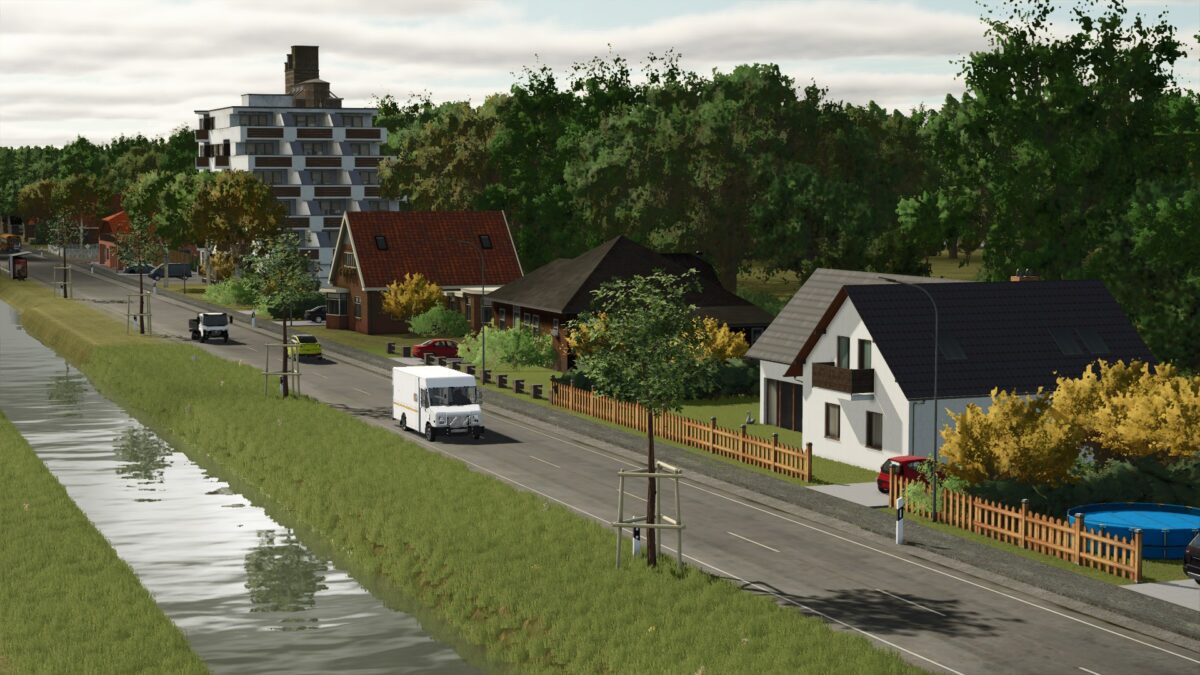
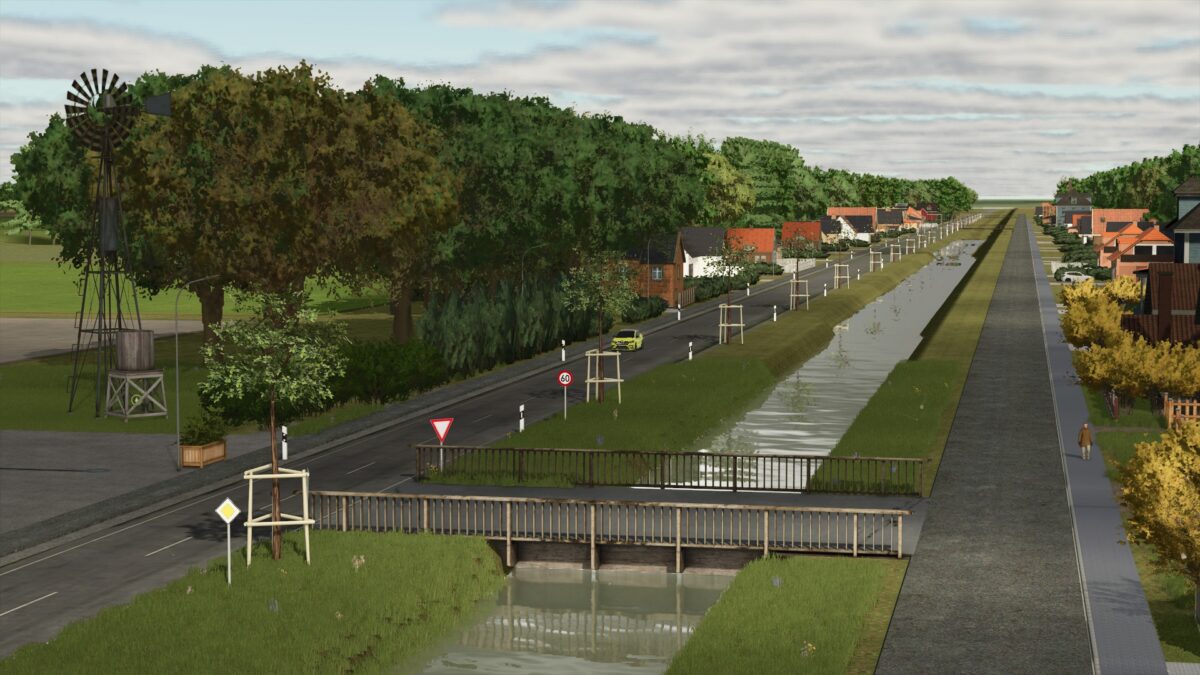
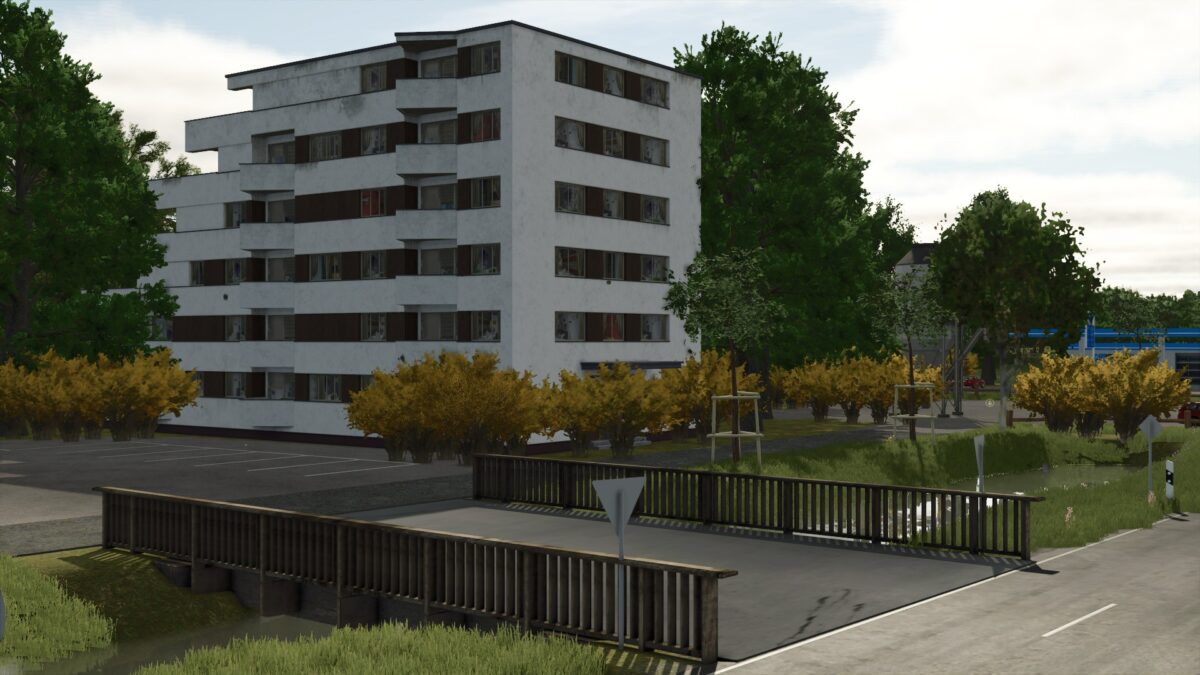
Papenburger Map 4K v 2.3.8
About the mod:
– 105 fields with a total of 1042.9 hectares
– 44855 trees
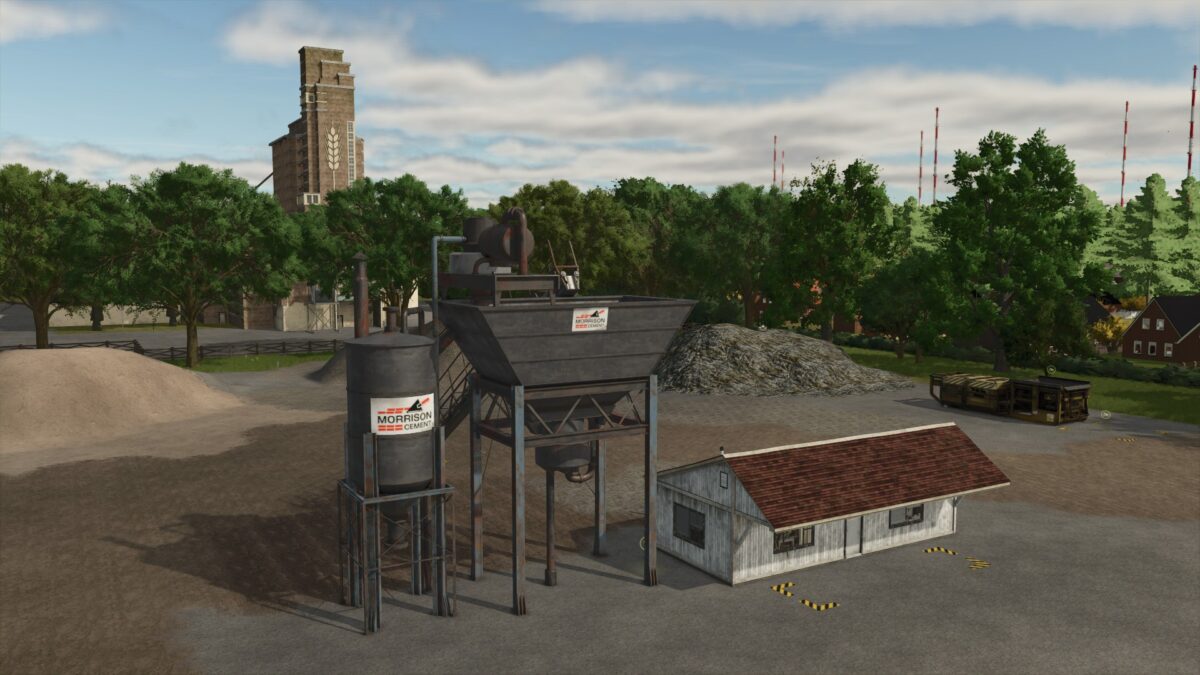
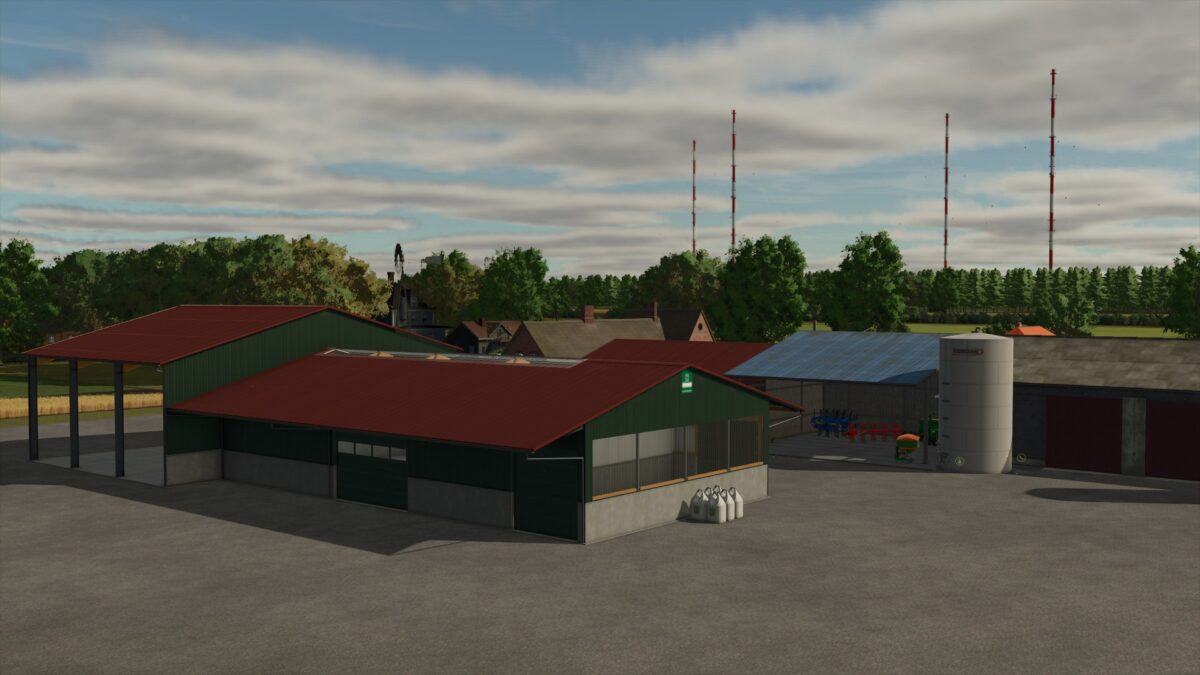
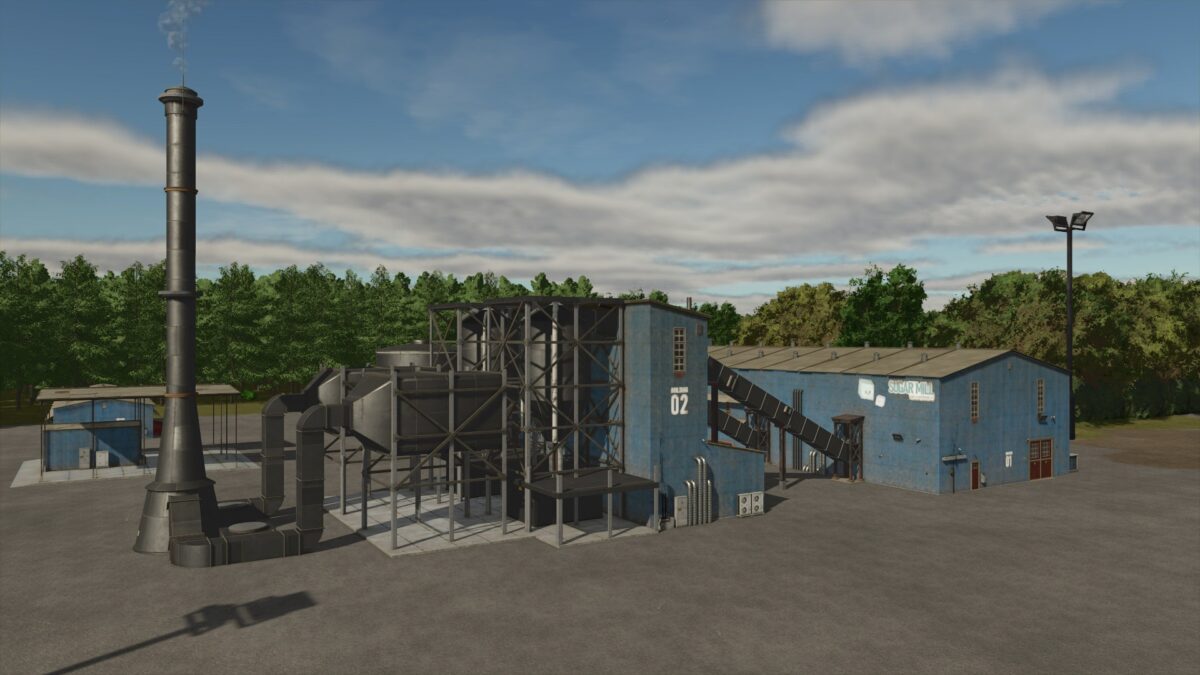
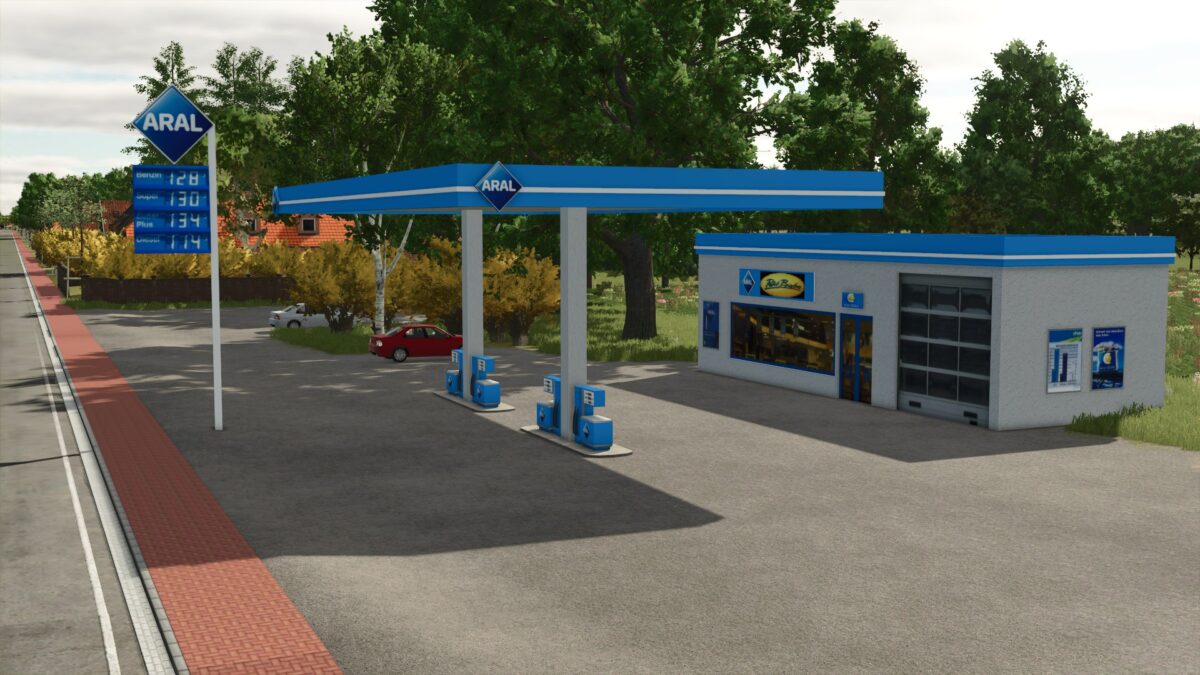
– Several sales outlets and productions
– There is traffic but be careful at the big intersection, they only drive straight ahead
– There is a small starting yard with a few machines. Only the bare essentials for now
– The decoration is not yet complete
Version 2.3.8:
* Streets and sidewalks now have terrain mesh
* Bed in the main courtyard reduced in size (please paint over the layer)
* Bridge at the courtyard moved to the left (please delete the grass and repaint it on the right)
* Floating tree lowered
* License plate fixed
* Colli installed in the side and rear wall of the Bga silos
* BGA trigger fixed (109)
* BGA base hidden (109)
* BGA set back (109)
Credits:
Jimkerk