

Fendt Favorit 800 v 3.0 FINAL

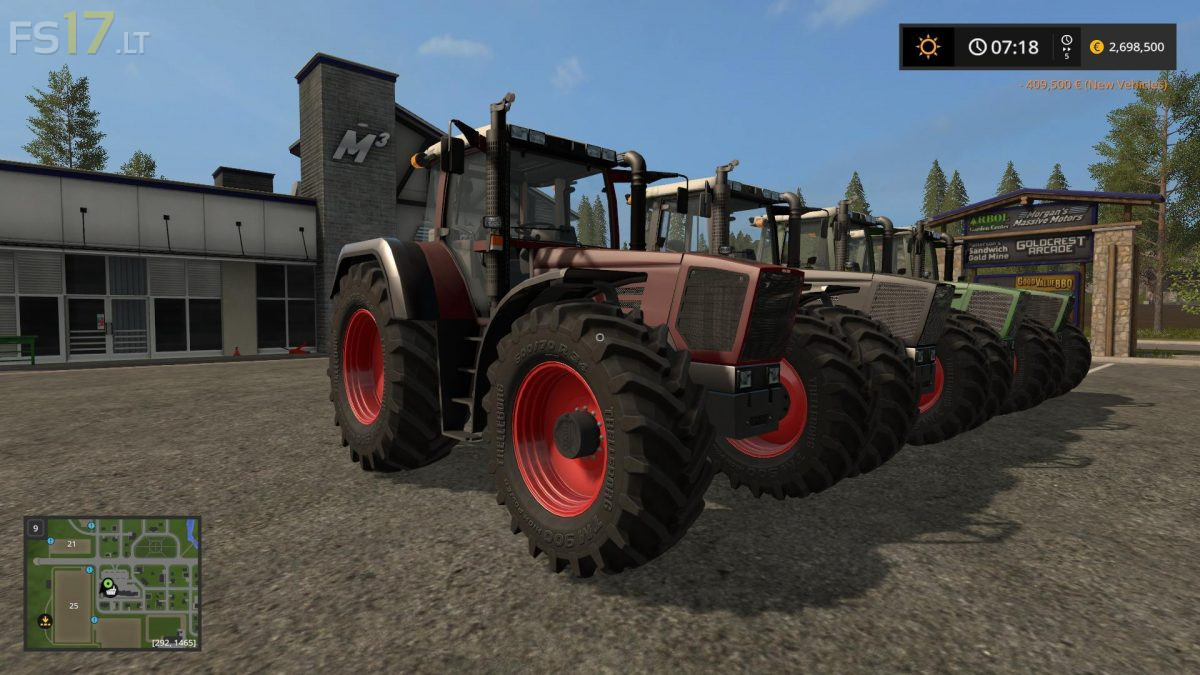
Fendt Favorit 800 v 3.0 FINAL
Version 3.0 FINAL:
– Texture changes for every color and gloss adjustment.
– Changes of color and gloss on chromed elements. Including rear fenders and front axle.
– Changed front fenders. Better for optymalization.
– Replaced Interactive control script for better version. Now your settings after savegame will be the same. Also better for optymalization.
– Removed unnecessary model elements from i3d. Better for optymalization.
– Completely redesigned the wheel configuration. New wheels and other rims.
– Added Cylinders animation in front and rear window.
– New Frontloader Console
– Fixed mirrors.
– Corrected wheels pressure system.
– Corrected sounds volume.
– The model is redone and dirt works around the whole model
– New specular texture guarantees better gloss instead of cube
– New center mass and weight so it runs better
– New Interactive Control (IC) buttons
– Added new warnings and also Foldable (IC)
– RDA in wheels (IC)
– Fixed fenders on IC buttons
– Added foldable steering column (IC)
– Unfolding Beaconlights (IC)
– New attacher weights configurations
– Stickers no longer flash
– Added 2 Green texture options (Normal and Special)
– Corrected Lights, back low attacher, wheels and windows rotation
– Now the mod should work on a dedicated server!