

Massey Ferguson 7700 v 1.0

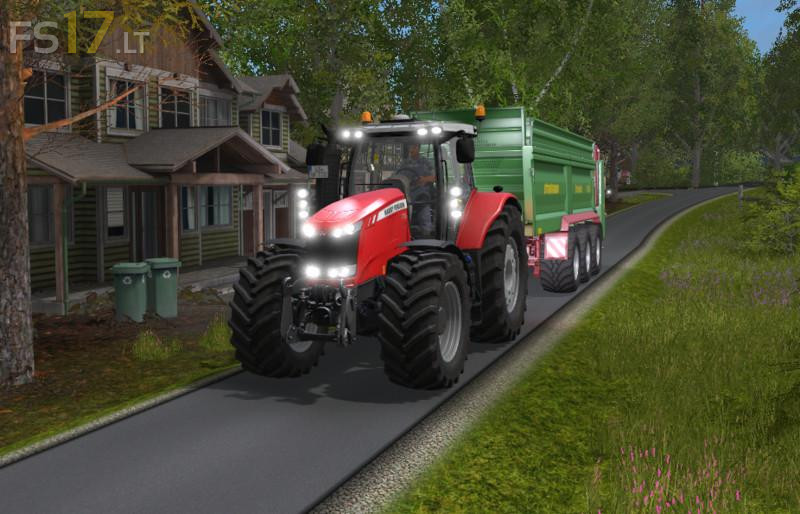
Massey Ferguson 7700 v 1.0
The MF 7700 tractor series from Massey Ferguson has been specifically designed to meet to the needs of farming professionals, whatever your business environment and operations, from mixed farming to arable and contracting businesses.
Engine configurations:
7719 Dyna-6 210 hp 154 kW
7722 Dyna-6 240 hp 177 kW
7726 Dyna-6 280 hp 206 kW
Max forward speed 53 km/h
Max backward speed 20 km/h
Properties:
– Moving axis
– Cab suspension (physical camera emulation)
– Indoor Sounds (volume level change when doors & window open/close )
– IC control (left/right door + back window)
– Open left door from outside the tractor
– New engine sounds
– Interior lights (speedometer & indicators)
– Cabin light for night work
– Passenger ready
– Remove / add fenders
– Frontloader attacher
– Dynamic hoses ready
– Option for terminals (krone, horsch, poettinger)
– New color + specular
Wheel Configurations:
– Standard
– Wheel weights
– Wide tires
– Narrow tires
– Broad with weights