

Slow Hall Extendable v 1.0.0.1

Slow Hall Extendable v 1.0.0.1
This placeable Hall is freely configurable in game. To find the triggers you can turn on the help function. All functions are then displayed in the help window
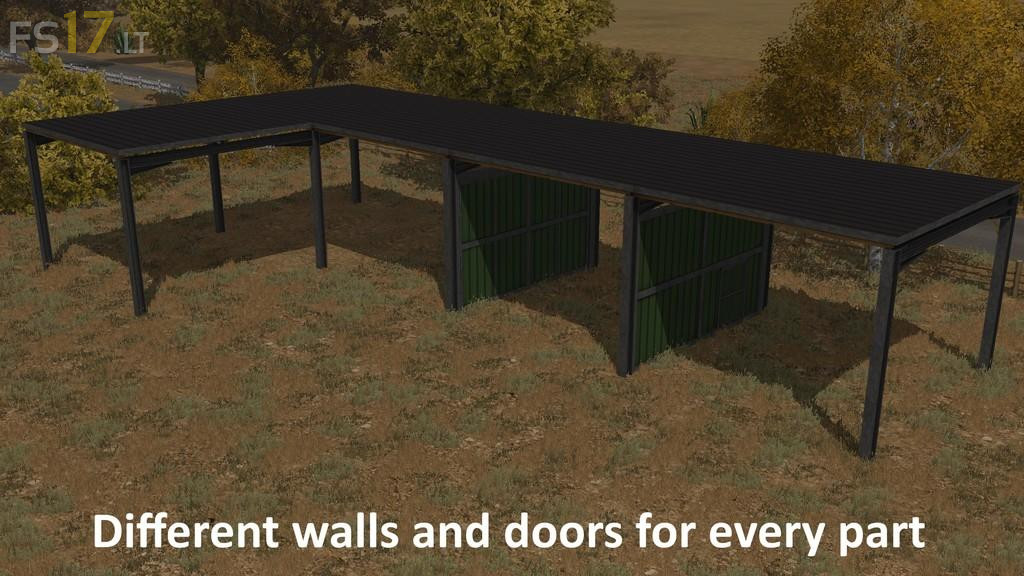
The main structure you place can be extended to a hall with 8 times the size of the main structure.
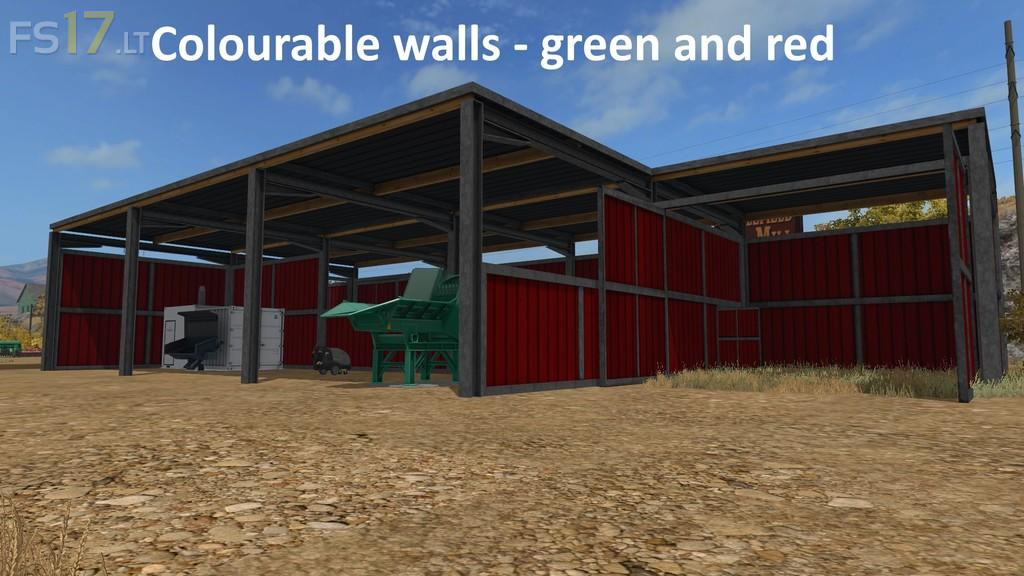
Each element of the hall can be configured to your needs, you have the choise between four different wall parts and gates. Holding down the required key will change the wall after one second. All doors and gates can be opened as usual by mouse.
Other functions include changing the wall color and adding a porch. So there are many different variations.
The hall can be used as Vehicle Shelter, closed garage, or as a warehouse for bulk material. You should always keep a certain distance from the edge you tip bulkes, so that the TipColis function properly. If too far on the edge the bulk material can fall through the wall.
The hall can be built over other placeable buildings.
Version 1.0.0.1:
* Changed shaders to get ready for console
* l10n-text porch