
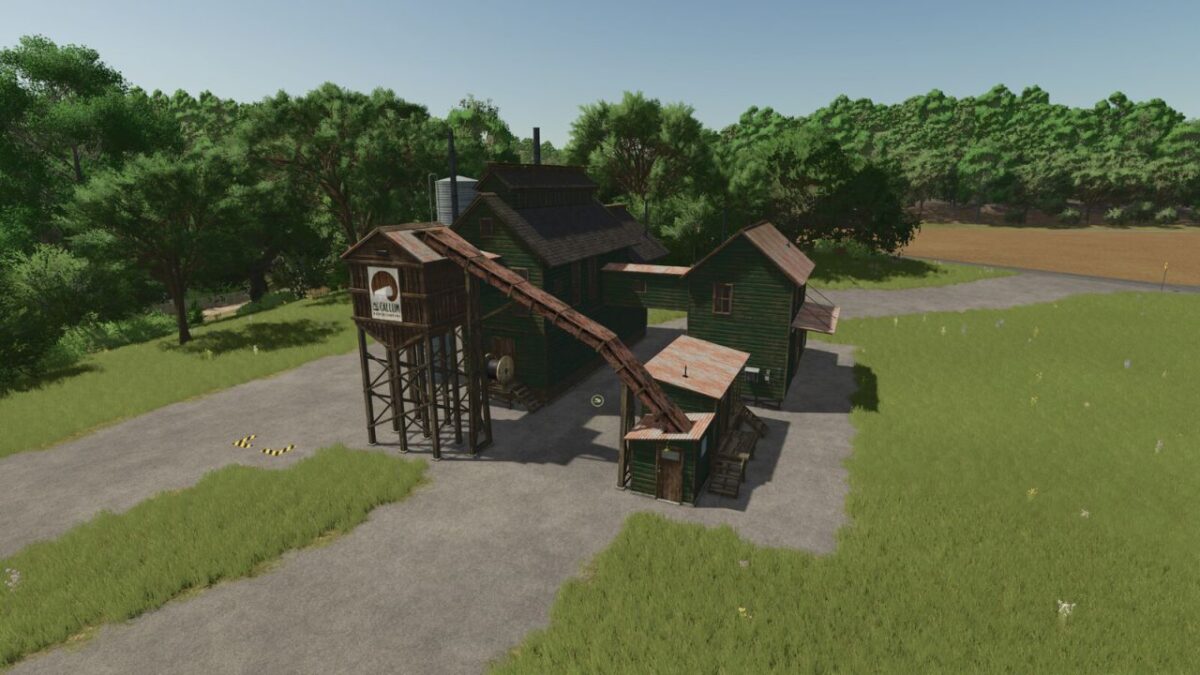
Paper Factory v 1.1

FS25 mods

Paper Factory v 1.1

About the mod:

Stationery which takes the wooden chips in addition to give utility to poplar.

Stationery that takes wood chips:
– Price: 525,000 €
– With the same characteristics as the basic one

Recipe:
– 215 wood chips -> 215 paper rolls
– 230 wood chips -> 230 paper rolls

Stationery that takes wood and faster:
– Price: 825,000 €
– Treatment speed x10, cost per month x10

Recipe:
– 215 wood chips -> 215 paper rolls
– 230 wood chips -> 230 paper rolls

Version 1.1:
* Faster factory added (x10)
* Added translation (tr, pl, es, it, pt, hu, uk, ru, nl, da, sv, id, ro, fi, jp, kr, vi, no)

Credits:
Farmer19yt

How to install FS17 mods?

Firstly find a mod which you like and want to download. Then download a mod to your PC. Mods are usually in .zip format file. But sometimes it can be in .rar. If a mod file is a .zip format no needed additional actions. If a file is in .rar, then you must unarchive mod with software like WinRar or Zip7. Windows 10 users no need to use software for archives, Win10 itself has a feature to unarchive files.

The next step is to find mods folder in your PC. Usually, it is in Documents/My Games/Farming Simulator 17/2017. Open the "mods" folder and put downloaded .zip archive or unarchived .rar file to this folder.

Last step. Enjoy of FS17 mods!

Leave a Reply

Your email address will not be published. Required fields are marked *