

La Ferme de la Vallee Map v 1.2

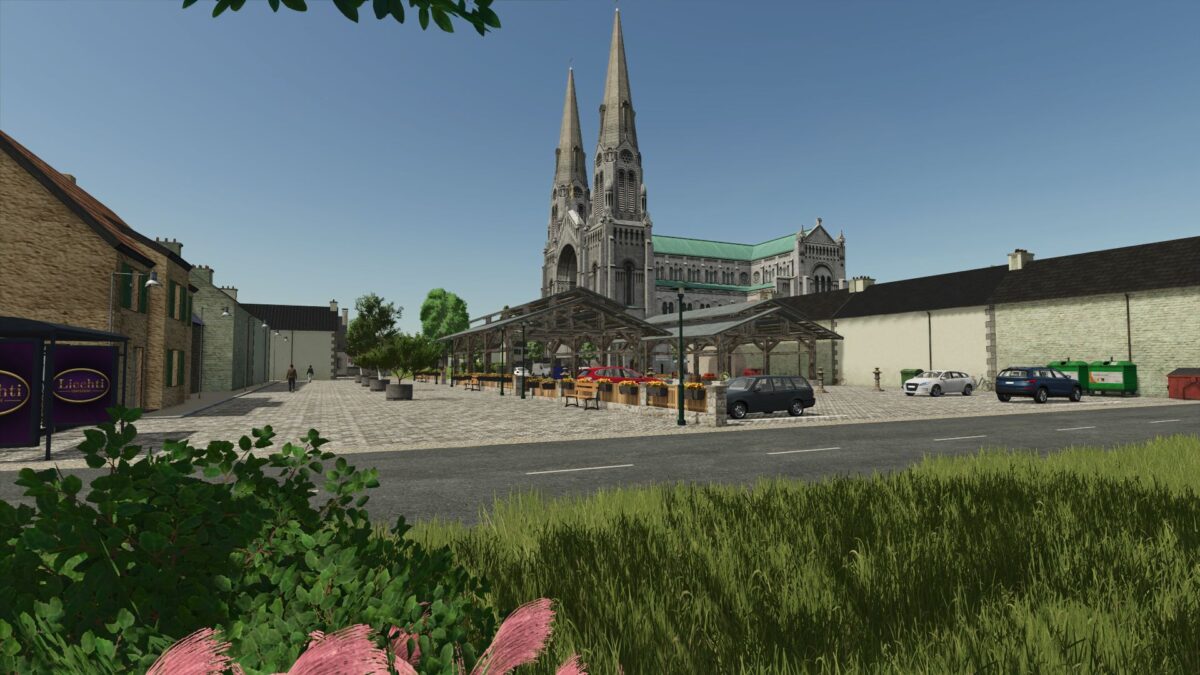
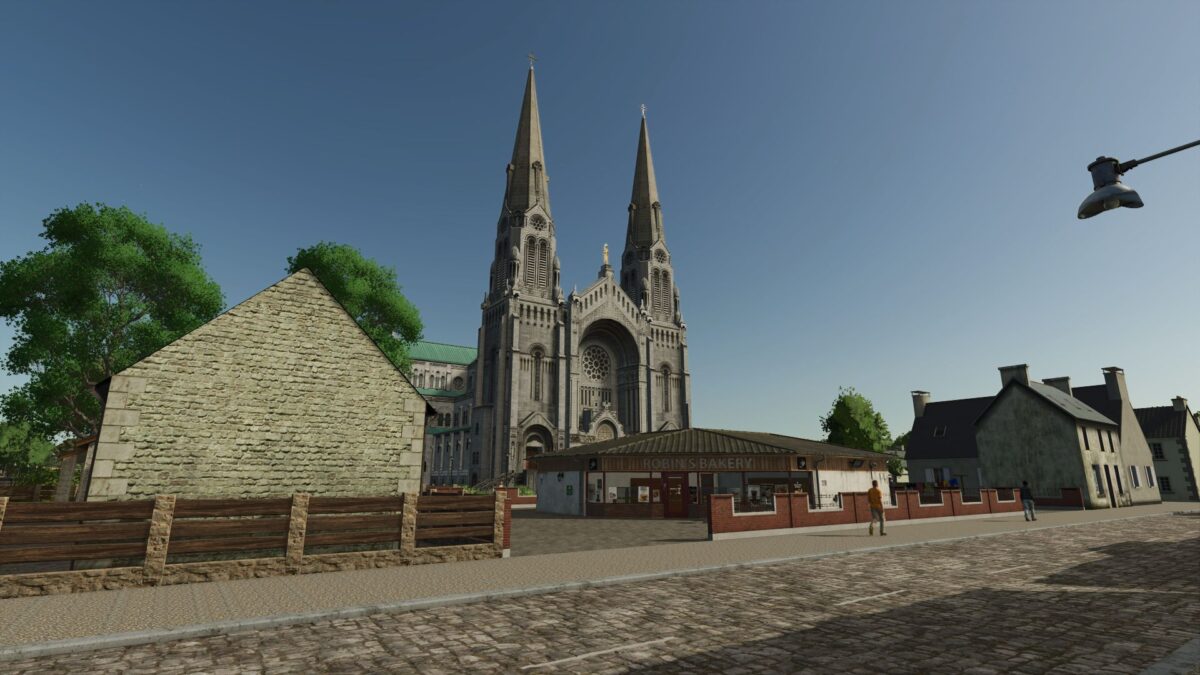
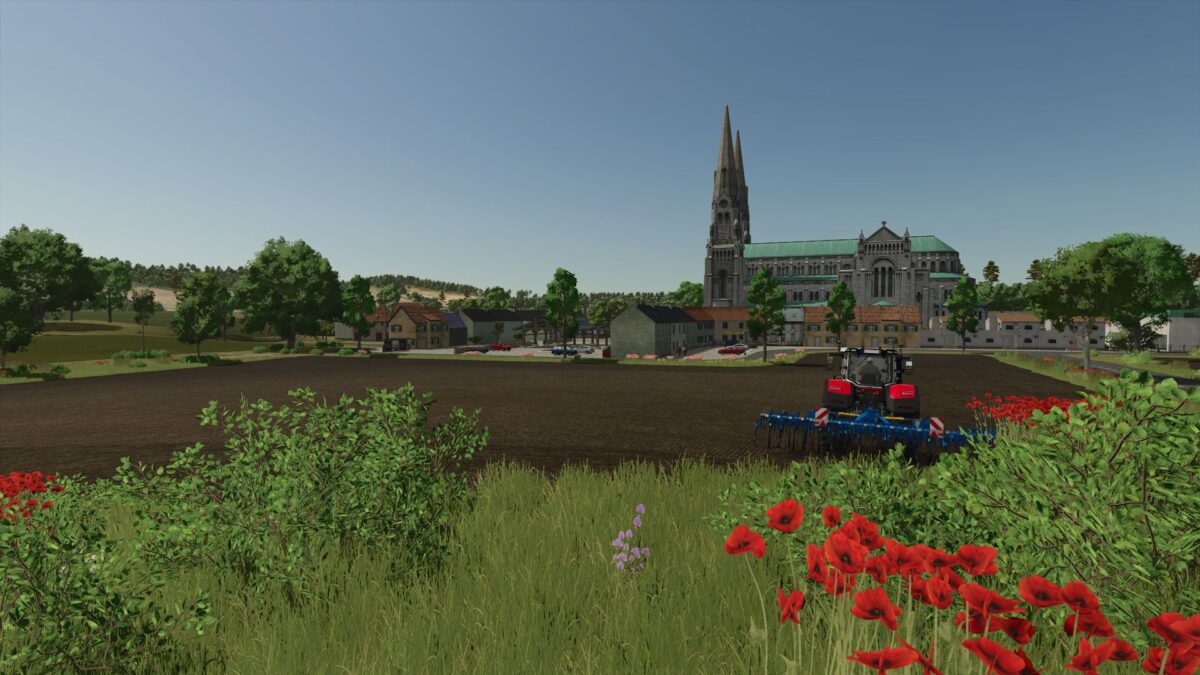
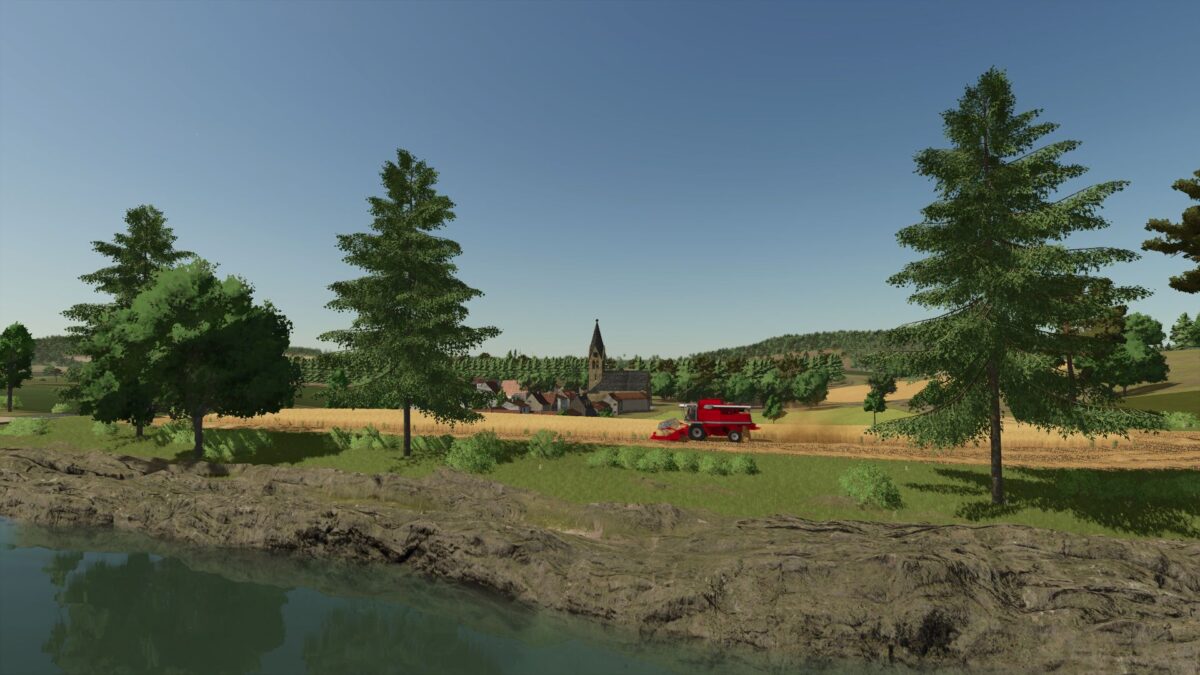
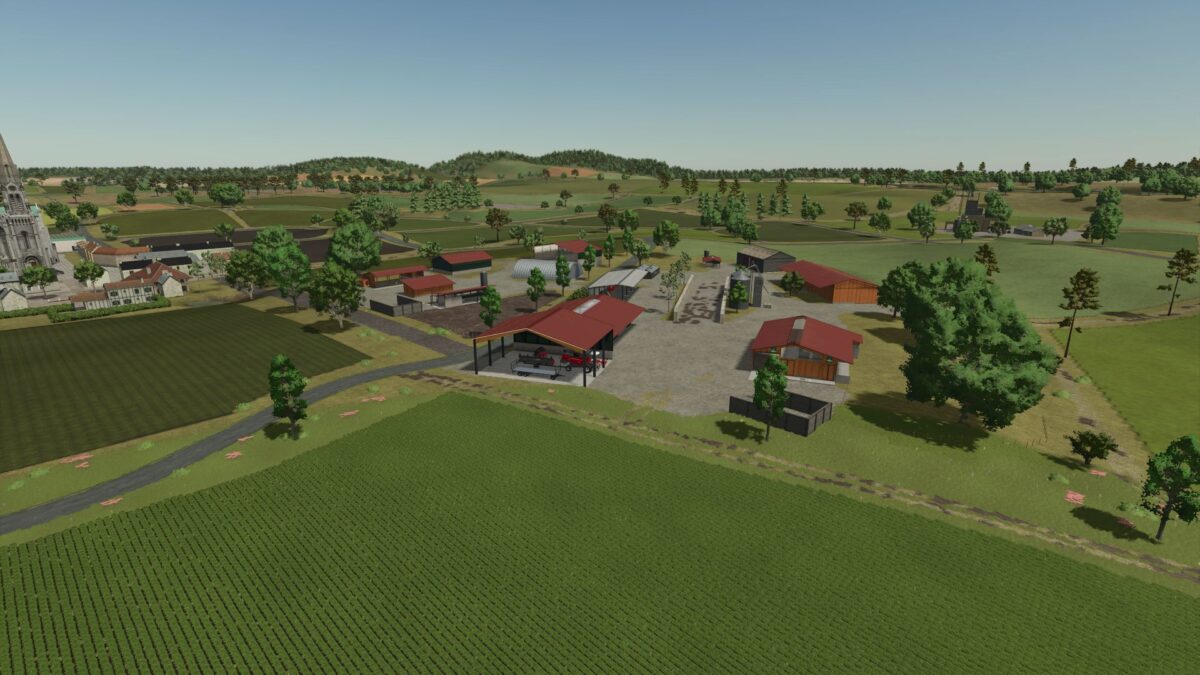
La Ferme de la Vallee Map v 1.2
– 95 fields
– 22 forest plots
– 3 placeable zones
– 3 grain cooperatives
– 4 points of sale for farmers
– 1 production point of sale
– 2 service stations
– 1 farm for withdrawal
– 3 multifruit purchasing points
– 2 villages
– French traffic signs
La Ferme de la Vallee Map v1.2 offers an extensive and diverse farming experience in a fictional setting, designed specifically for Farming Simulator 22. This map features a vast landscape with 95 fields that allow for a variety of crop cultivation and management styles. There are also 22 designated forest plots ideal for those interested in forestry activities.
Within the map, players will find three placeable zones, providing opportunities to construct and personalize farming operations. For those looking to engage in cooperative farming, three grain cooperatives are accessible, enhancing the agricultural community experience. The map includes four points of sale, enabling farmers to sell their products conveniently, along with a dedicated production point for processing goods.
Players can also utilize two service stations for maintenance and fueling of equipment. An additional feature is a farm that can be withdrawn, offering options for dynamic resource management.
Version 1.2:
* Road modification
* Adding a factory
* Correction of a traffic concern