

Slovak Village Map v 1.1

Slovak Village Map v 1.1
About the mod:
Version 1.1:
* Fixed golden nuggets, that was not able to collect
* Fixed Maplefield Mill icon on minimap when fully zoomed out. Some other icons are now positioned correctly, where they should be
* Flipped positions on water and food troughs (sheeps and pigs pasture) for better access
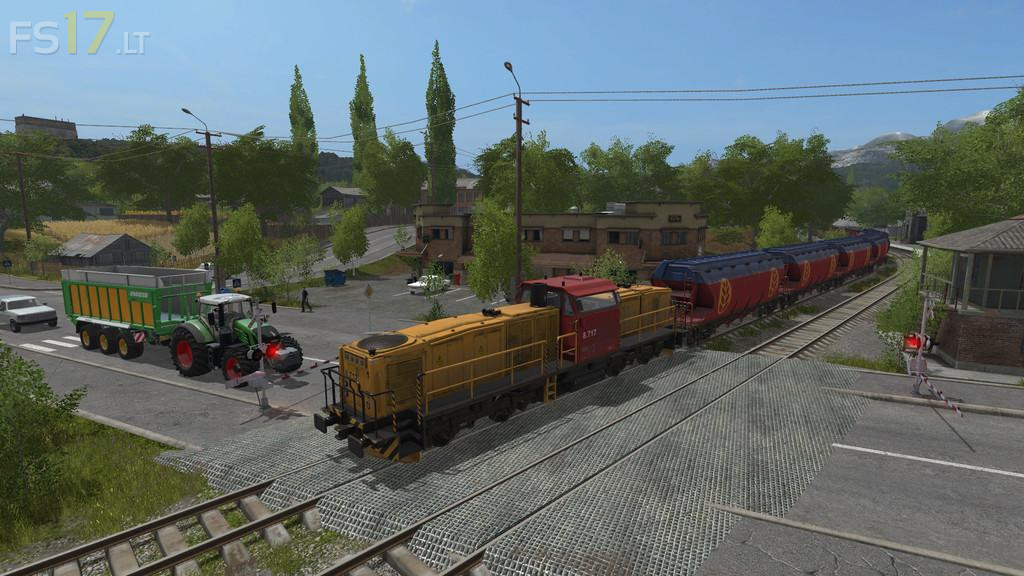
* Traffic splines updated – speed of vehicles has been reduced from 60 km/h to 45 km/h (Changed because if one car had to stop other car runned into it) They now also slow down to 30 km/h just before they enter the town. (Still looking for solution to not get stucked crossroads sometimes)
* Minor improvements and terrain improvements
* Field 12, 15, 16 has beed resized because of better AI helper performance
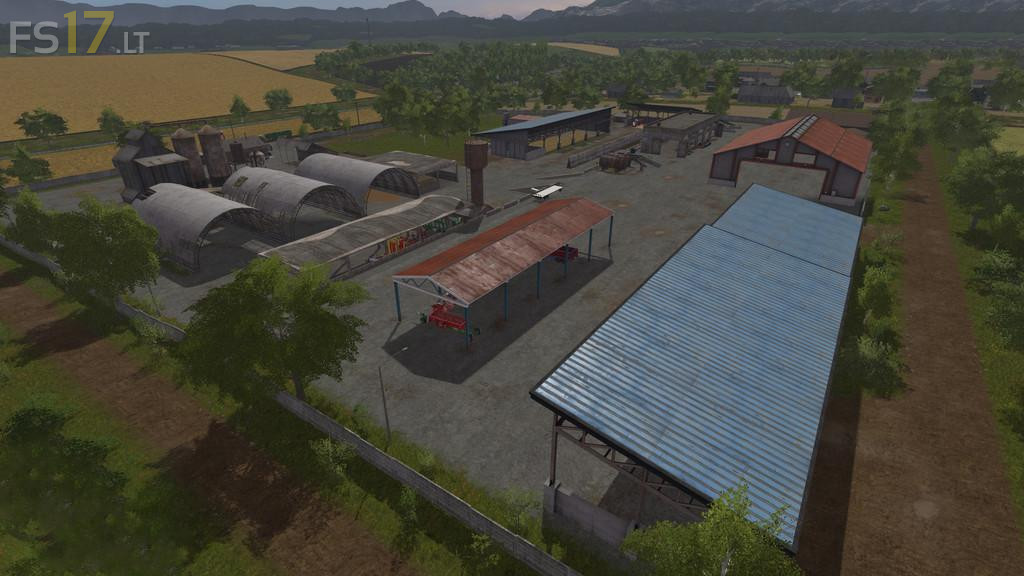
* Added gate on the east side of the farm
Credits:
MrHector
Anyone+knowwhere+there+is+a+video+on+finding+all+the+gold+nuggets??