

Emerald Valley Logging Map v 5.0

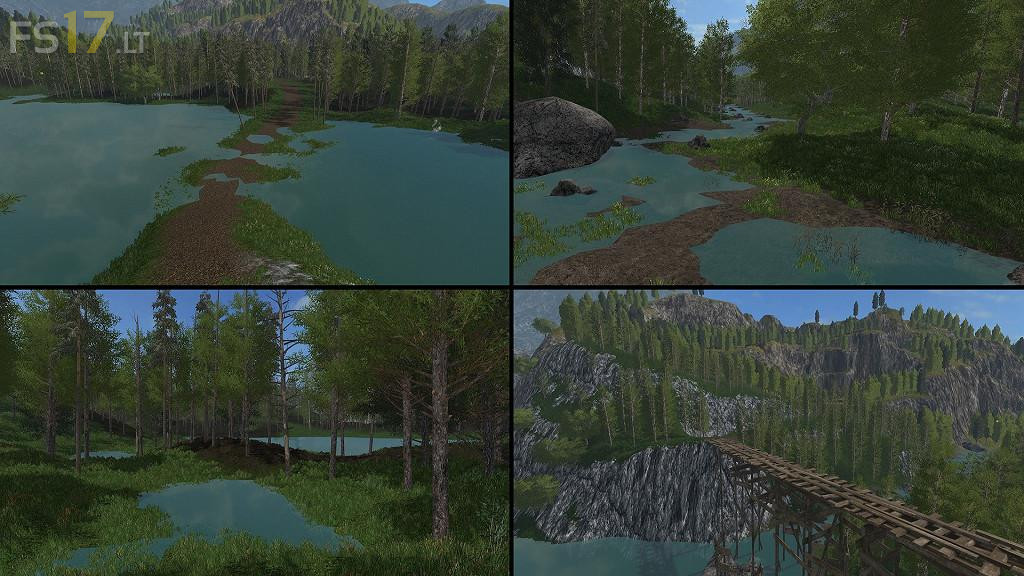
Emerald Valley Logging Map v 5.0
About the mod:
Version 5.0:
– Added Biogas area.
– Re-planted all of the default grass so it is now mowable.
– Replaced wooden bridge.
– Replaced the preview image when the map is loading.
– Replaced the PDA textures.
– Replaced the water with a slow moving goldcrest version.
– Enhanced the lighting and darkness.
– 99% of the underwater terrain is now the dark forest ground.
– Fixed the gas station textures for console support.
– Replaced all DXT3 files with DXT5 for console support.
– Fixed tree texture files so they are the correct DXT format and removed all extra files.
Credits:
FDR Logging