

Better Ground Deformation for Maps v 1.0

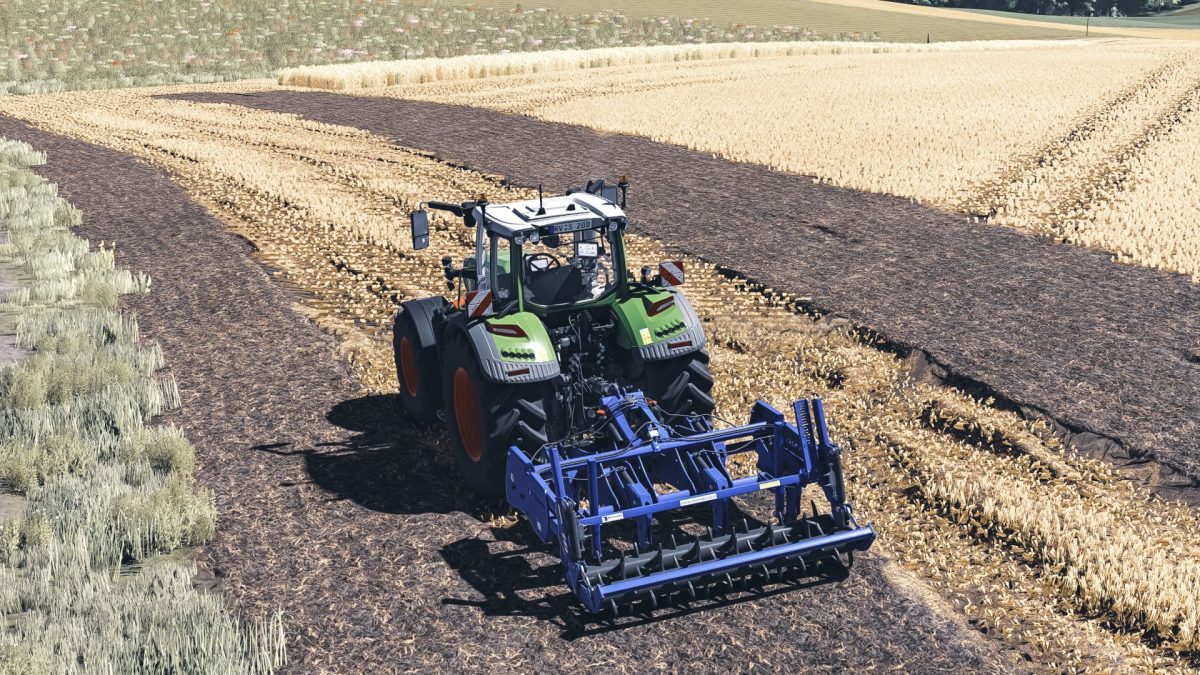
Better Ground Deformation for Maps v 1.0
About the mod:
This mod provides essential files aimed at enhancing the ground deformation experience within your Farming Simulator 25 maps. By incorporating these files into your map, you’ll achieve a more realistic and dynamic terrain interaction when using various vehicles and tools. The mod includes clear instructions for installation and customization. For those seeking a milder effect, you can easily adjust the “maxHeight” parameter to values like 0.3 or 0.4 to decrease the level of deformation.
– Improves ground deformation effects
– Easy installation with provided instructions
– Customizable deformation intensity via “maxHeight” parameter
– Compatible with existing maps
– Enhances realism in terrain interaction
Credits:
cieplykrzysiu