

Metal Fach T229 Frontloader v 1.0.0.1

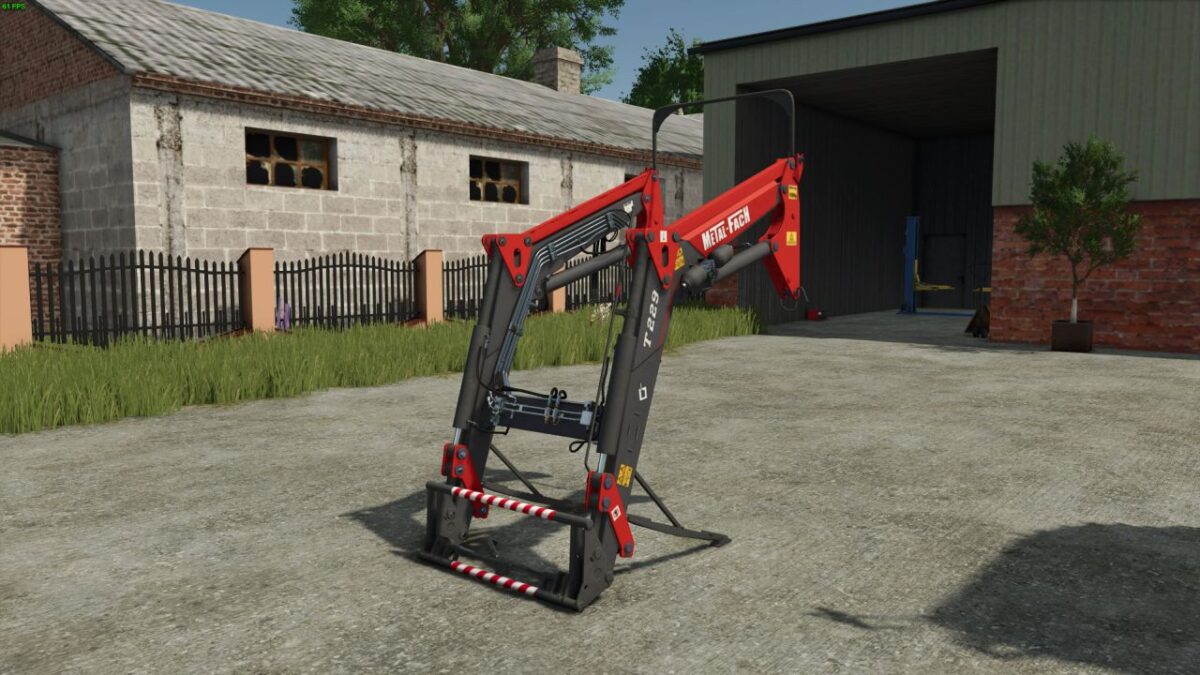
Metal Fach T229 Frontloader v 1.0.0.1
The Metal Fach T229 Frontloader is designed to enhance productivity on your farm with its robust build and practical features.
Offering a balance of performance and efficiency, this frontloader can be utilized for various tasks such as loading, moving, and transporting materials.
Its versatile design allows compatibility with a range of tractors, making it a valuable addition to any farming setup.
The frontloader features a cost-effective price point of €6800, providing an accessible option for farmers looking to improve their operational capabilities.
With an emphasis on reliability and functionality, the Metal Fach T229 aims to streamline your farming tasks.
– Price: €6800
– Compatibility with various tractors
– Efficient loading and moving capabilities
– Robust construction for durability
– Versatile for different farming tasks
Version 1.0.0.1:
* Fixed model errors
* Clean log