

Great Country Map v 1.9

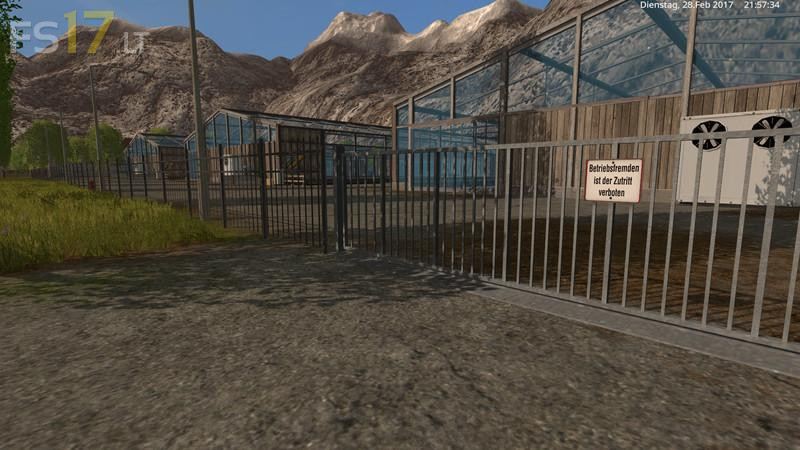
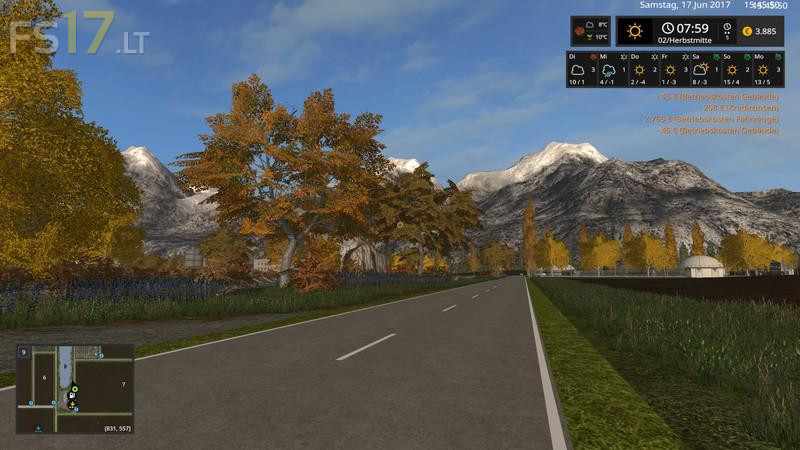
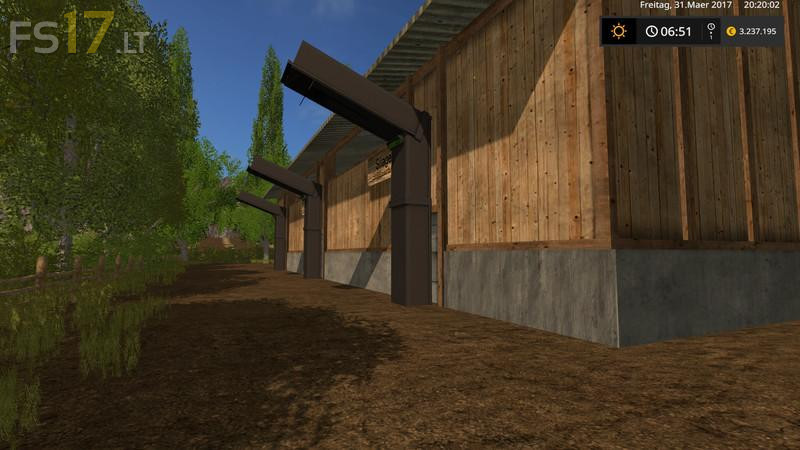
Great Country Map v 1.9
About the mod:
Version 1.9:
* Floating fir tree removed
* Adaptation to the farmyard of LS Modcomapany
* Adaptation to the Multioverlay Hud LS 17
* Texture defects in the straw in the cowshed and sheep farm
* New PDA created
* New car park for your pets
* New shelters for straw, grass and silage bales installed
* Straw, hay and silage bales added
* Grainmaster and the Pigfoodstar are installed in the grain yard at the farm
* Sheep and cows are already available
* Improved unloading at the cereal mill
Credits:
KevinK98, Farmer_Andy, Marhu, RC_Devil, GTX Mods., niggels, FS modding, Kastor, NKB-Modding, Nils23, fasi, auwgl, BlackSheep, FSM Modding Team, Kyosho, NLD Farmer, fqC art, möchtergernbauer
dosent work proberly in multiplayer, after a while it crashed, and wil not work again, you can use every thing, but the esc. menu wont show.