

Lipinki Map v 1.2

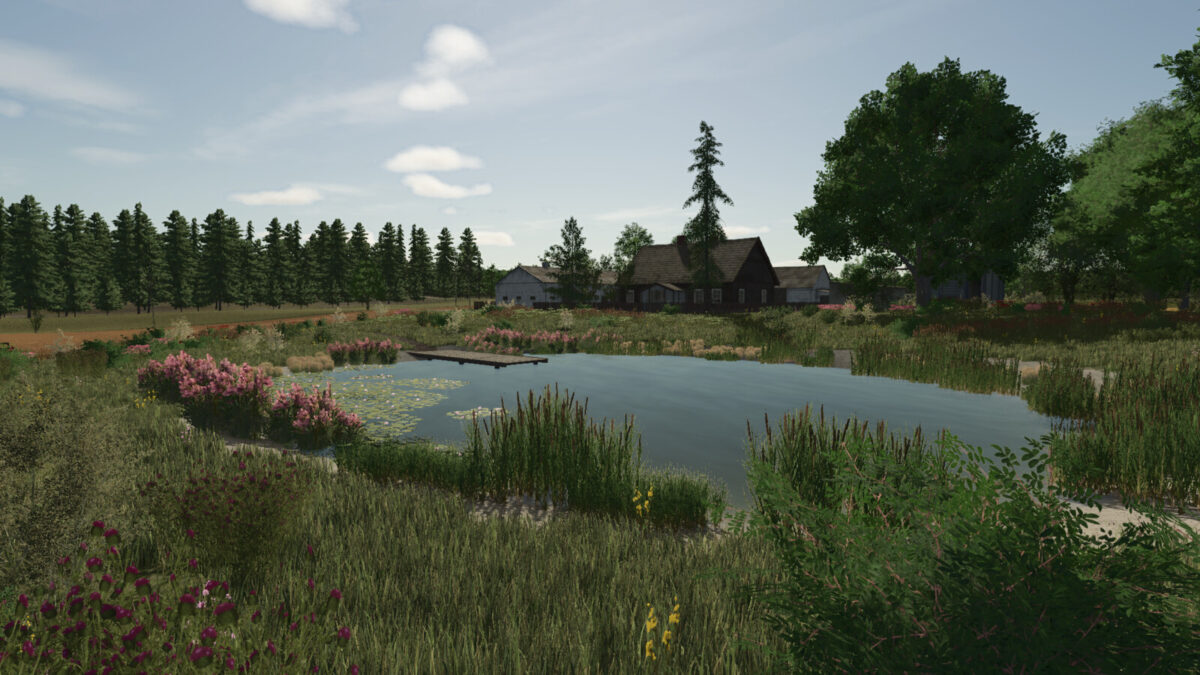
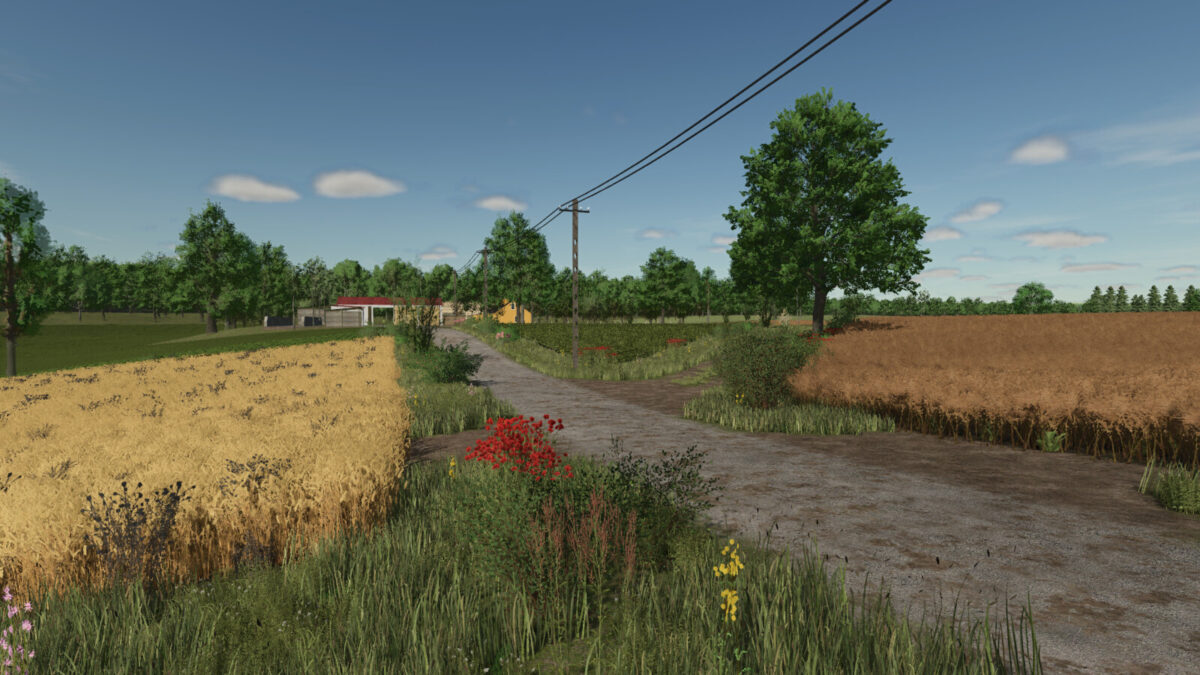
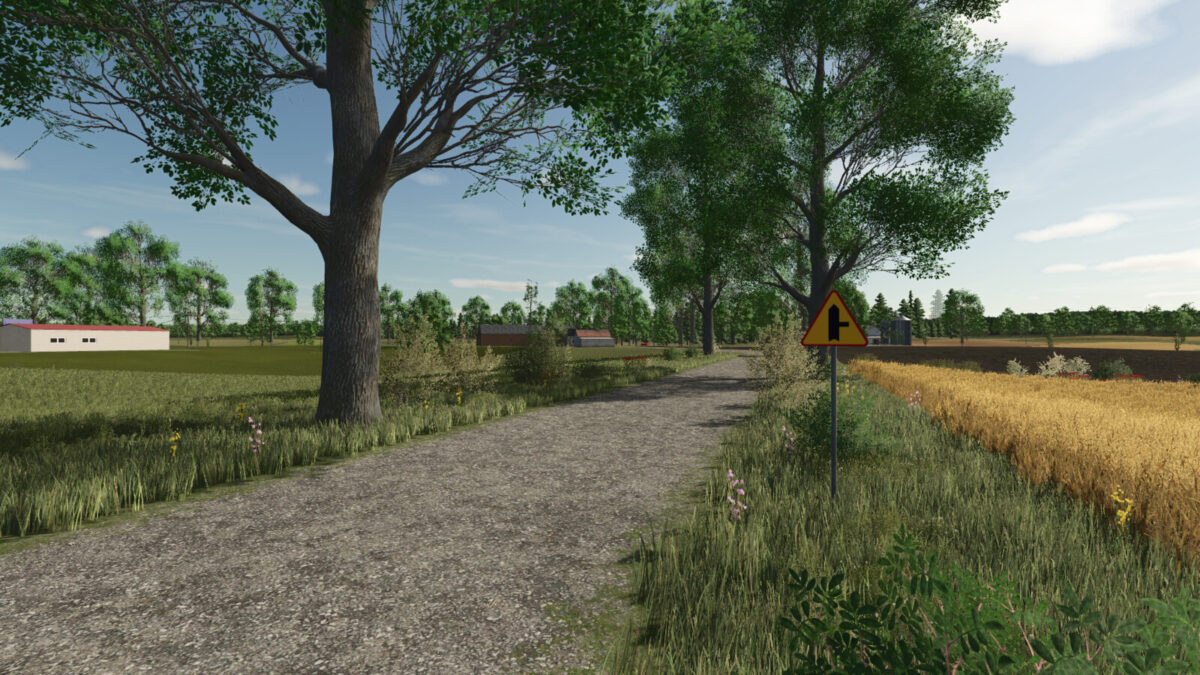
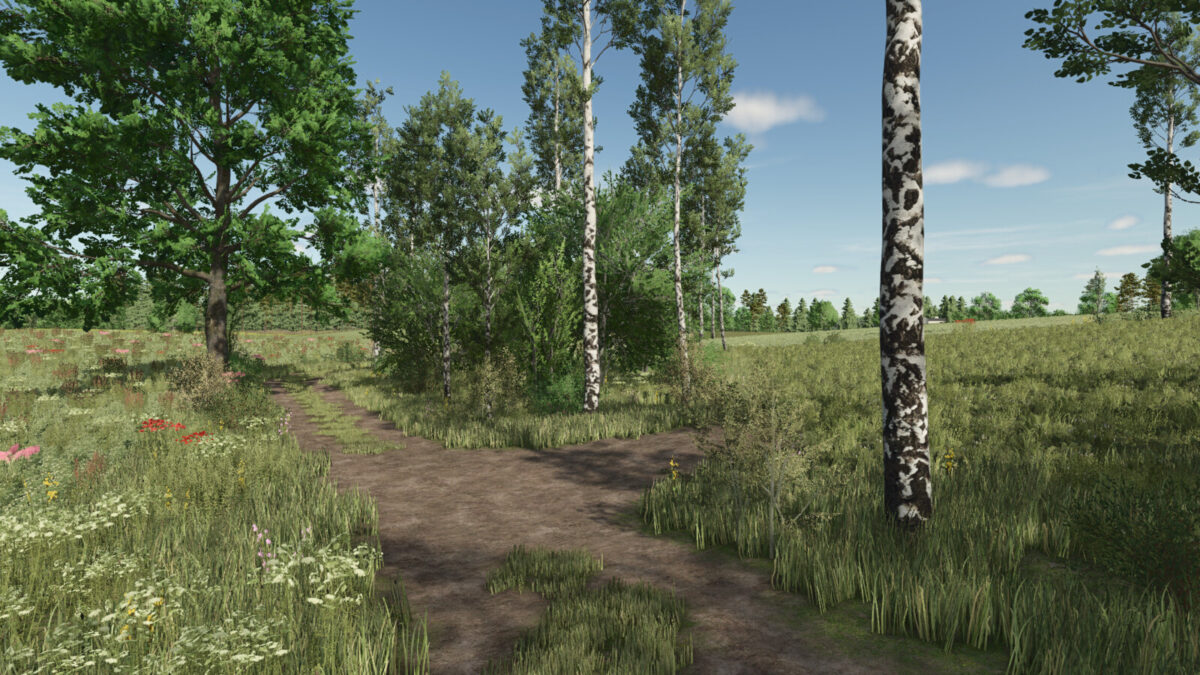
Lipinki Map v 1.2
– 66 fields
– 75 areas
– Biogas plant
– Sawmill
– Several collection points
– Gas station
– Several places of production, including a carpenter’s, a spinning mill, and a dairy
– Traffic
– Several forest areas
– Missions with transporting wood, destroying stones and removing dry trees
– Varied terrain
– Autumn and winter details, such as snowmen and mounds of leaves
– Collectibles
Version 1.2:
* Removed a tree near field 41 that partially overlapped the field
* Changed the texture of grass and decorative plants
* Slightly improved map performance
* Added a greenhouse with blueberries for purchase in the store
* Added bunker silos adapted for alfalfa for purchase in the store
* Added a lot of new things for production in existing places
* Added the sale of berries to the greenhouse keeper
* Added a berry processing point for purchase in the store
* Slight changes to the appearance of the terrain