

John Deere 6M & 6R Series v 1.0

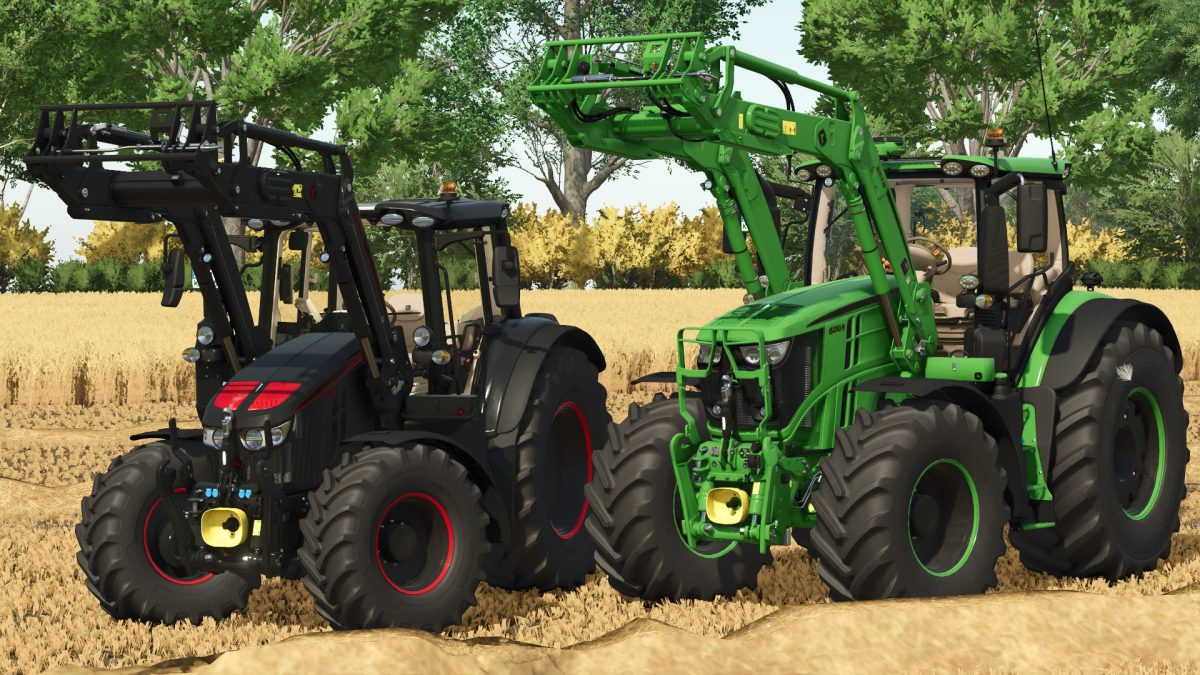
John Deere 6M & 6R Series v 1.0
About the mod:
Two John Deere Tractors:
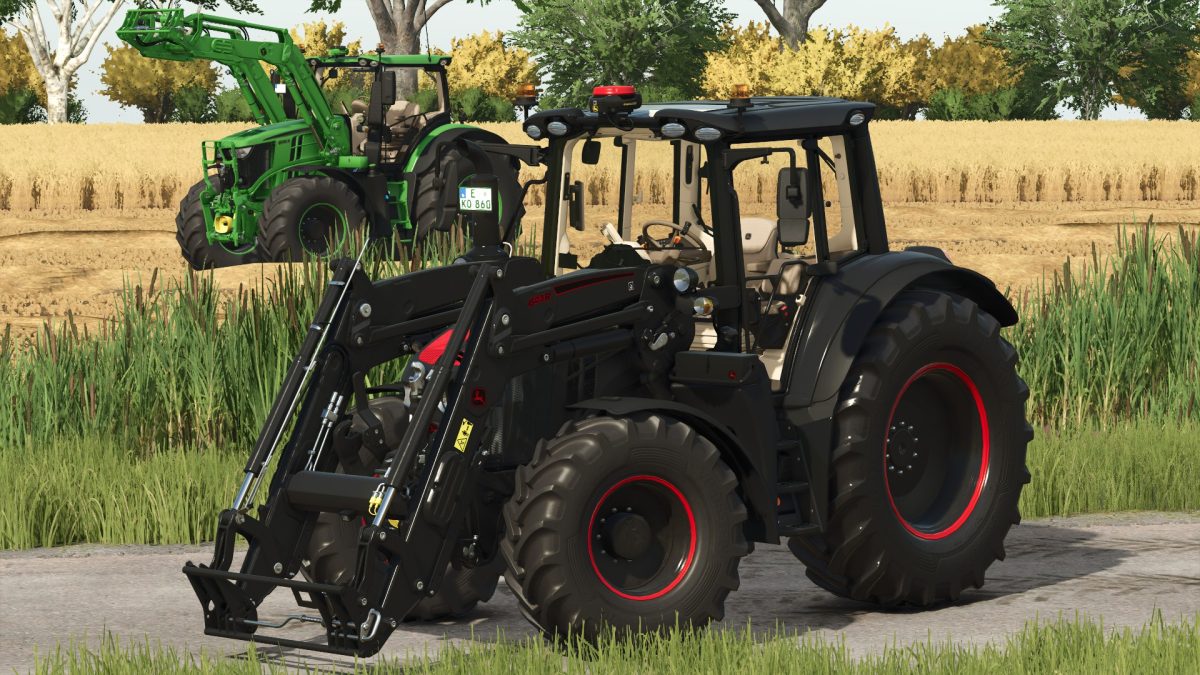
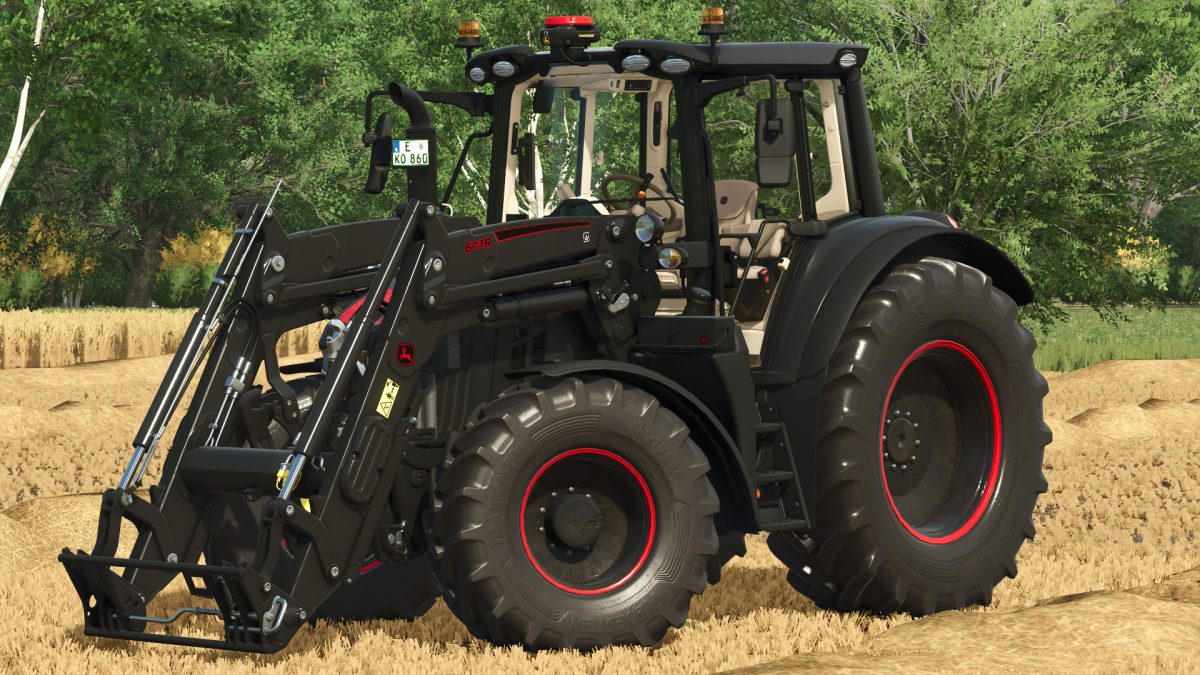
John Deere 6M Series:
– Choice of Engine: 90, 100, 110 or 120 hp
– Choice of Wheels
– Choice of Wheels Brand
– Choice of Starfire
– Choice of Special Color
– Choice of Frontloader Attacher
– Included John Deere 603R Frontloader
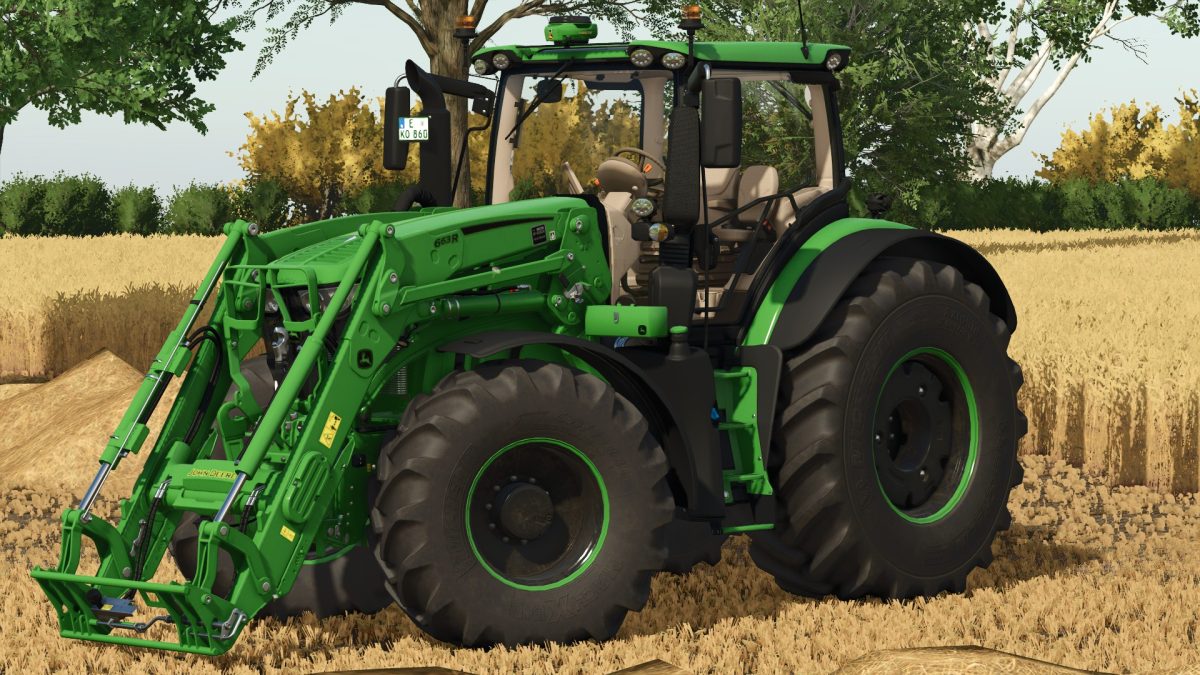
John Deere 6R Series:
– Choice of Engine: 175, 195, 215, 230, 250 or 300 hp
– Choice of Wheels
– Choice of Wheels Brand
– Choice of Panorama Window
– Choice of Panorama Door
– Choice of Starfire
– Choice of Special Color
– Choice of Frontloader Attacher
– Included John Deere 663R Frontloader
Credits:
RepiGaming, lsfarming-mods