

Lizard Pickup R250 v 1.0

Lizard Pickup R250 v 1.0
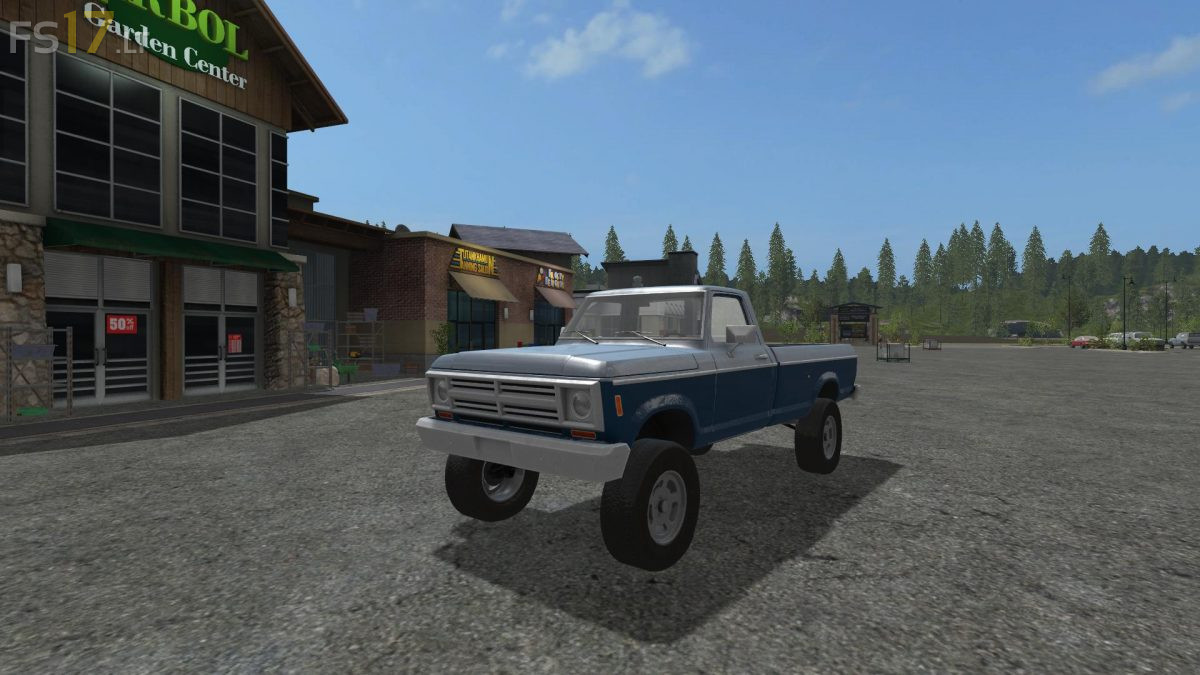
The Lizard Pickup R250 is an upgraded and fully customizable heavy duty edition of the Lizard Rodeo. The R250 has been lifted ~6″ with larger 295-70r18 tires over the standard 280-55r16 tires. The suspension has been upgraded to provide greater hauling and towing capacities as well as increased articulation for off-road use. The drivetrain has been updated as well with two engine options matched with tighter differentials for optimal traction in adverse conditions. The trailer hitch has been lowered and extended for balanced towing of larger trailers suited for a heavy duty pickup. Fully customizable with all 8 built-in wheel designs and color palate. All functionality of the Lizard Rodeo has been retained including lighting, tension straps in the bed, and hydraulic tailgate. A great looking, hard working, and fun pickup to use around the farm!