

Waseca Co Minnesota Map v 1.0

Waseca Co Minnesota Map v 1.0
– 30 airable fields
– 3 meadow fields
– 2 forestry area’s
– 2 pig feed mill productions
– Real life gravel roads
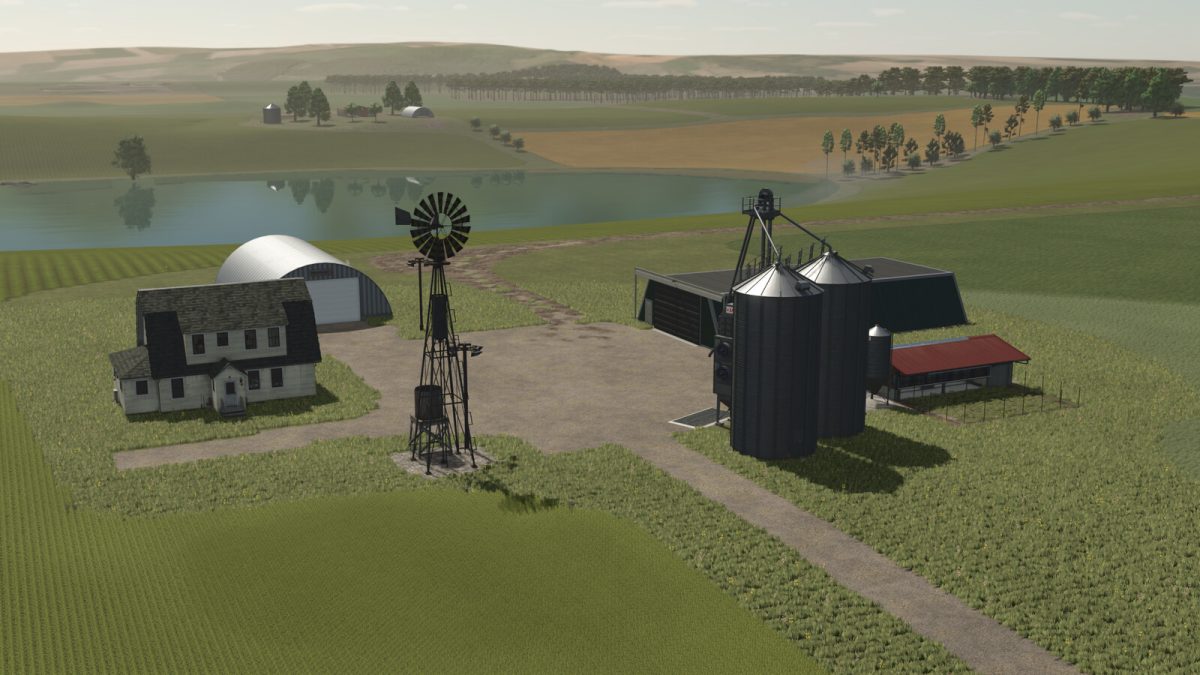
– 8 prebuilt farms, most placeables are sellable, with 1 empty area to build your own farm, a bulk buy station for basic farm needs
– The Co-op has provided 3 different trailer’s and semi to transport animals and goods
– The vehicle shop has also provided a forklift to aid in loading pallets and other purchased items more realistic to the area weather event’s including twisters
the ability for free water from multiple bodies of water
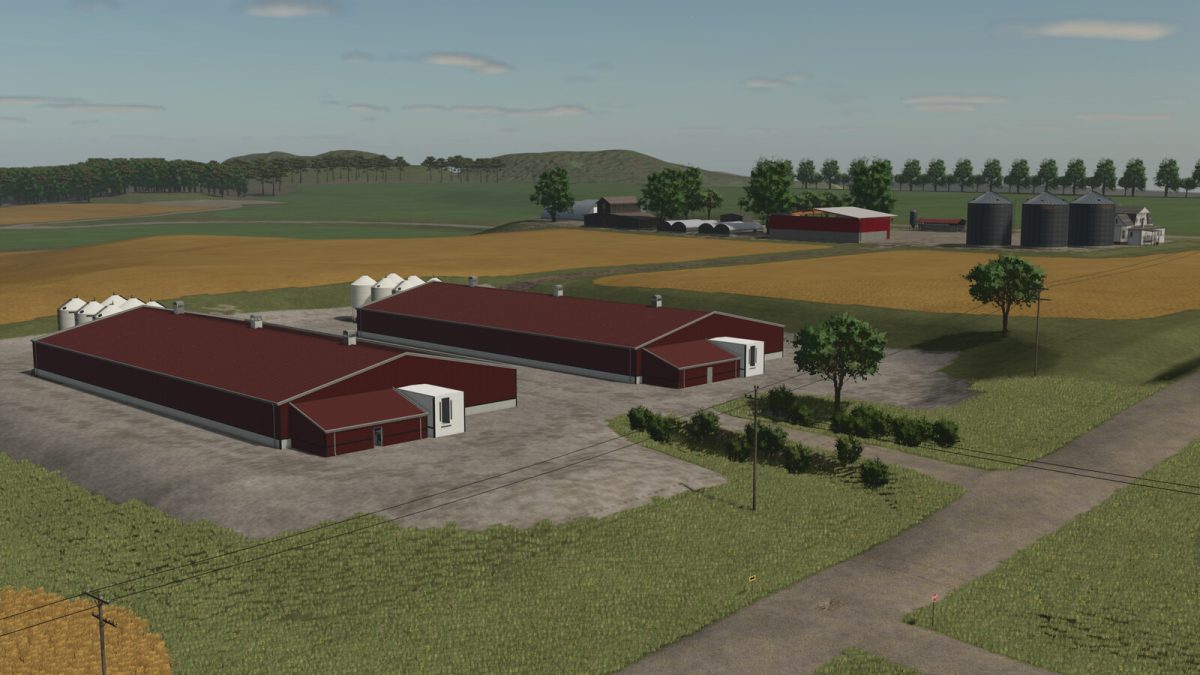
– A modern style pig feeding facility
– There are 2 triggers by the “control panel” in the office
– There is one to remove all the fences inside, and a 2nd trigger to actuate the fans
– The feed silos can be filled via Belt