

Schlueter Special Edition Pack v 1.0

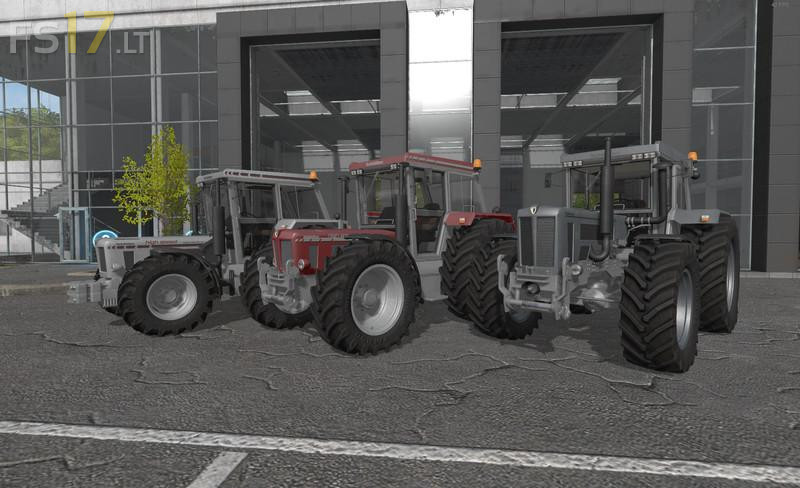
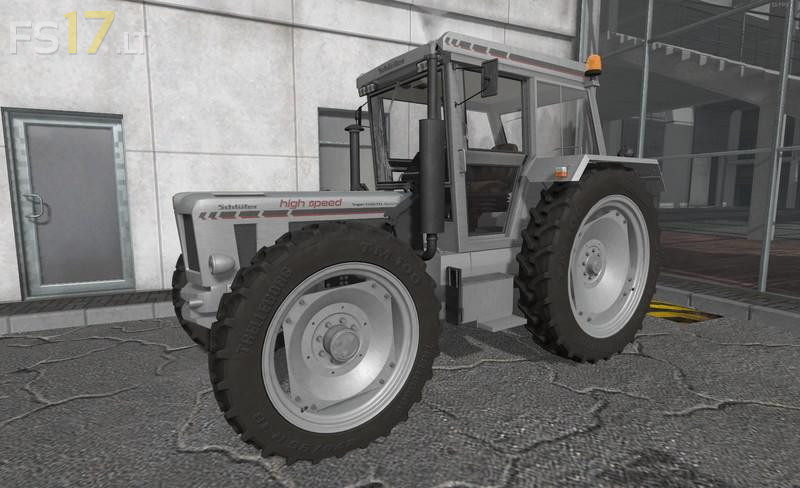
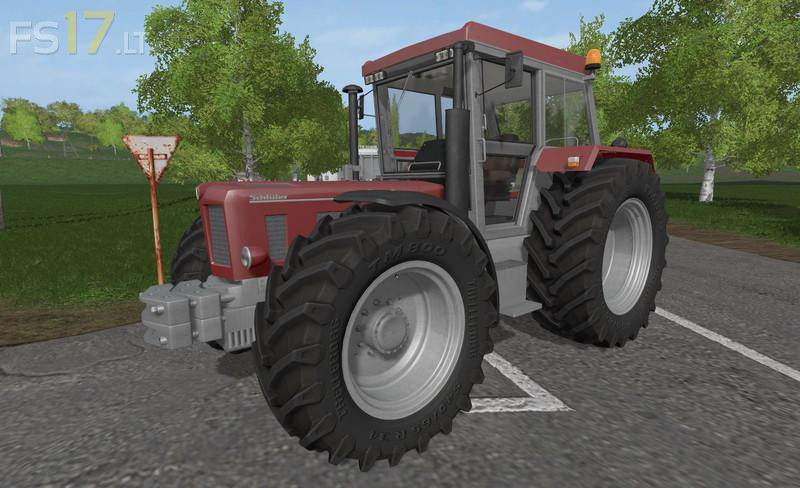
Schlueter Special Edition Pack v 1.0
3 Schlueter Special Edition Tractors:
– Super 1500 TVL Special HighSpeed
– Super 1900 TVL special color
– Super 2200 TVL Special ZF test vehicle
Features:
– IC Control
– Dynamic hoses
– Config at the shop or workshop
– Standard Weighted carrier for bananas 4 x 80 Kg
– Weighted carrier for insert weights 10 x 40 Kg
– FH without PTO
– FH with PTO
– Weights must be purchased and can then be coupled
– Rul for sale
– Additional lighting for sale
– Digital display Buyable
– EHR available
– Can also be bought together
– In the case of the weighing rack, the insertion weights must first be installed and then bananas can be coupled in addition
– Frontloader console only the Super 1500
– Transmission config 40 + 50 km/h Only the super 1900
– Care maturing Only the super 1500
– Standard and wide tire + wheel weights