

Starter Map Template v 7.0

Starter Map Template v 7.0
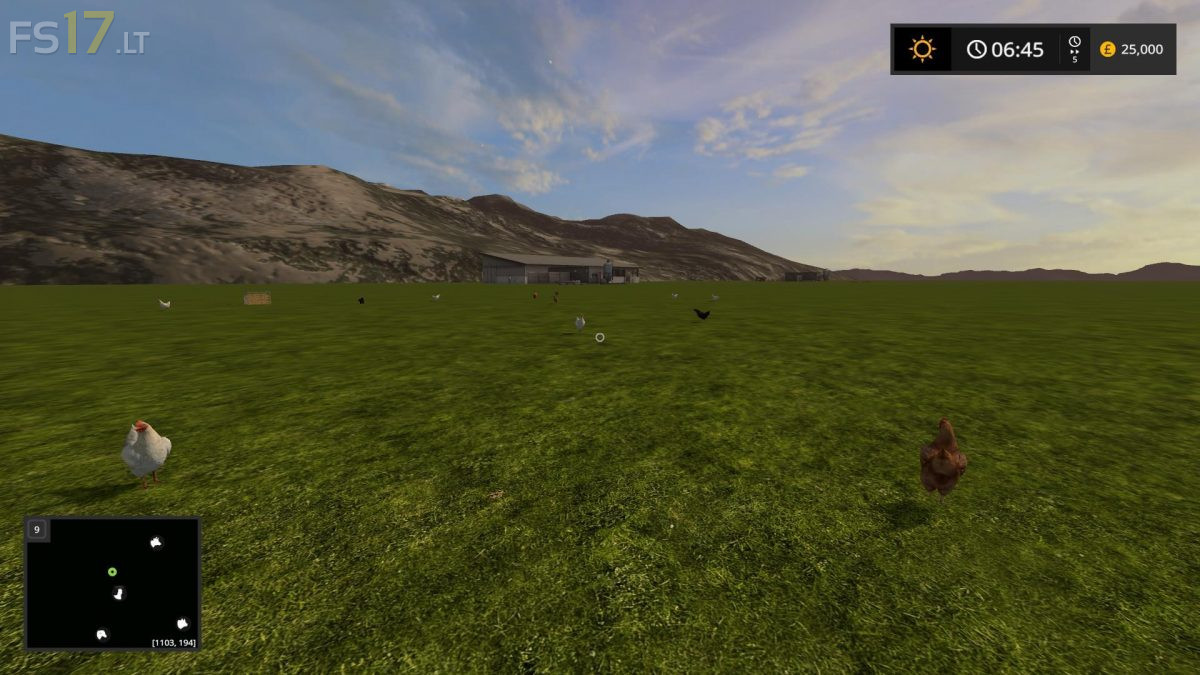
This has had the terrain flattened, All the objects placed into parents and 99% of them place under the map in the centre ready for use. Animals have been reset to the west edge. dual BGA in the east. All the xml’s and modDesc reset to mod Map names. This starter map contains everything from the Snetterton farm map, seasons mod map ready, dirt and terrain, chopped straw, all the multifruits, custom textures, 1 of each model, Snow mask layers installed and reset, tip layer cleared, All the installed Snetterton production but all grouped and reset. 1 of each field type included but reset. 100 nuggets reset. All the scripts installed and error free. Map information image like the preview and PDA cleared ready it is all done and ready for you to play with. This loads ingame as is and it is error free. Please note no support is offered for the template. Credits for the template are in the information text file. Make sure due to the volume of map objects under the map that you make selections via the parent group in the scenegraph so you don’t end up moving just part of an object.
Will you stop stealing mods and making money from them