Terre d’Auvergne Map v 1.0

FS25 mods

Terre d’Auvergne Map v 1.0 Terre d’Auvergne Map v 1.0 Terre d’Auvergne Map v 1.0
1 Star2 Stars3 Stars4 Stars5 Stars
About mod:

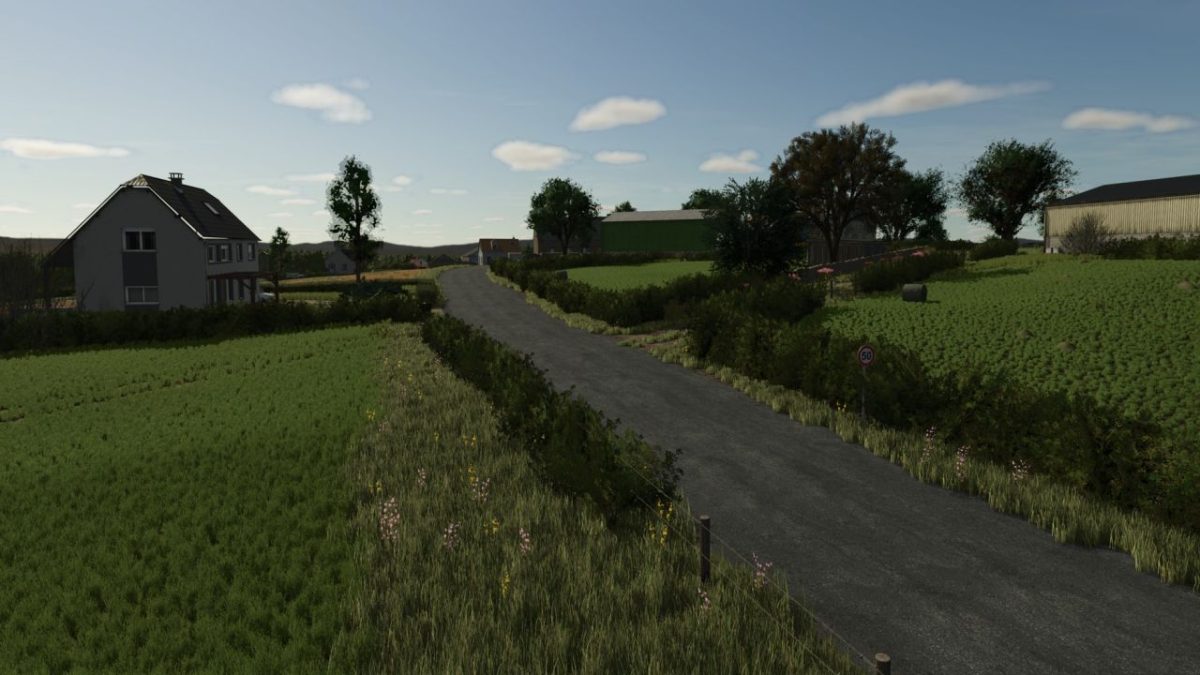
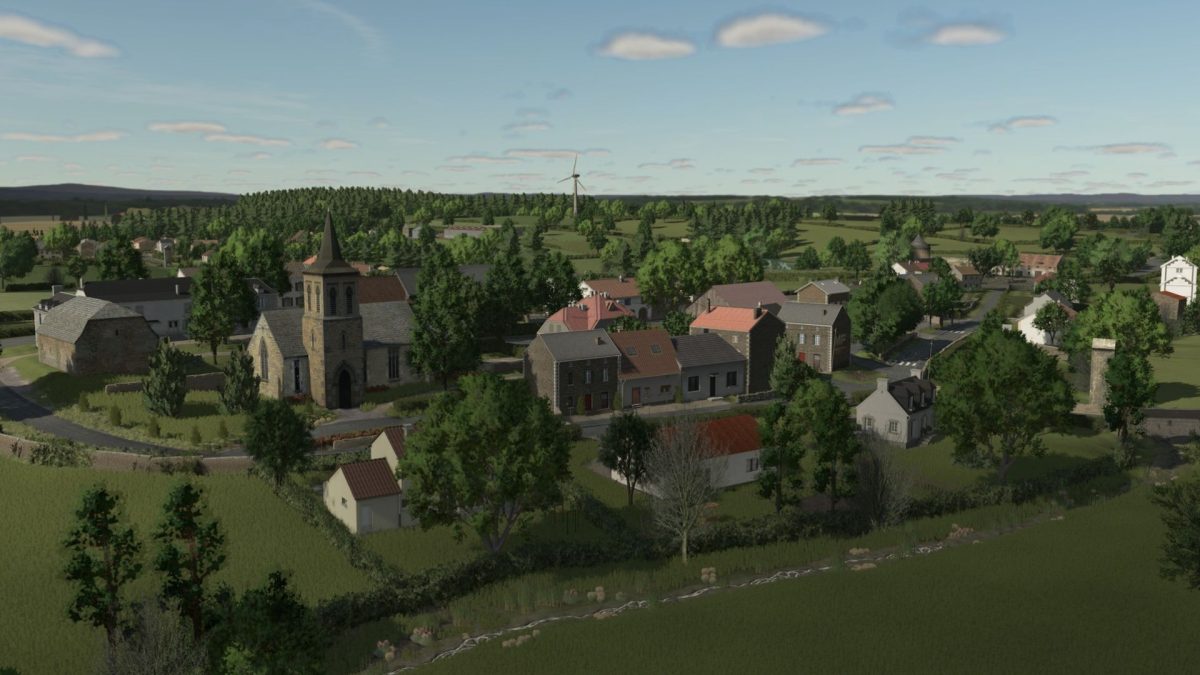
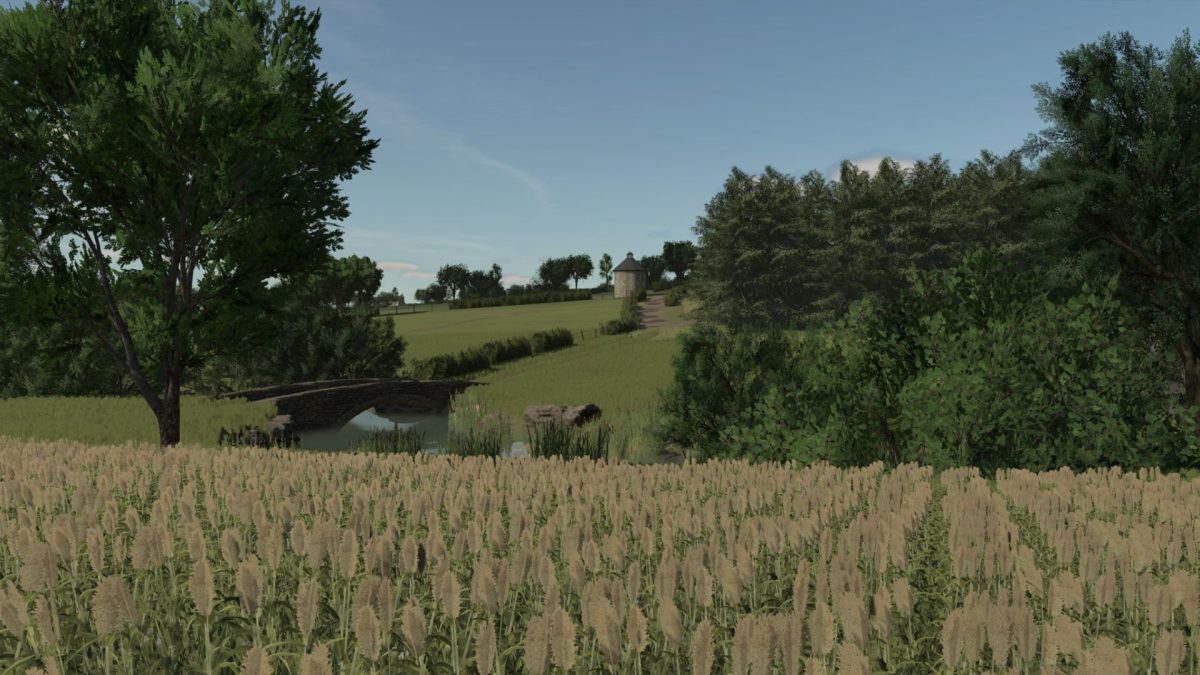
– A typically Auvergne environment: valleys, pastures, forests, ponds, picturesque villages and agricultural paths
– A map designed to combine realism and agricultural logic
– A natural relief and a neat decor for immediate immersion
– Meticulous work on the placement of buildings and the arrangement of farms

You will find 6 playable farms spread over the Map:
– A multi purpose, ready to use farmhouse
– An accessible dairy farm without paying content
– A dedicated poultry farm
– A cereal site with storage zones
– An independent pigsty
– An altitude farm equipped with stable and functional silos

This version does not require any paid building: all the elements are included or available for free, so that you can start without delay.

Integrated content:
– Points of sale: market, cooperative, cannery
– Production: Operational BGA
– Traffic with activated NPJ
– Typical villages, signaling, ponds, streams
– Realistic agricultural paths and natural relief

Credits:

Les Boursins

* By clicking [Download this mod from filehost] button you agree to leave this website. The link opens in the new tab. File is hosted in the external website. We are not responsible for the content of the external page and the possibility of free download of the file.

How do I install Farming Simulator mods?
Find a mod that you like and want to download first. Then, on your PC, download a mod. Mods are typically in.zip format. However, it is sometimes in.rar format. If the mod file is in.zip format, no additional actions are required. If a file is in.rar format, you must unarchive it using software such as WinRar or Zip7. Windows 10 users do not need to use archive software; Win10 includes an unarchive feature.

The next step is to locate the mods folder on your computer. It is typically found in Documents/My Games/Farming Simulator [Your FS game version, e.g. 2022]. Open the "mods" folder and place the downloaded.zip archive or unarchived.rar file there.

The final step. Have fun with Farming Simulator mods!

Leave a Reply

Your email address will not be published. Required fields are marked *