

Frisian March Map v 2.8

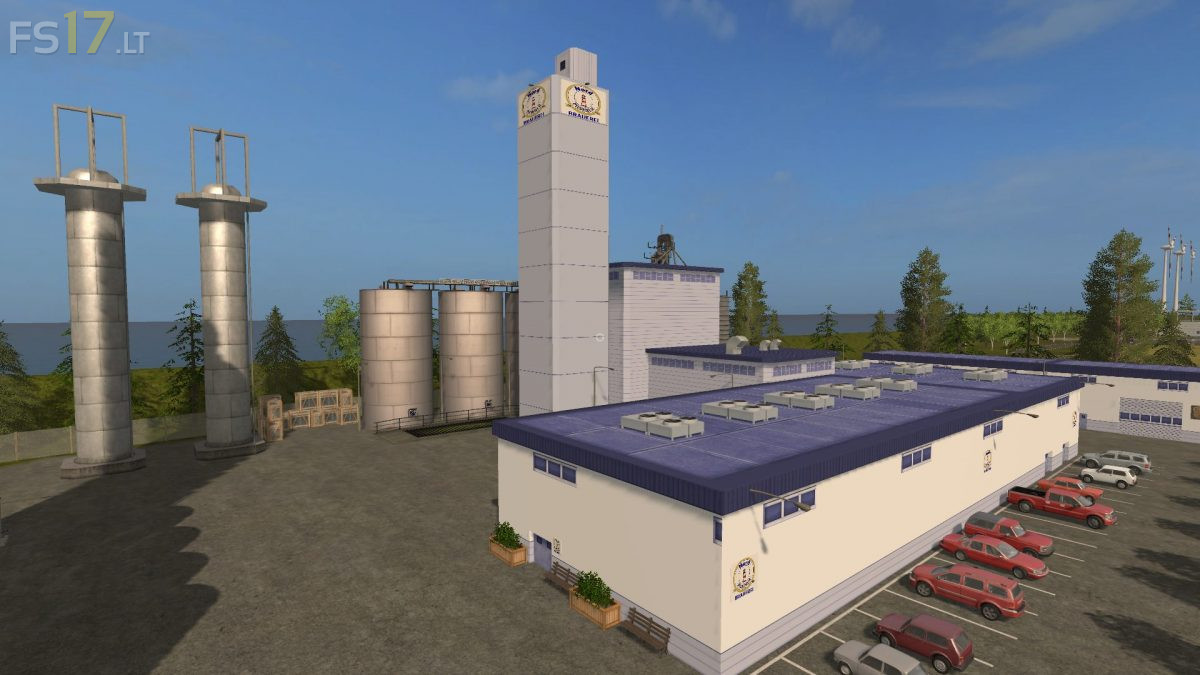

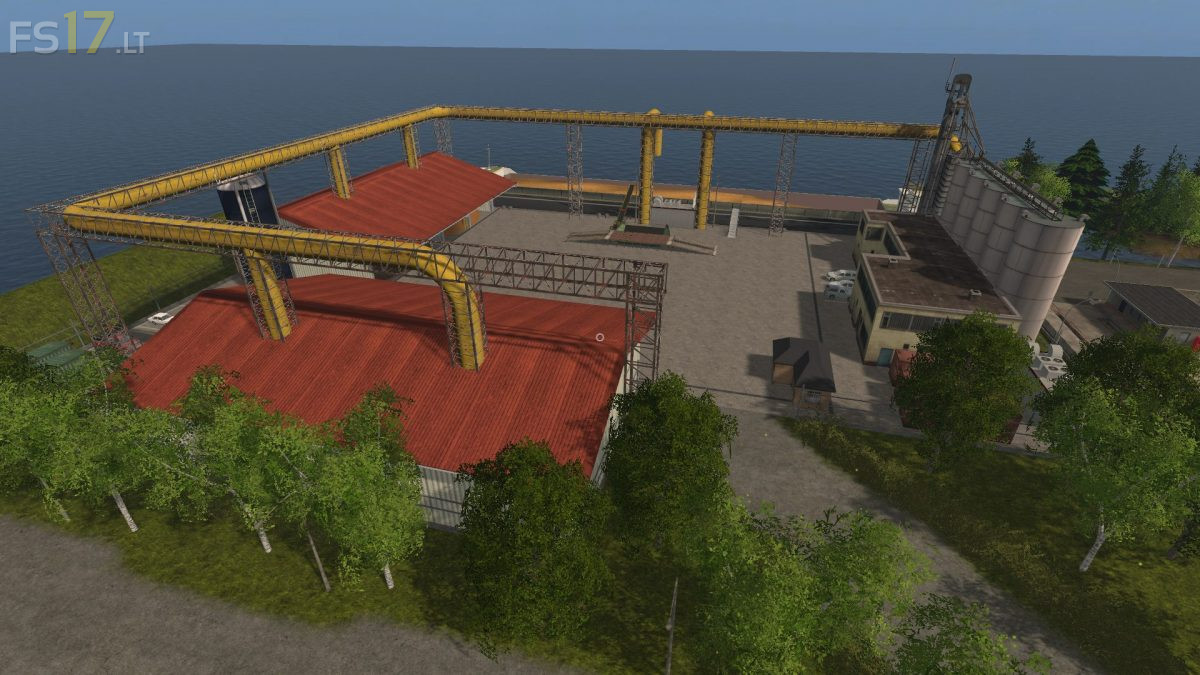
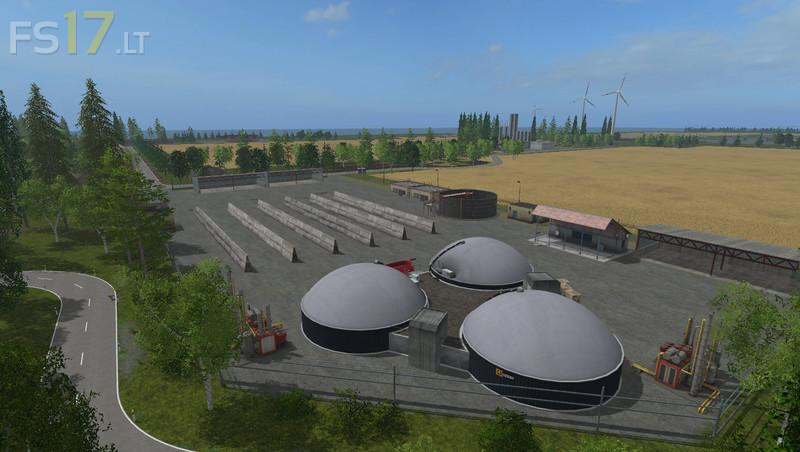
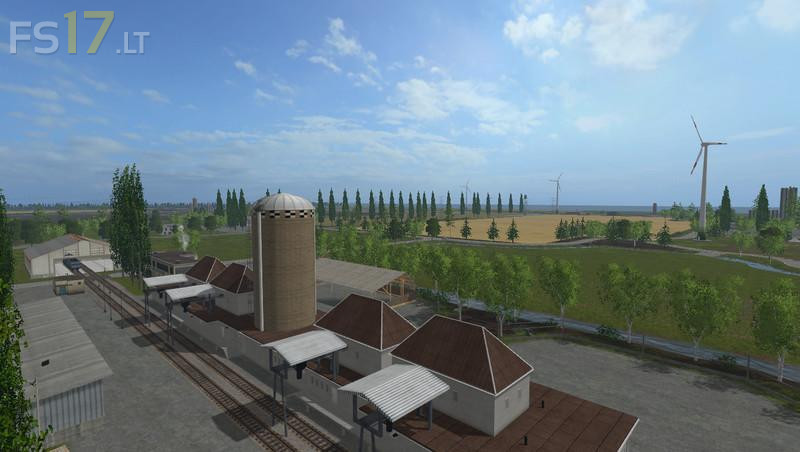
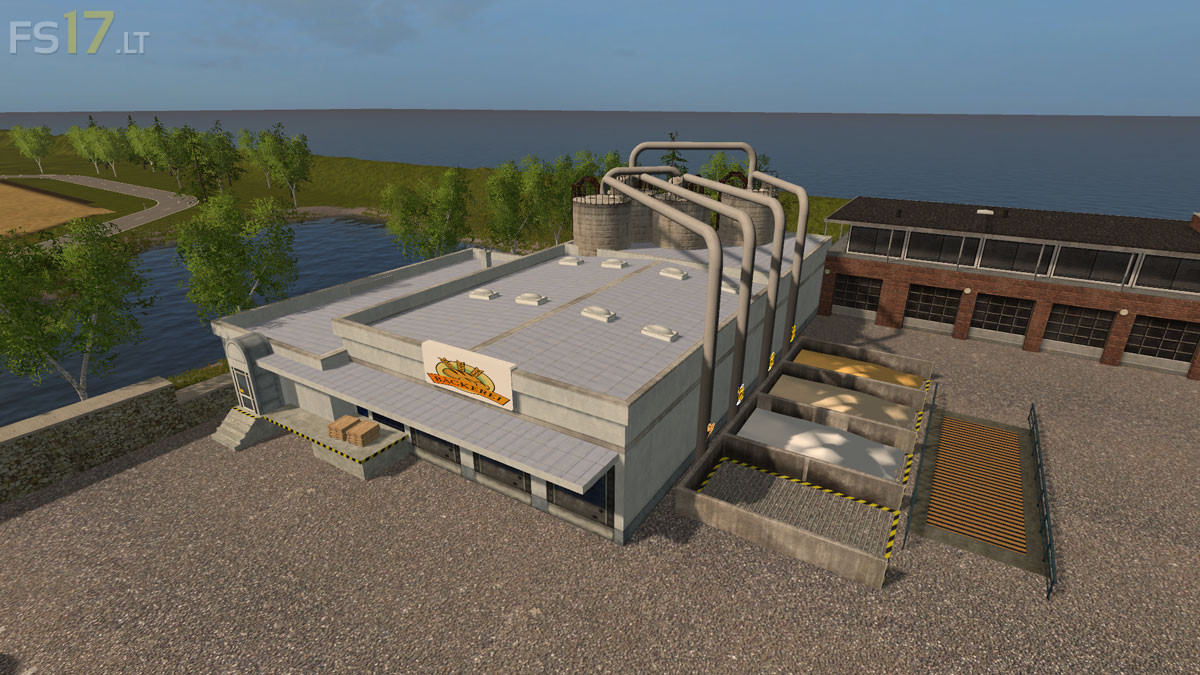
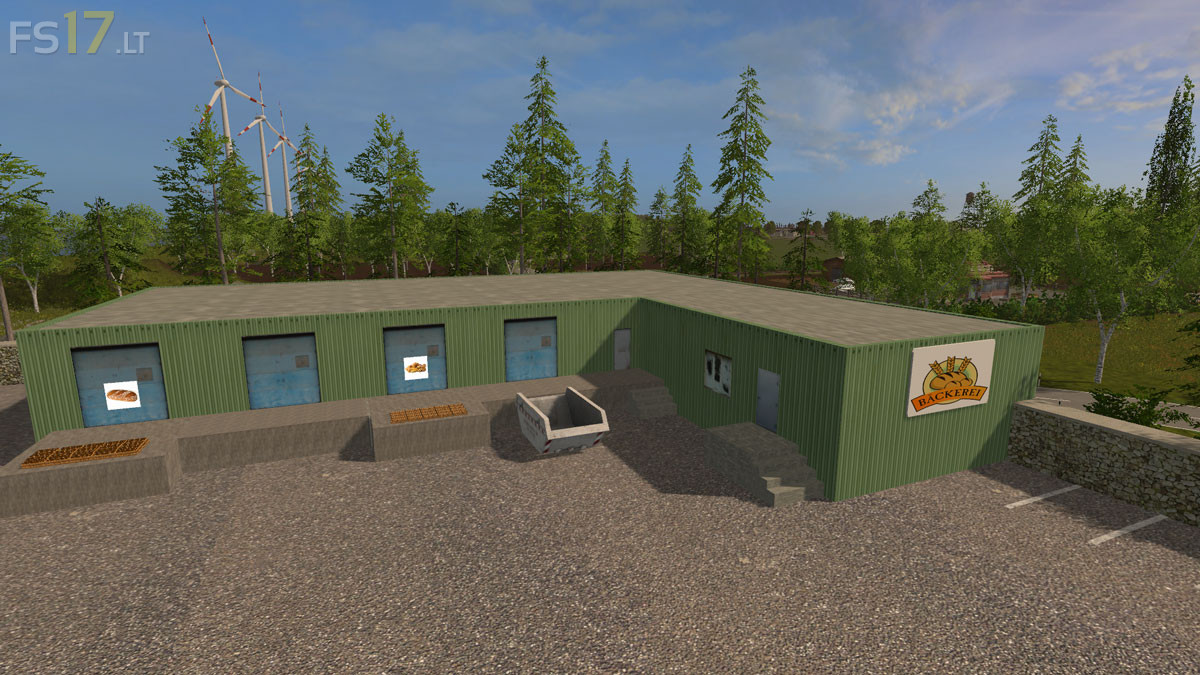
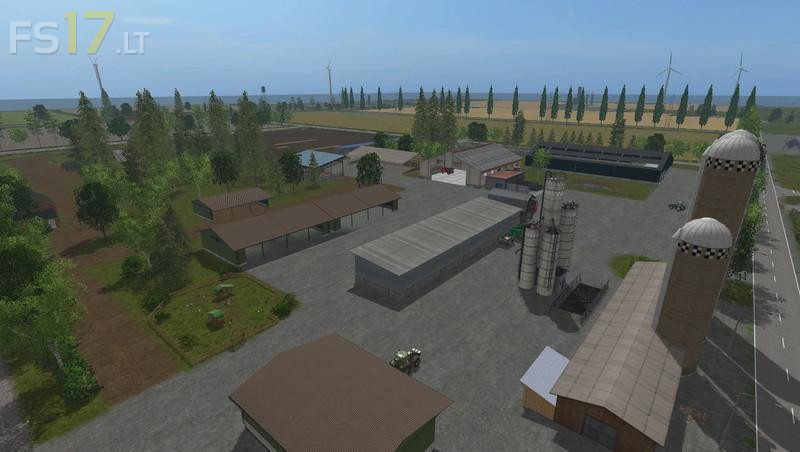
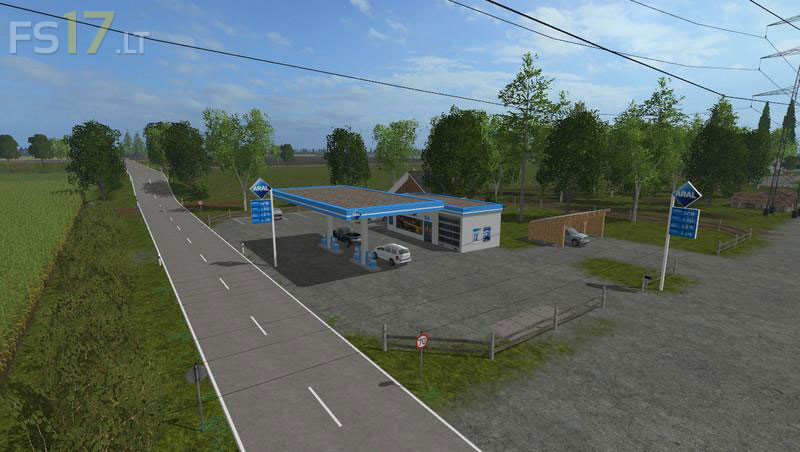
Frisian March Map v 2.8
Version 2.8:
* Greenhouses for vegetables
* Vegetable pallets for tomatoes, lettuce, red cabbage and cauliflower (sellable at supermarkets)
* Weaving for the further processing of wool to fabric pallets
* Fabric palette (sale on pallet sale)
* New sales port at the port for pallets
* Pallet factory has more collection points and works a little faster now
* 2 Gold nuggets now easier to access during map version without ditches
* Diesel / cooking oil factory works a little slower
* Pallet storage for vegetable varieties
* New texture for rape, wheat and barley
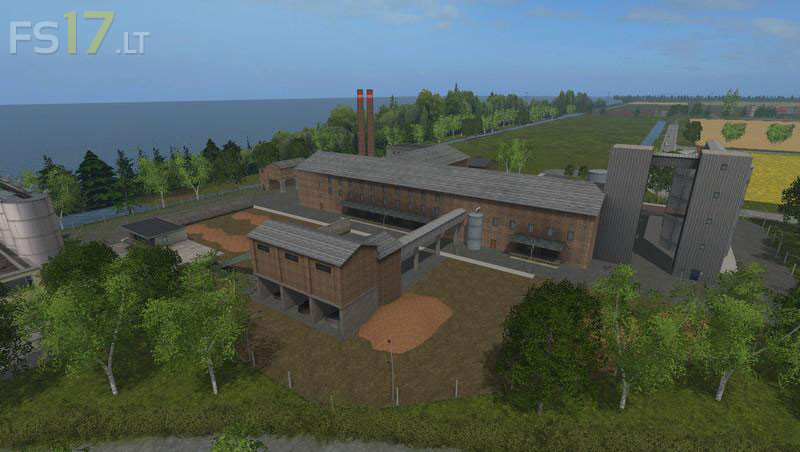
* Distillery works somewhat faster
* Field 7 Starting point adapted for mission
* Tilting trigger at the sawmill
* Collision at the depot now available
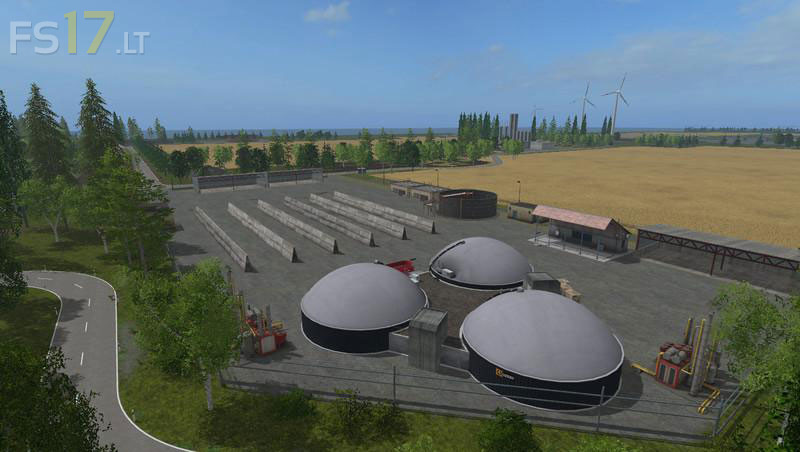
* BGA North now accepts silage bales
* Traffic slowed down again
* All Water Fabrik triggers (distillery, brewery, bakery, greenhouses, fruit farm, dairy, pulp factory, sugar factory, weaving) can be filled with the help of Course Play