Horsch Tiger 26 LT v 1.0
About the mod:
Cultivator converted to a Plow with the ability to create a field.
Working width 26 meters.
Credits:
QWARES17
How to install FS17 mods?
Firstly find a mod which you like and want to download. Then download a mod to your PC. Mods are usually in .zip format file. But sometimes it can be in .rar. If a mod file is a .zip format no needed additional actions. If a file is in .rar, then you must unarchive mod with software like WinRar or Zip7. Windows 10 users no need to use software for archives, Win10 itself has a feature to unarchive files.
The next step is to find mods folder in your PC. Usually, it is in Documents/My Games/Farming Simulator 17/2017. Open the "mods" folder and put downloaded .zip archive or unarchived .rar file to this folder.
Last step. Enjoy of FS17 mods!



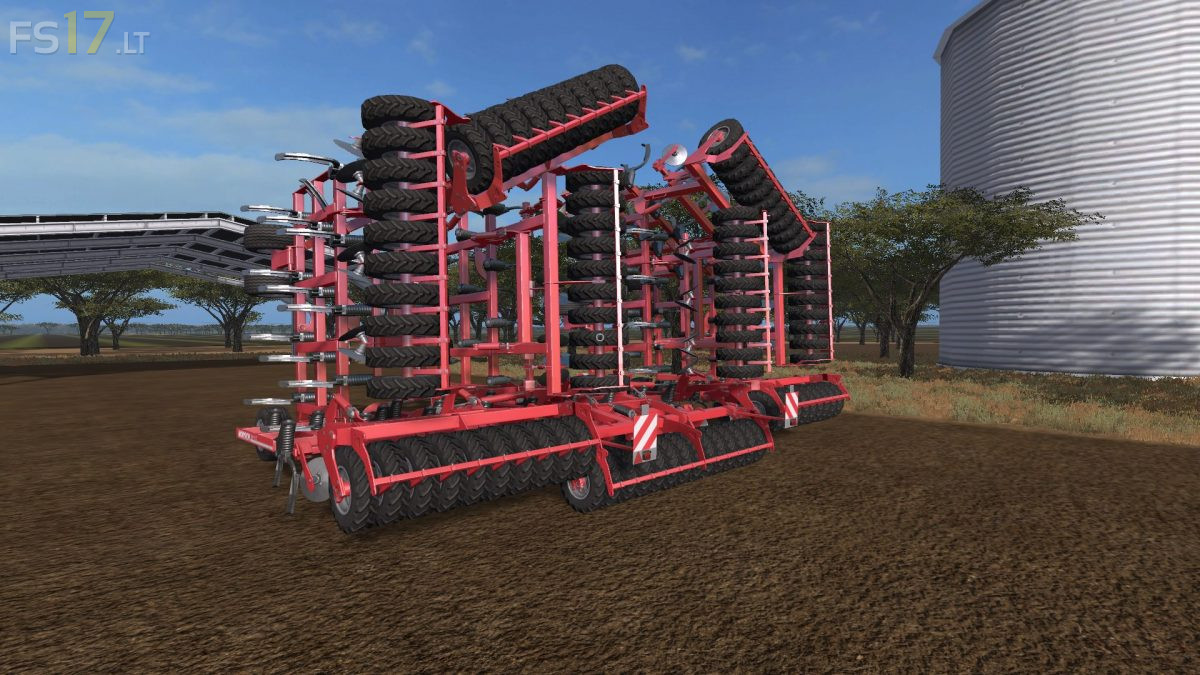
This mod is still broken, please fix the wheel collisions. When its folded can still see the wheels on the ground that have not folded with the plow. Press F5 and you will see them.
This mod is shitty! when folded up it constantly collides with everything! it can not be steered! it just bumps everywhere and messes tractor up! crappy mod don’t download!
Hitboxes are too big. and plz make hitboxes smaller when folded. please…