

River Po Map v 1.4


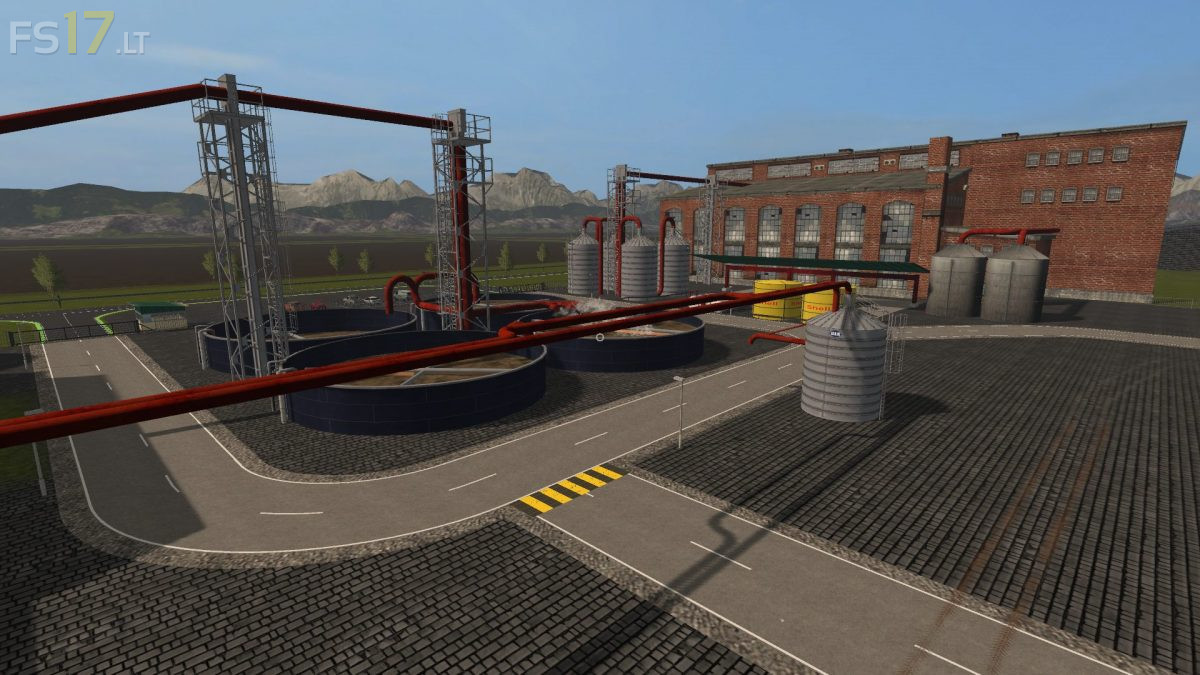

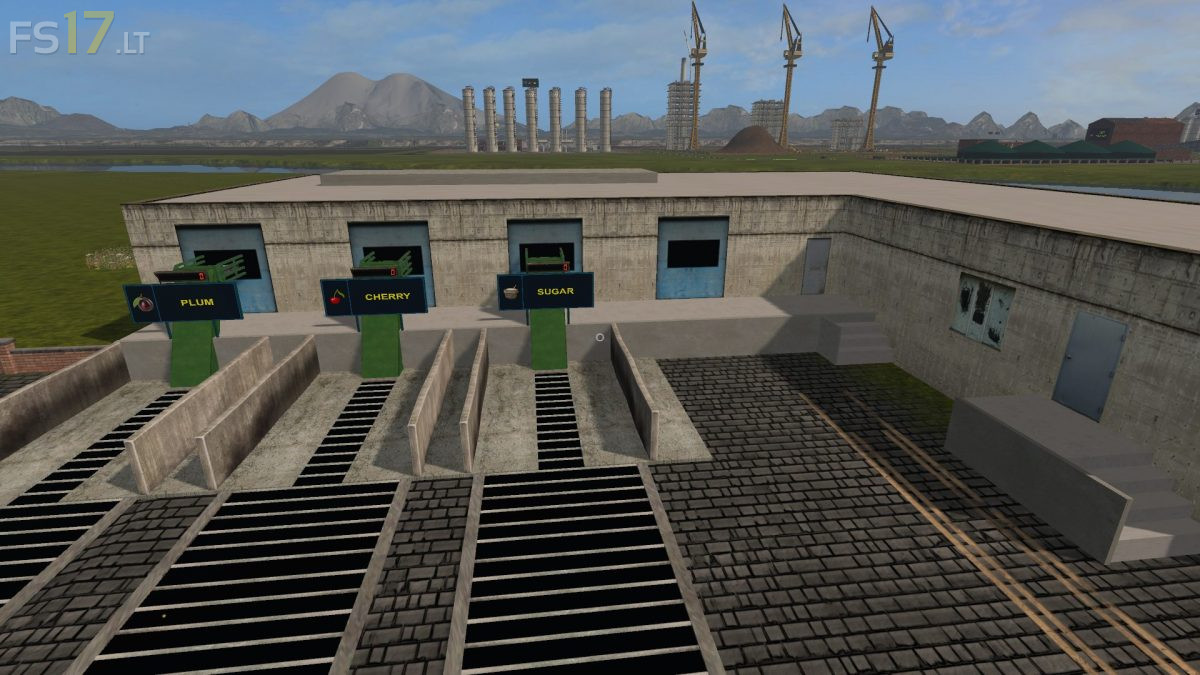
River Po Map v 1.4
Version 1.4:
* Modify and expand the output tape system of potato, strawberry, sawmill objects.
* Reducing the strawberry center for one unit.
* Launch of pallet production.
* Establishment of Egg Farm.
* Creating Pallet and Pallet Egg Sales Points.
* Replacing the airport’s runway.
* Replacing the entire tree structure (wood and roadside facades).
* Full replacement of the parking system
* Create more storage (Farm 1, Farm 2, Sand).
* Construction of a new tunnel in the North-South direction along the road bridge across the bay.
* Changing the wool bed position for sheep.
* Establishment of a Wool Processing Plant (Weberei).
* Processed woolen yarn selling point (Ship) at the port.
* Sale of unnecessary wool in the Weberei field.
* Holmer cutting heads have a separate container on site.
* Improve minor logical errors
* Inserting a cow’s trough into the building, minor transformations.
* Expand information tables on the map.
* Expansion of Factory info tables
* Change information board (the manure is removed).
* The manure was placed separately with the slurry, sown from the animals to the southeast as Manure.
* Update your PDA
* Transform DefaulVehicles.
* Complete replacement of colors on the road and railway network as well as on urban and village roads.