

DT-75 Kazakhstan v 1.0.0.3

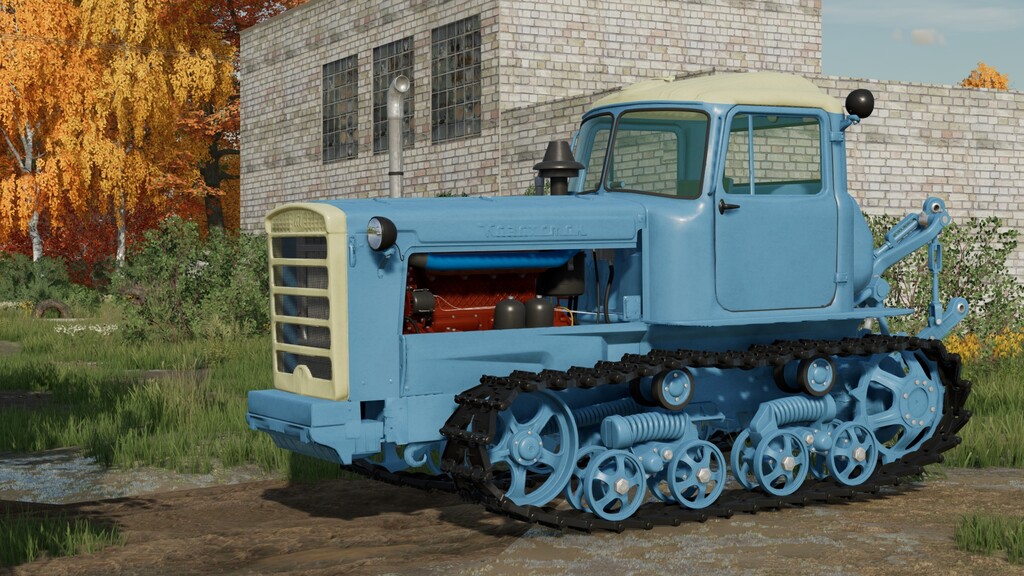
DT-75 Kazakhstan v 1.0.0.3
About the mod:
Power: 66 kW / 90 hp;
Speed: 12 km/h;
Fuel tank capacity: 600 liters;
Cost: 7,550 €;
Color selection of different parts;
Counterweight configuration;
Configuration of flaps;
Headlight configuration;
Fire extinguisher configuration;
Grid configuration;
Mounting configuration;
Track configuration;
License plate configuration;
Adjustable suspension;
Animated instruments, pedals, levers;
Working lighting equipment;
Leaves traces;
Gets dirty and washes;
The effect of aging;
The effect of getting wet;
There are 4 blades included;
Support for “Interactive Control”.
Version 1.0.0.3:
* Added swamp caterpillars;
* Added new grid options;
* Added new blade options;
* Added support for “Interactive Control”.
Credits:
Razor Modding Team, Karlis