Production Schedule v 1.0
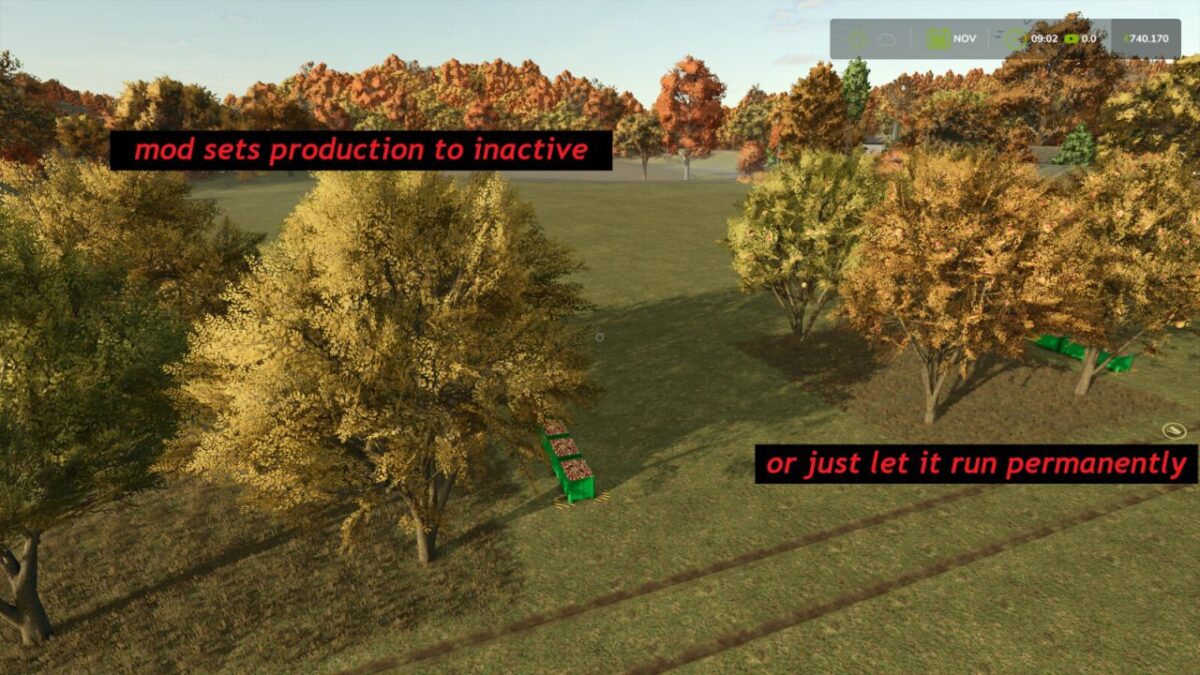
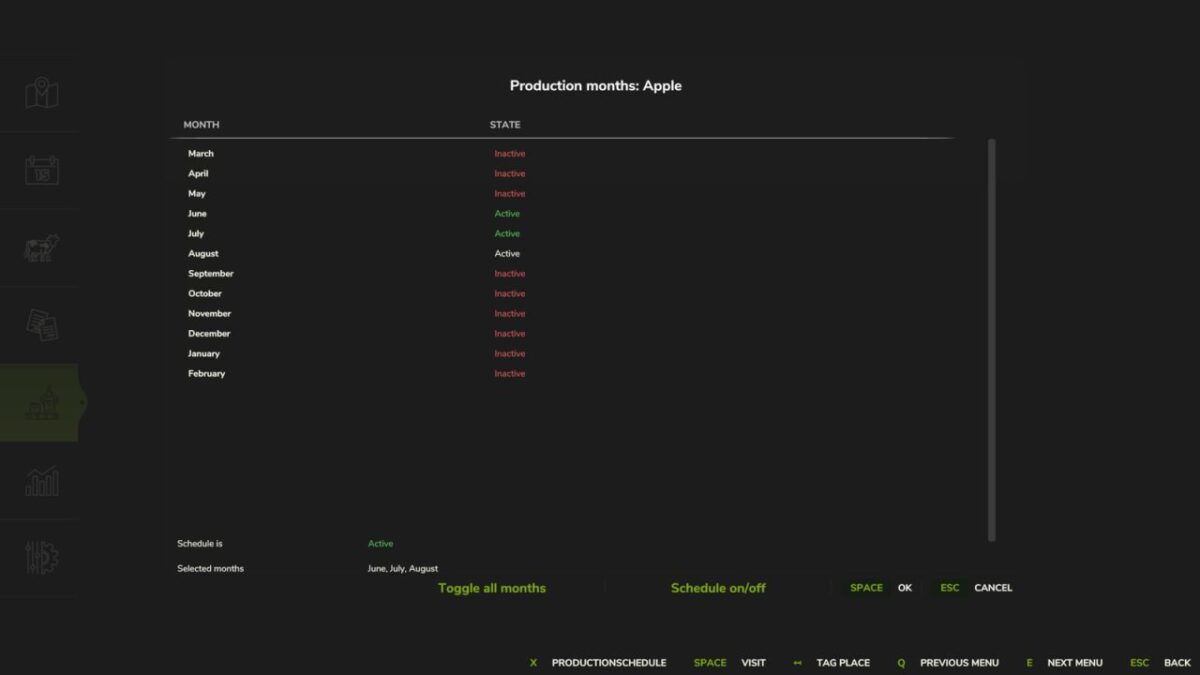
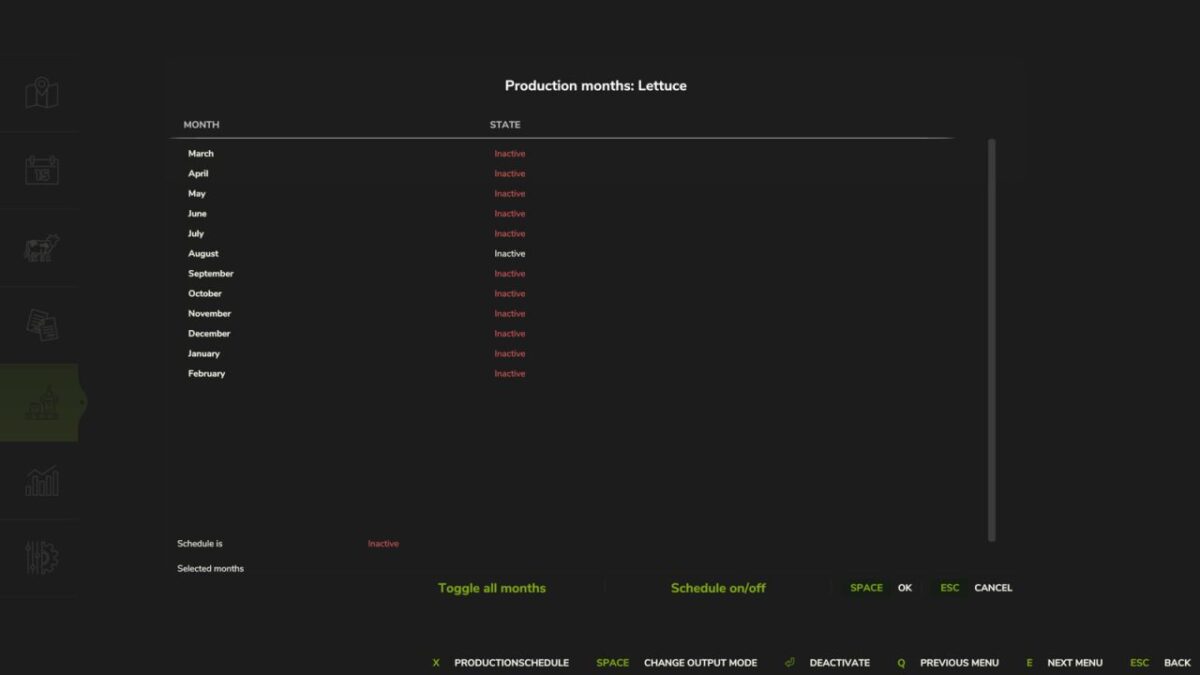
Allows you to specify the months in which each individual production in a production facility should be active.
The months can be activated or deactivated individually via an integrated menu in the production screen. Production then runs exclusively in the selected periods.
Features:
Month-specific activation per production
Settings are saved specifically for each save game
Ideal for seasonal productions such as fruit trees and gardens.
The settings are made with the mouse.
Tarabas1977
How do I install Farming Simulator mods?
Find a mod that you like and want to download first. Then, on your PC, download a mod. Mods are typically in.zip format. However, it is sometimes in.rar format. If the mod file is in.zip format, no additional actions are required. If a file is in.rar format, you must unarchive it using software such as WinRar or Zip7. Windows 10 users do not need to use archive software; Win10 includes an unarchive feature.
The next step is to locate the mods folder on your computer. It is typically found in Documents/My Games/Farming Simulator [Your FS game version, e.g. 2022]. Open the "mods" folder and place the downloaded.zip archive or unarchived.rar file there.
The final step. Have fun with Farming Simulator mods!