

Tax Mod v 1.1

Tax Mod v 1.1
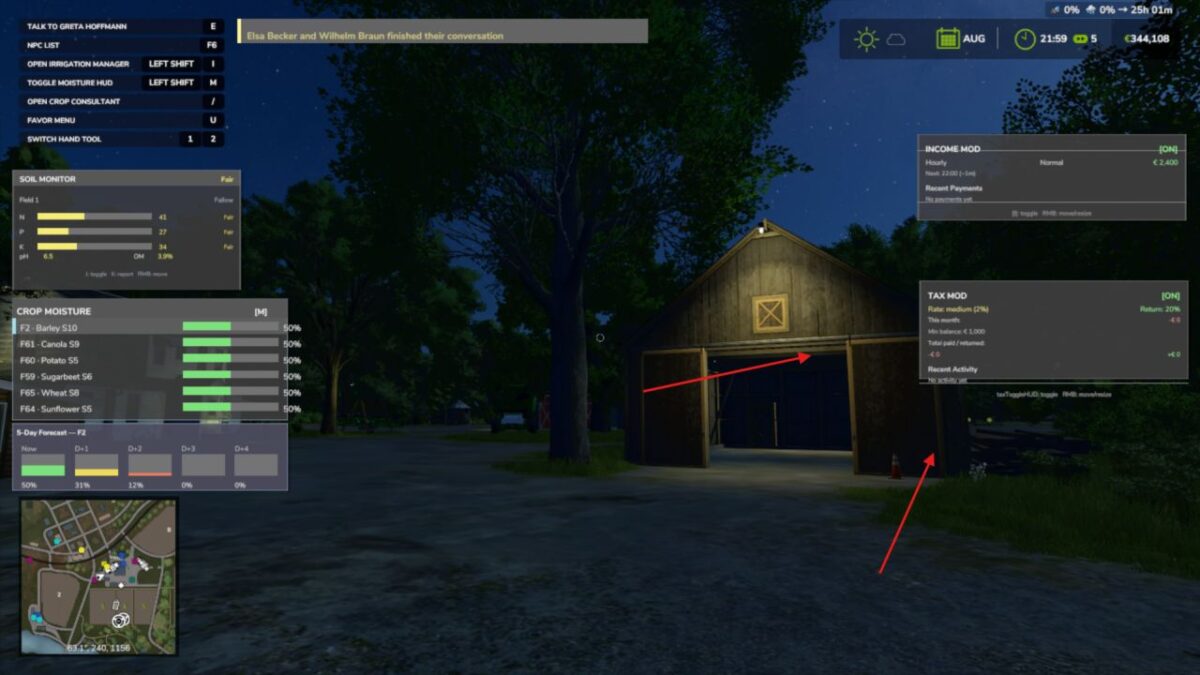
Adds a realistic tax system to your farm.
Features:
Daily tax deductions based on farm balance
Monthly tax returns (percentage of taxes paid)
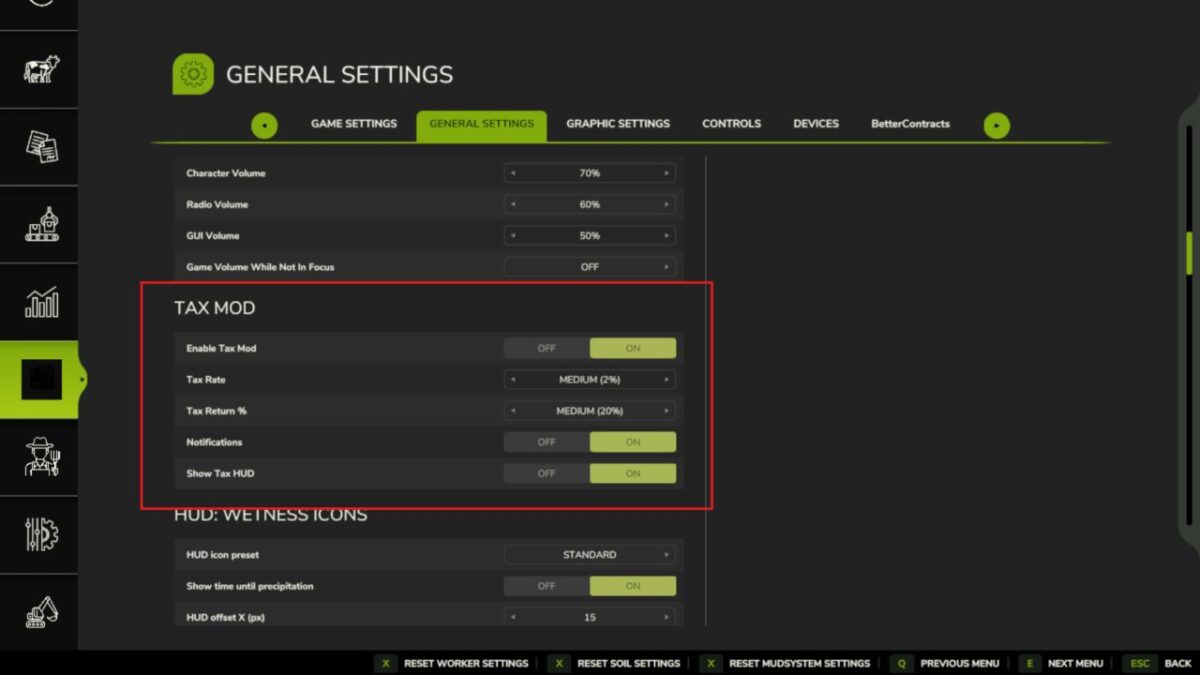
Three tax rate levels: Low (1%), Medium (2%), High (3%)
Configurable minimum balance threshold
Tax history and statistics tracking
Professional in-game notifications
Fully configurable via console commands
Multiplayer compatible
Settings saved per savegame
Type ‘tax’ in console for commands
Please be aware:
You need to have developer mode enabled in order for you to open the console.
This can be done in your FS game folder, then look for the “game.xml”.
Change to “true”
Enjoy your farming experience with my Tax Mod
Version 1.1:
* Changed from 1 single file to multiple files
* Settings have been rewritten to match correct FS25 behaviour
* Added a HUD overlay (same as Income Mod)