

Przybiernowko Map v 1.0.2.0


Przybiernowko Map v 1.0.2.0
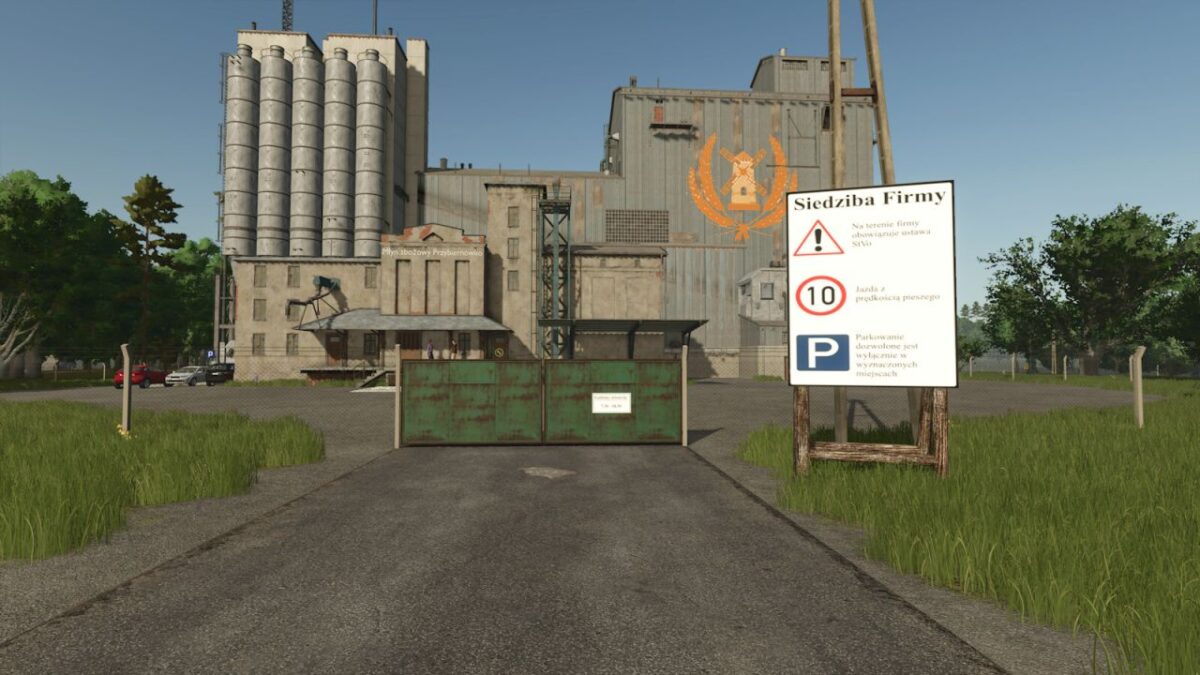
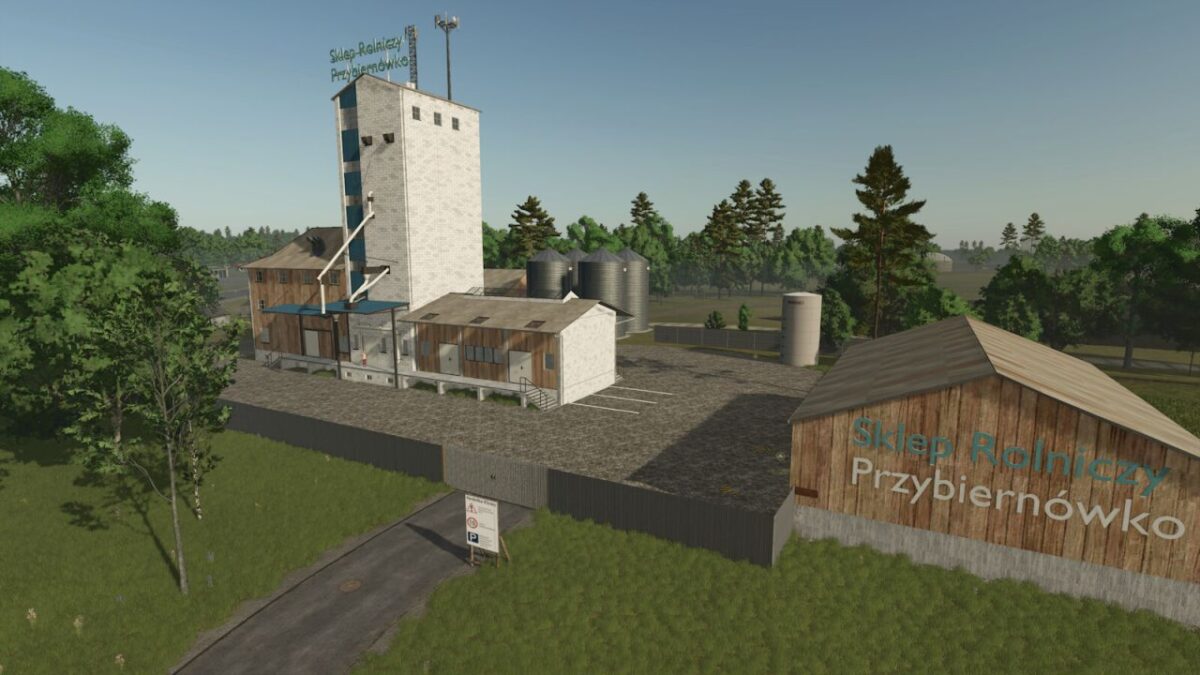
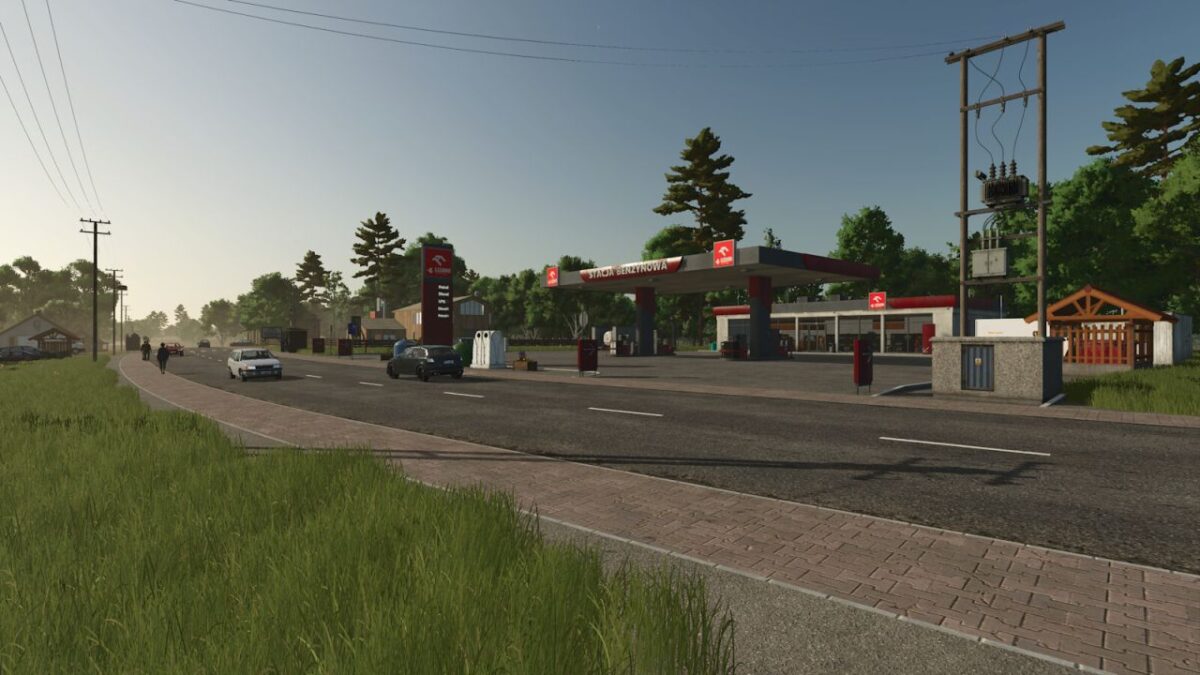
There are various sales/purchase and production points:
– Combined Heat and Power Plant
– Flour Mill
– Sawmill (empty pallets needed for the greenhouse can be produced there)
– Farmers Market as a sales point for produce and much more
– AI cars and purchased machines have regional license plates
– The farm has a chicken coop, cowshed, and a large greenhouse. Various goods must be brought in to enable production
– The map also features multi crop crops
– There are 47 fields to cultivate and several wooded areas to buy and harvest
Crops for threshing:
– Rye
– Triticale
– Spelt
– Grain corn
Crops for chopping or mowing:
– Green rye
– Viburnum
– Field grass
– Silage corn
– Clover
– Alfalfa
Cover crops:
– Humus active
– Mustard
– There are several fields and purchasable forest areas
Version 1.0.2.0:
* Spelt and rye flour have been added as pallets
* Fixed issue with cow manure