

Invoices v 1.0

Invoices v 1.0
Create, send and manage invoices between farms in multiplayer.
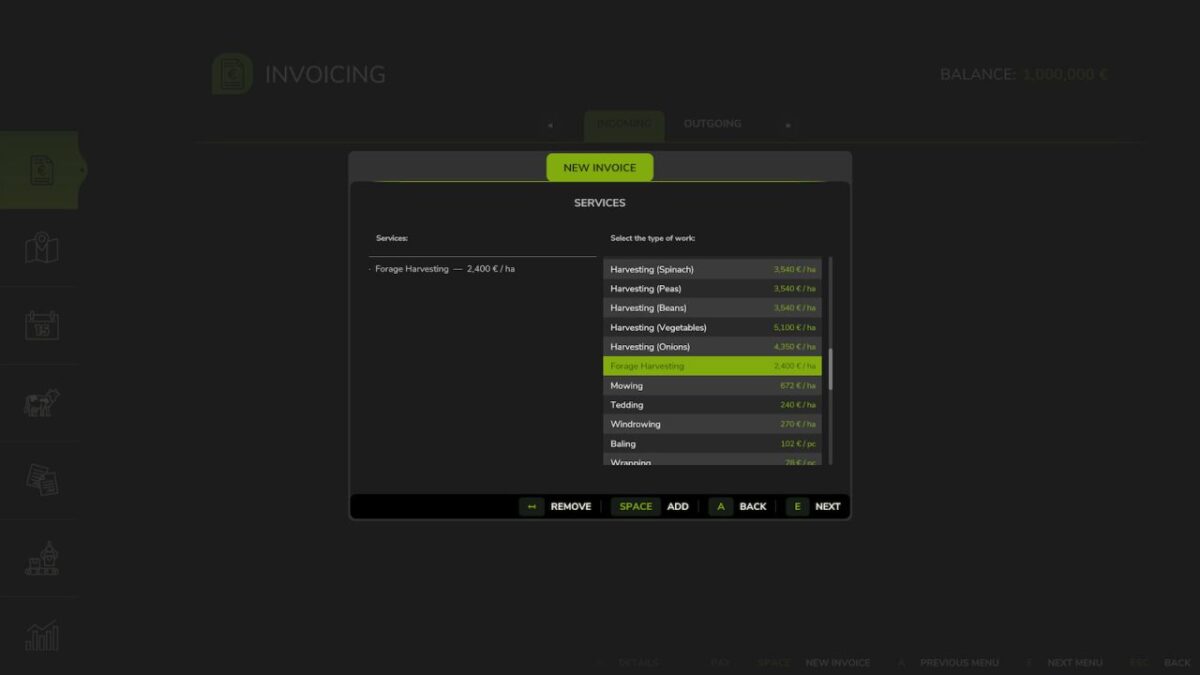
Ideal for agricultural contractor gameplay. Bill other farms for services performed: plowing, harvesting, transport, animal care, equipment rental, and 50+ predefined work types. Base prices are automatically adjusted based on your economic difficulty setting, and the user can modify any price directly when creating an invoice.
Features:
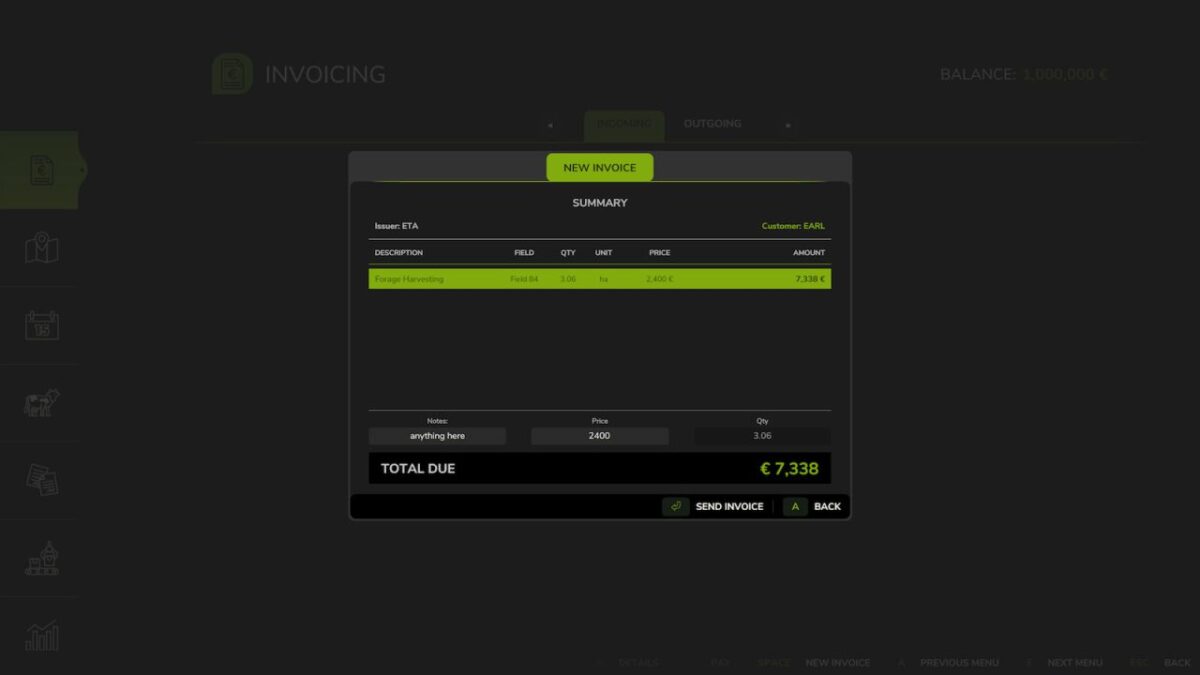
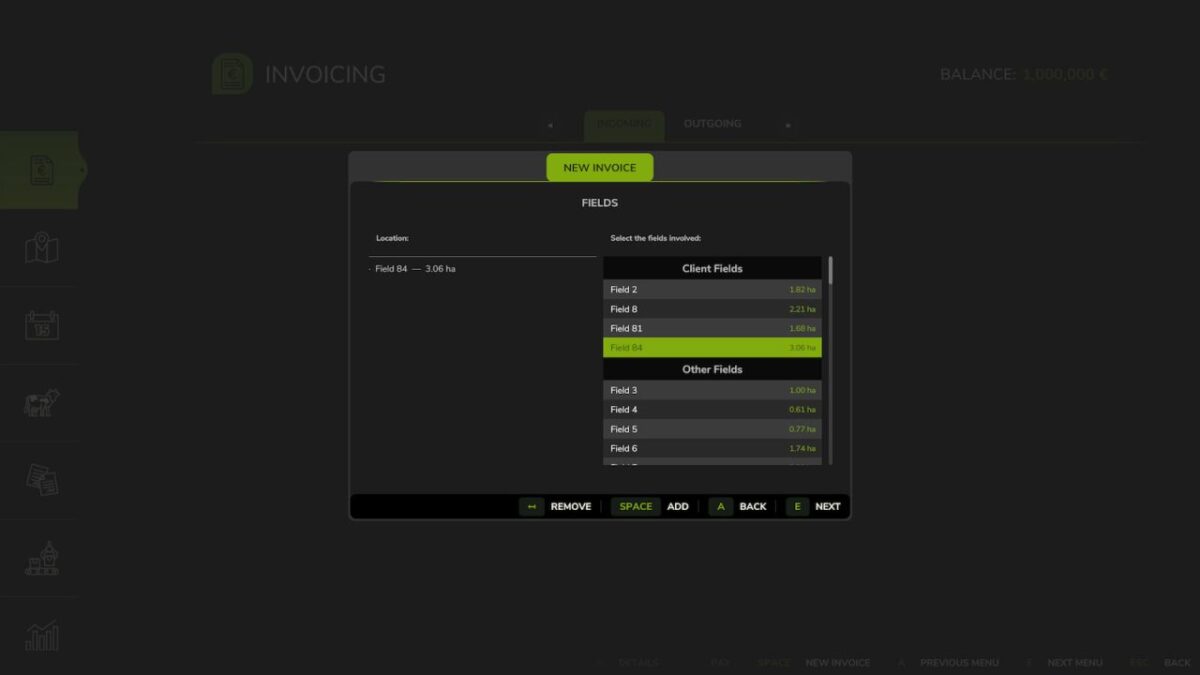
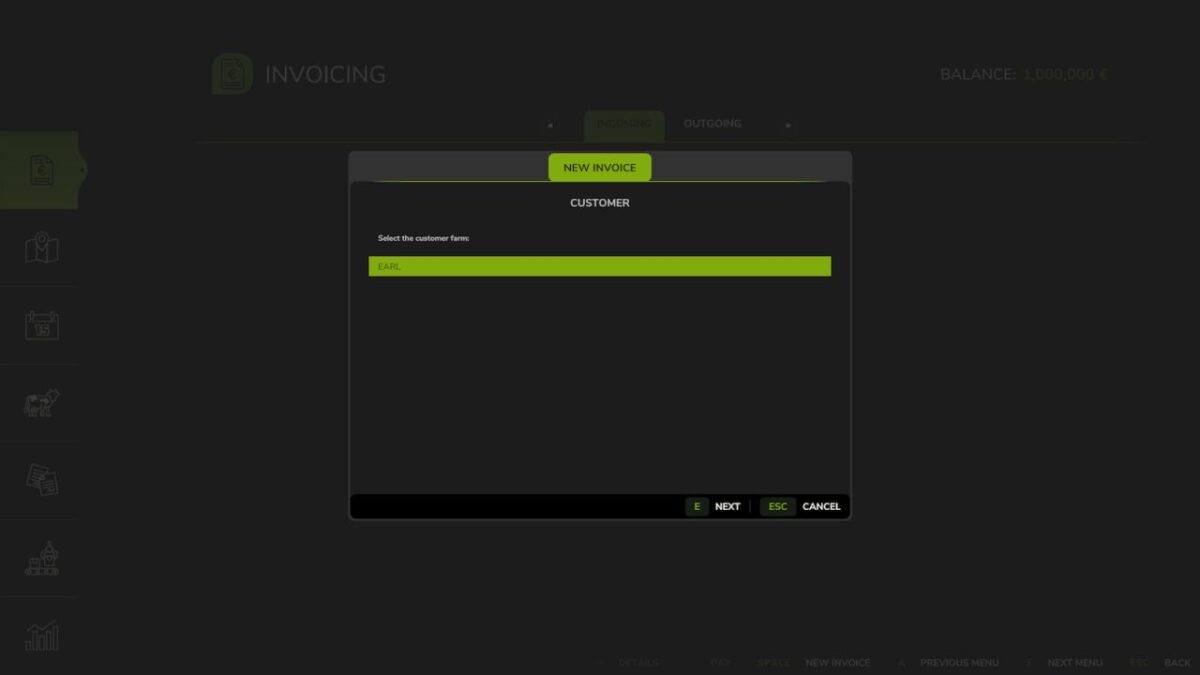
– Full invoice wizard: select recipient farm, work types, fields, quantities and prices
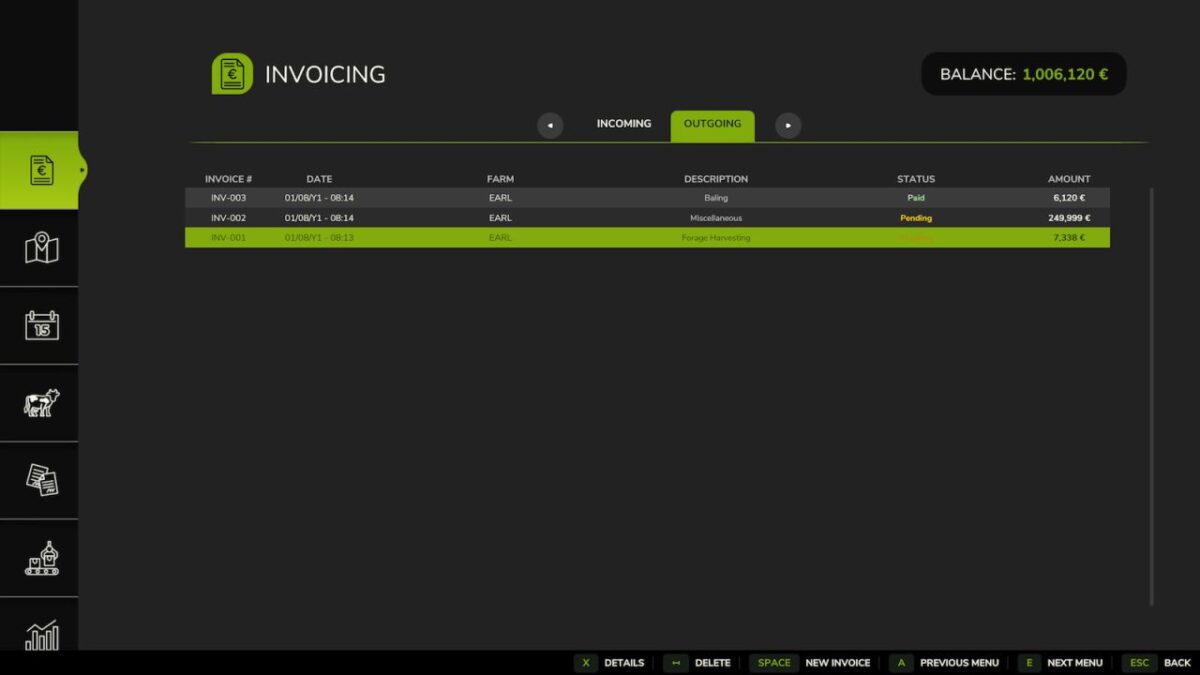
– Incoming and outgoing invoice tabs with status tracking
– Pay or delete invoices with automatic financial integration
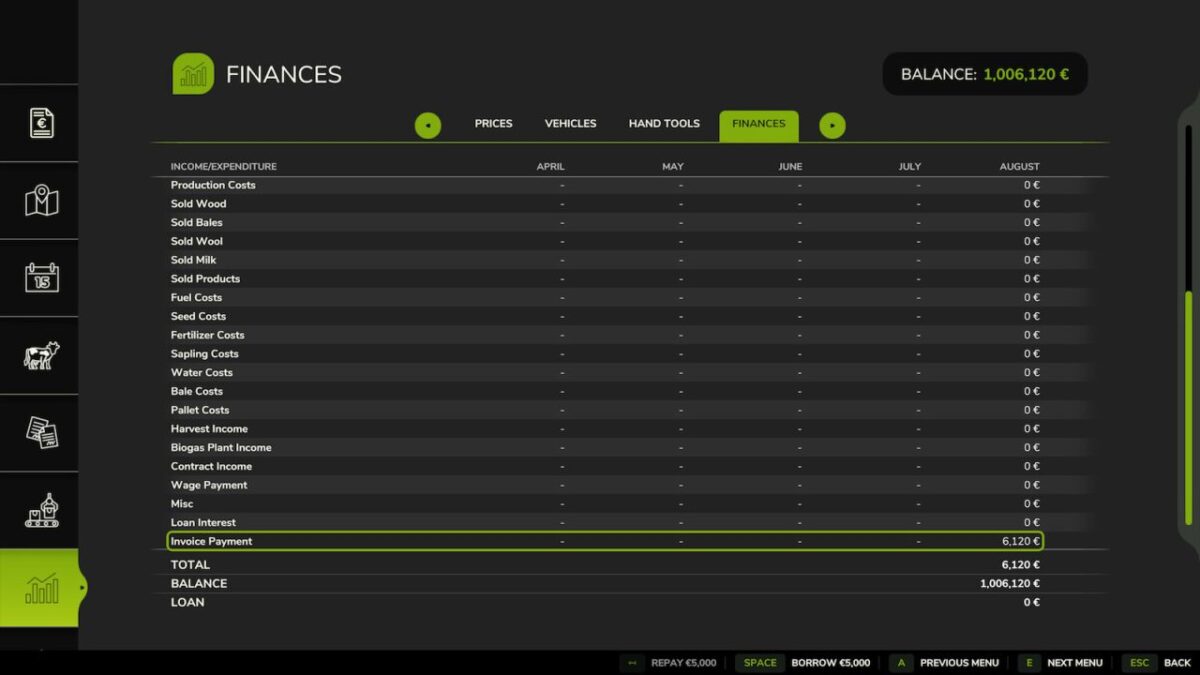
– Finance tab entry for invoice payments
– Automatic payment reminders
– Savegame persistent, fully synchronized in multiplayer
– 25 languages supported
Access via the dedicated tab in the InGame Menu (ESC).