

Landkreis Mittelberg Map v 1.1.0.2

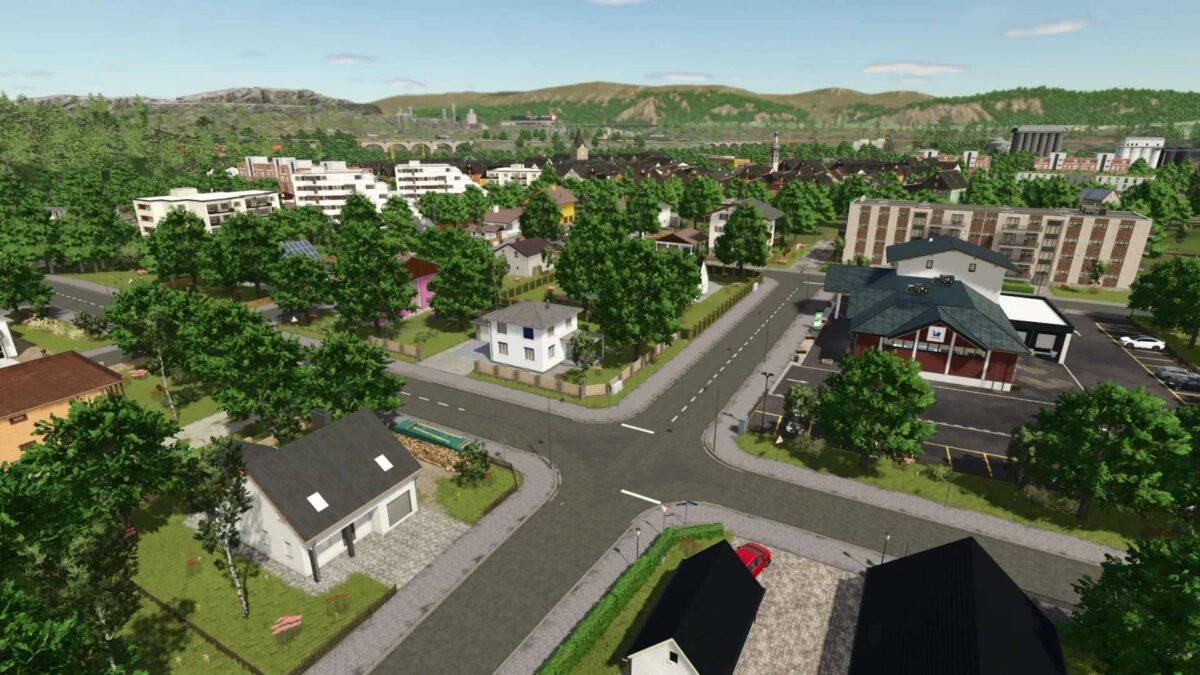
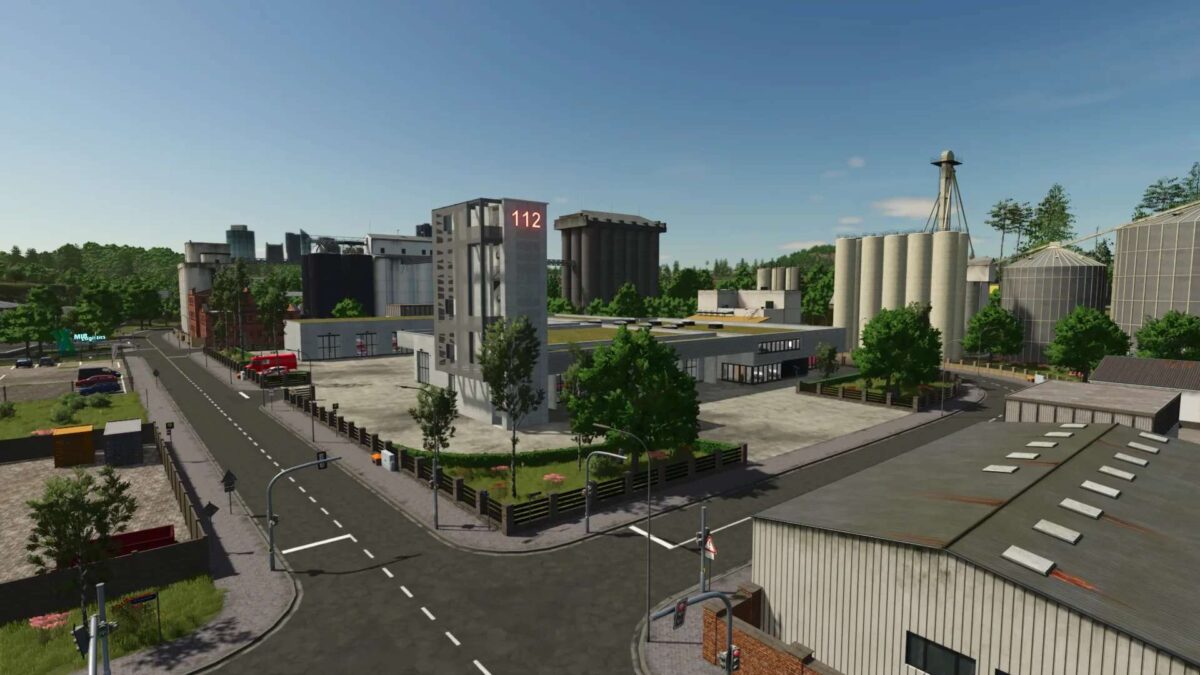
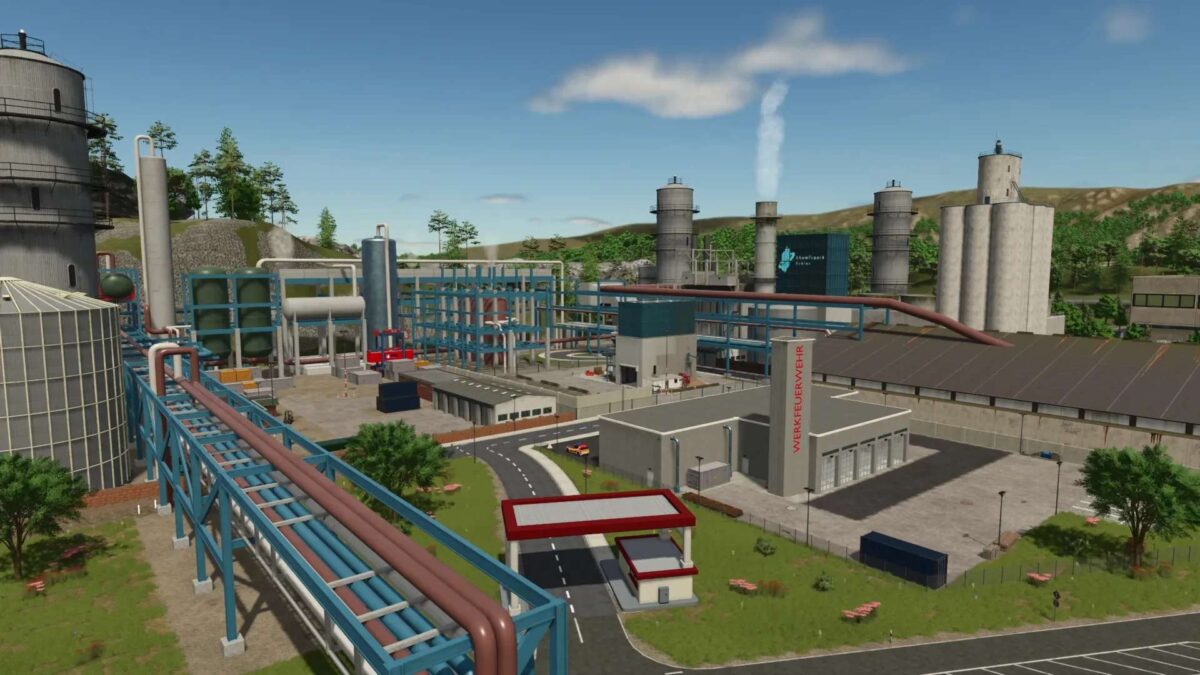
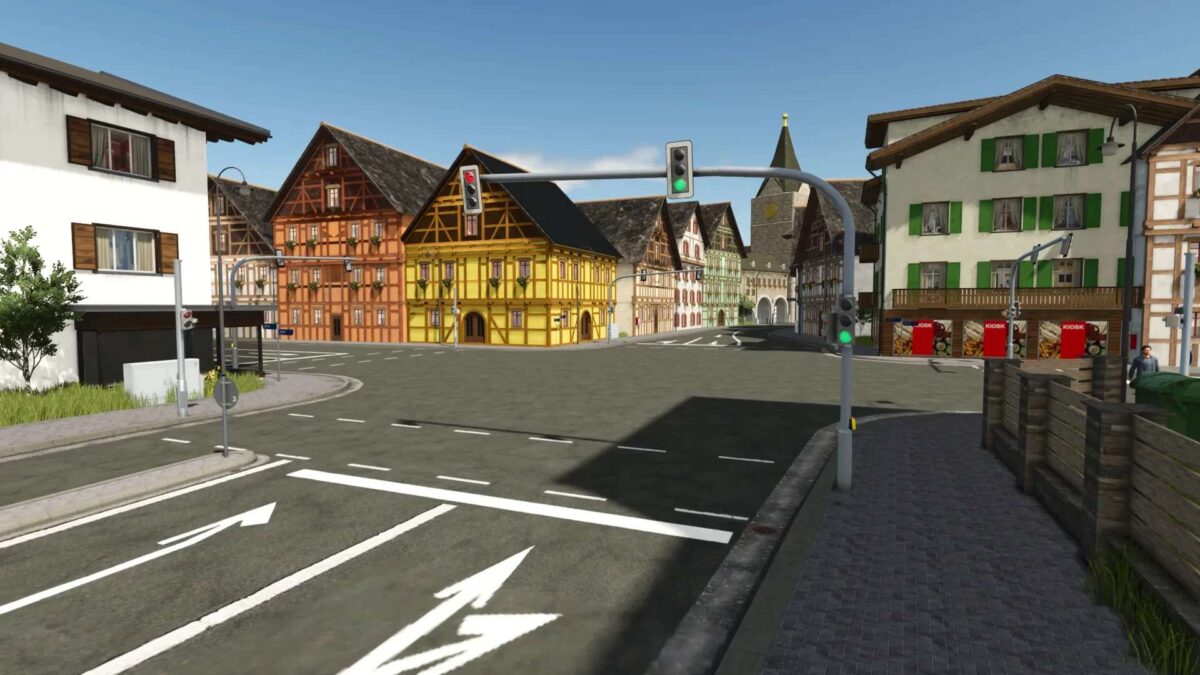
Landkreis Mittelberg Map v 1.1.0.2
– 29 fields + 4 meadows
– Farmyard
– Biogas plant
– Gravel pit
– 3 fire stations
– 2 town halls
– 2 police stations
– 2 ambulance services
– Hospital
– Towing service
– Sewage treatment plant
– Car dealership
– Soccer field
– Water rescue service
– Relief organization
– Road maintenance depot
– Go-kart track
– Highway with tunnels, bridges, interchanges, and rest areas
– Shops and retail outlets
– Recycling center
– Drive-in movie theater
– Industrial parks
– Driving practice area
– Controllable sirens for the fire department (activating one siren activates all others)
Version 1.1.0.2:
* Added power lines for realism in the fields in the center of the map
* Vehicle inspection stickers are now valid again
* Emergency system script: The hotspot of the currently active incident can now be clicked again (Fix for FS25 Patch 1.16)
* Patched further bugs in the FS25_FarmPack_Vogelsberger mod (Static Actor Warnings can still only be fixed by the mod creator – farmerfivetom please fix your mod)
* Various minor bug fixes and visual changes