

Lizard 362 v 1.0.0.1

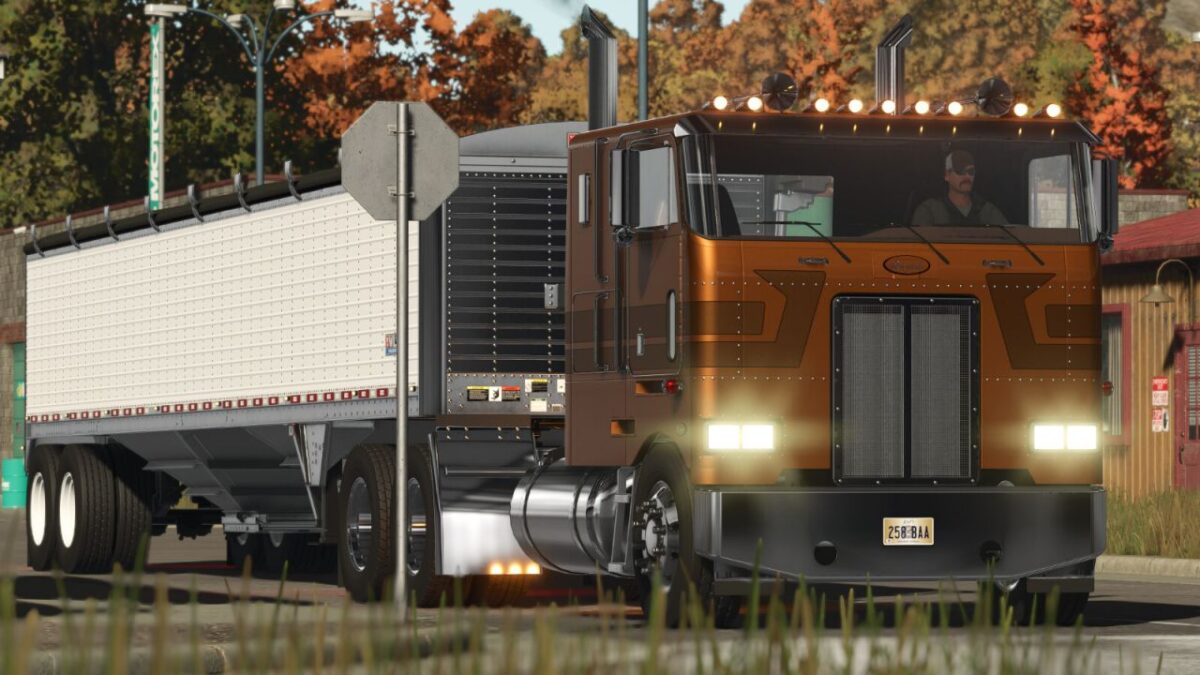
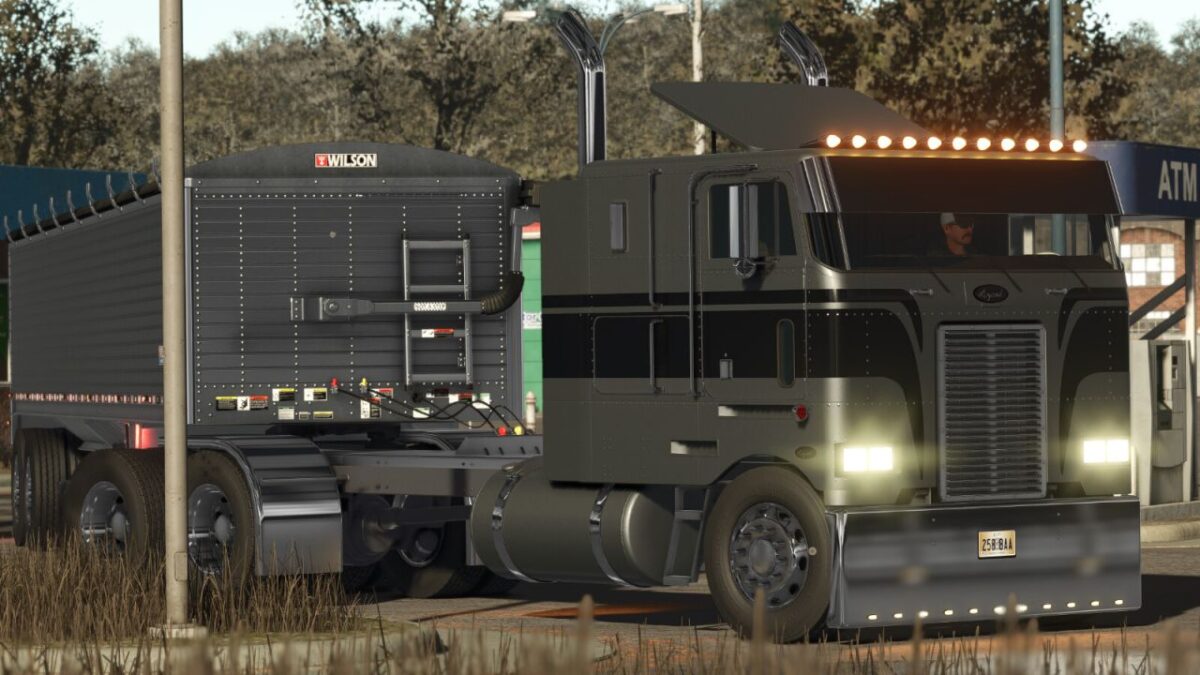
Lizard 362 v 1.0.0.1
Category: Trucks
Price: 38.000 $
Power: 425 hp
Maximum speed: 120 km/h
Settings:
– Engine power
– Standard 6×4 chassis
– Chassis- 6×4 medium
– Medium 8×4 chassis
– Long 6×4 chassis
– Long 8×4 chassis
– Optional rims
– Bumpers
– Visor
– Closed cabin
– Cab with rear glass
– Exhausts
– Mudguards
– Front visual detail
– Front and side logo
– Aero rear parts
– Aero parts top of the cabin
– Cab protector
– Front grille with details
– Top of cabin with horn
– Top of the cabin with antennas
– Round lights at the top of the cabin
– Square lights at the top of the cabin
– Stickers
– Side details
– Engine sound options
– Optional engine brake sound
– Optional reverse whistle
– Isufilm on glasses
– Steering wheels
– Chrome plates on the chassis
– Lights on the bottom of the tank
– Rotating lights
– Material details
– Third liftable axle
– Driver’s seat adjustments
– Hitch adjustments
– Optional colors
– Optional interior colors
Version 1.0.0.1:
* Fixed adjustment error in the internal camera
* Added and corrected rear turn signal lights
* Adjusted speed
* Adjusted brake sound
* Slightly adjusted brake
* Adjusted gear ratio