

Case IH Axial Flow 160 Series v 1.0

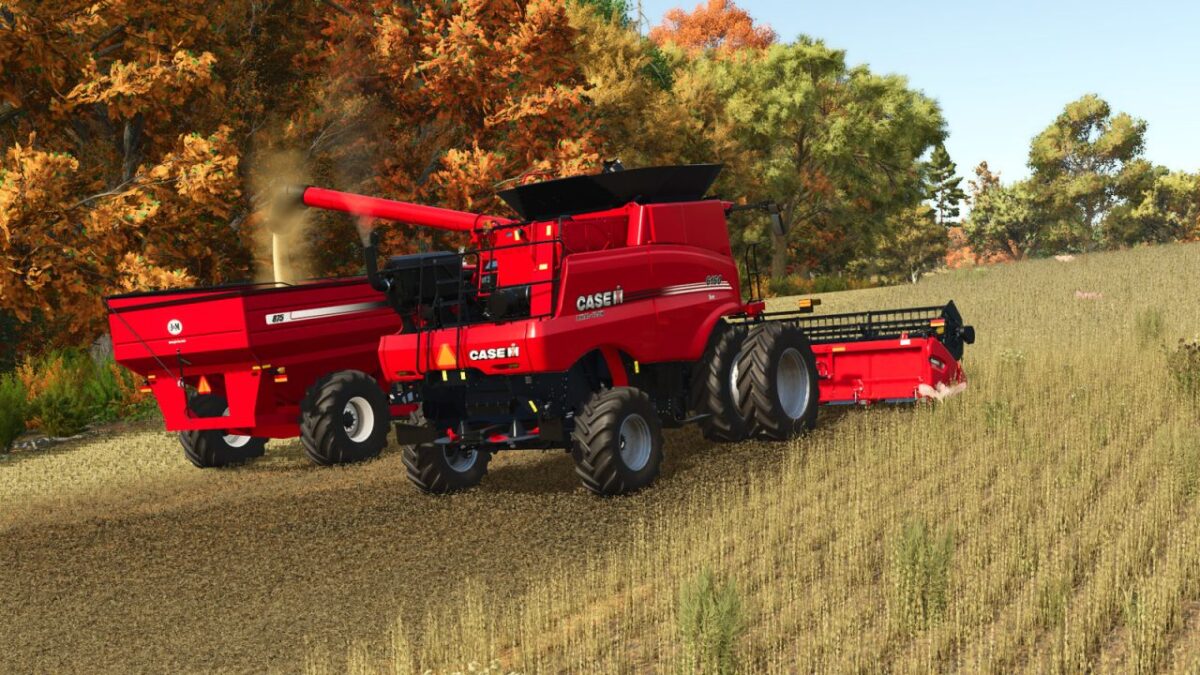
Case IH Axial Flow 160 Series v 1.0
Configurations for this mod include:
– All wheels configurations available for the 160 series, single and dual tires, in front wheel drive and all wheel drive configurations.
– Front axle extensions as an option for 120-180 inch spaced front dual tires.
– Rear axle width configurations from 120-150 inches, available in 4-inch increments.
– Unload auger length (all three)
– Unload auger spout (both static and pivoting)
– Optional Rotating dust screen brush for the air intake
– Optional Case IH 392 GPS receiver
– Optional trailer Hitch
– All available factory grain tank options from Case IH are included, and are different between the 6160 and 7160.
– Cloth and Premium Leather seats are available
Case IH Axial-Flow 6160
Category: Harvesters
Price: $723,525
Power: 411 hp
Max. speed: 30 kph
Capacity: 300 Bushels (10,571 L)
Capacity: 950 L
Case IH Axial-Flow 7160
Category: Harvesters
Price: $745,630
Power: 442 hp
Max. speed: 30 kph
Capacity: 350 Bushels (12,334 L)
Capacity: 950 L