

Ford Transit MK8 v 1.8

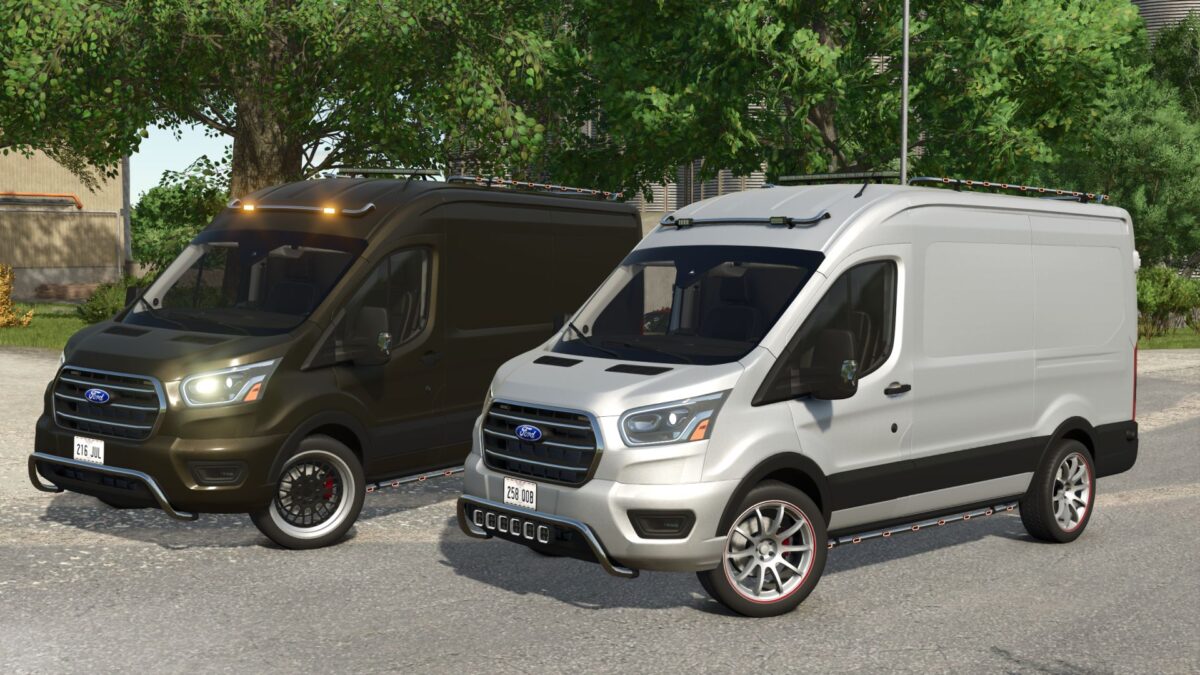
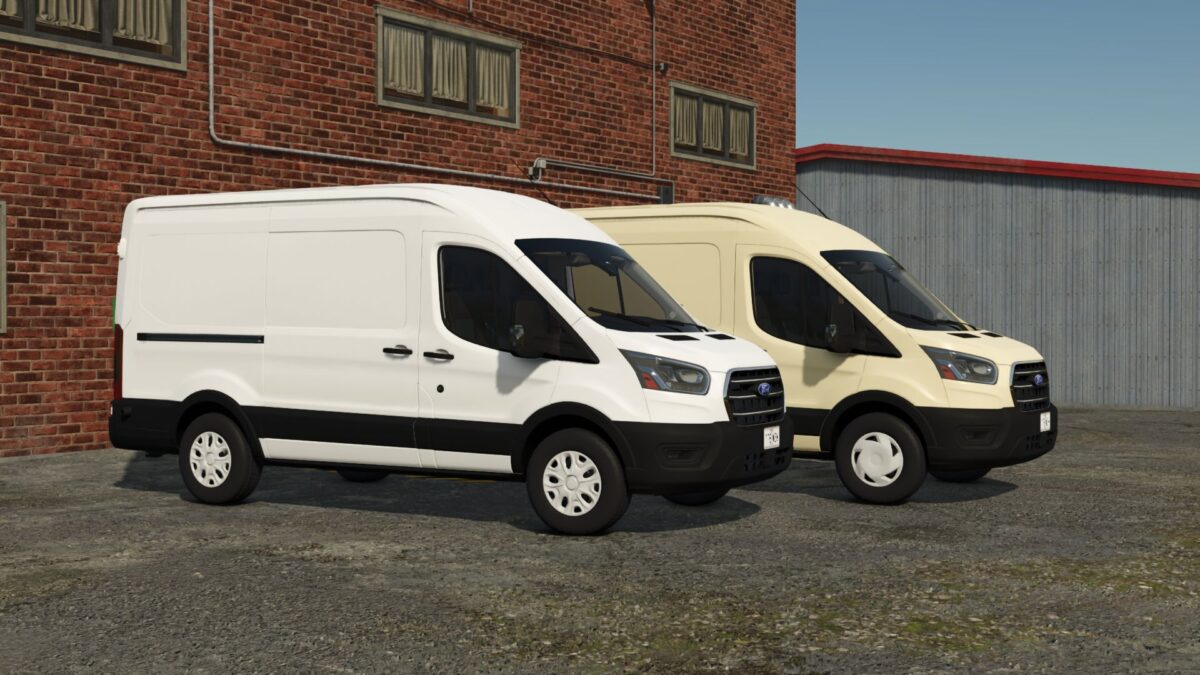
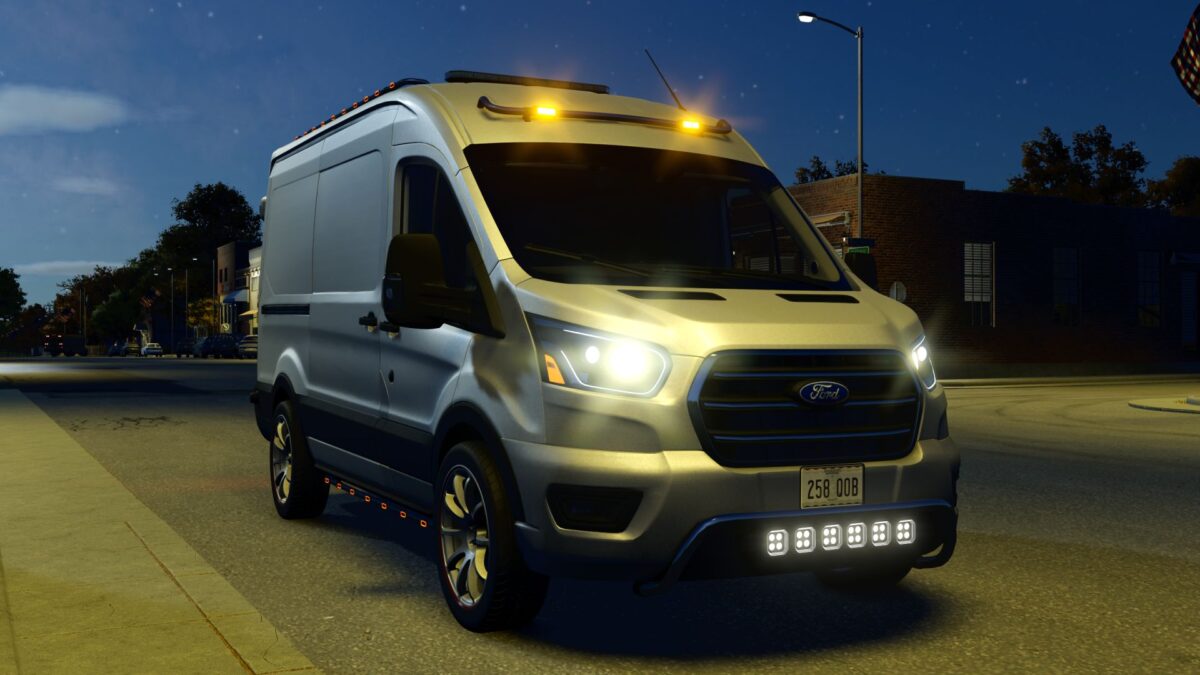
Ford Transit MK8 v 1.8
About the mod:
– Power 188 hp;
– Fuel tank capacity: 80 l.;
– Cost: 57660 $;
– Speed 180 km/h;
– Selectable rims;
– Selectable front bumper;
– Selectable roof bar;
– Selectable front barr;
– Selectable front Strobe/Lightbar;
– Selectable passenger seat;
– Selectable number plates;
– Selectable body & rims сolor;
– Animated dashboard, turn switches, driveshafts, wipers;
– Fully animated dynamic suspension;
– Passenger support;
– Interactive Control support;
– Mercedes-Benz Trucks Pack support (rearview camera) ;
Version 1.8:
* Added a roof bar and front bar, along with the ability to install additional lighting on them
* Minor model improvements
Credits:
GDNfix, MinewarsLP, BF Stuttgart