

Farmland Market v 0.5

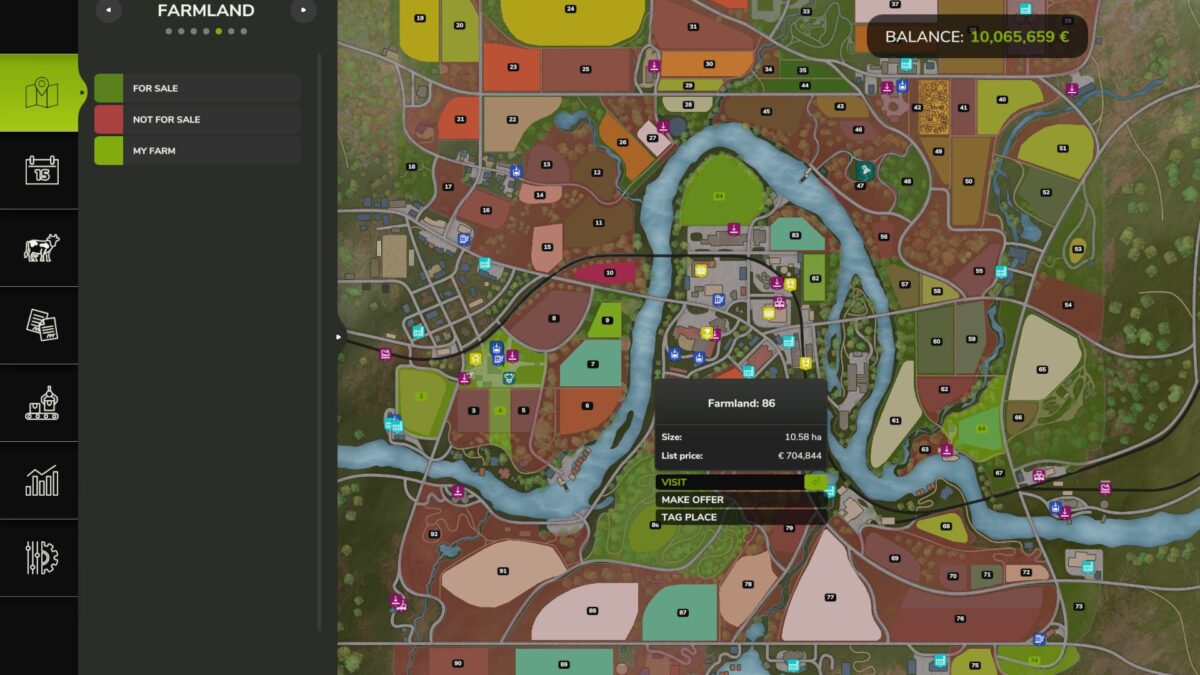
Farmland Market v 0.5
This mod is under active development.
Features are functional but may contain bugs.
Makes farmland acquisition more realistic and strategic.
Field prices reflect their actual crop value, and not all fields are always available for purchase.
Features
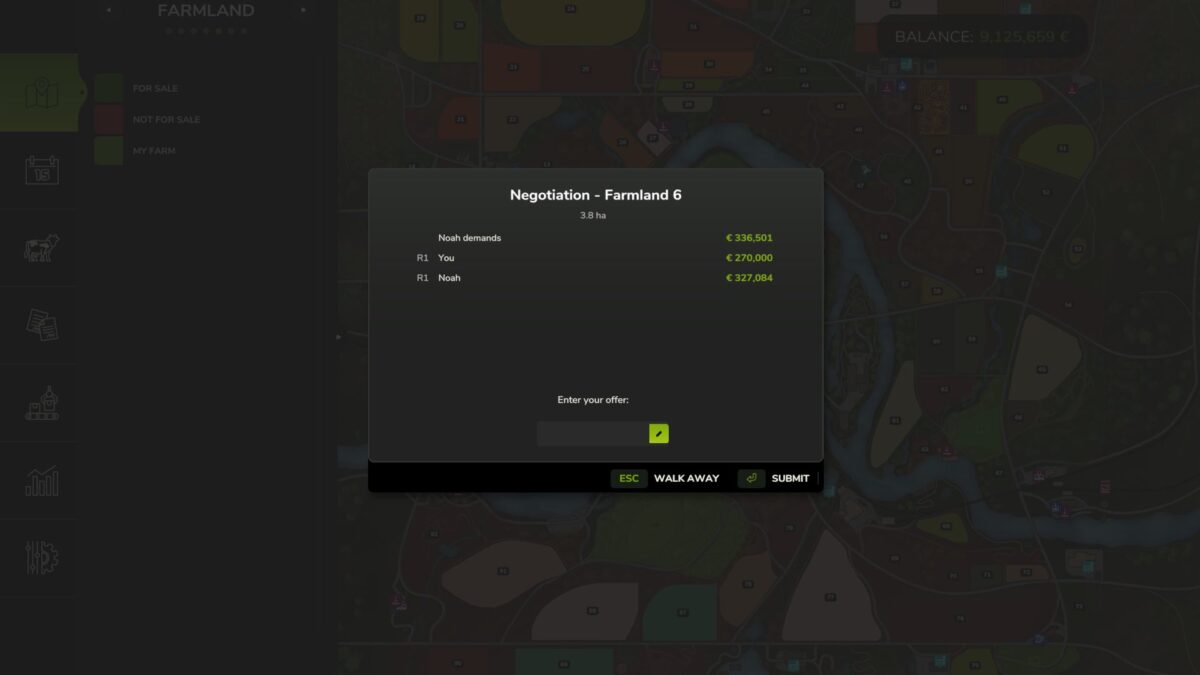
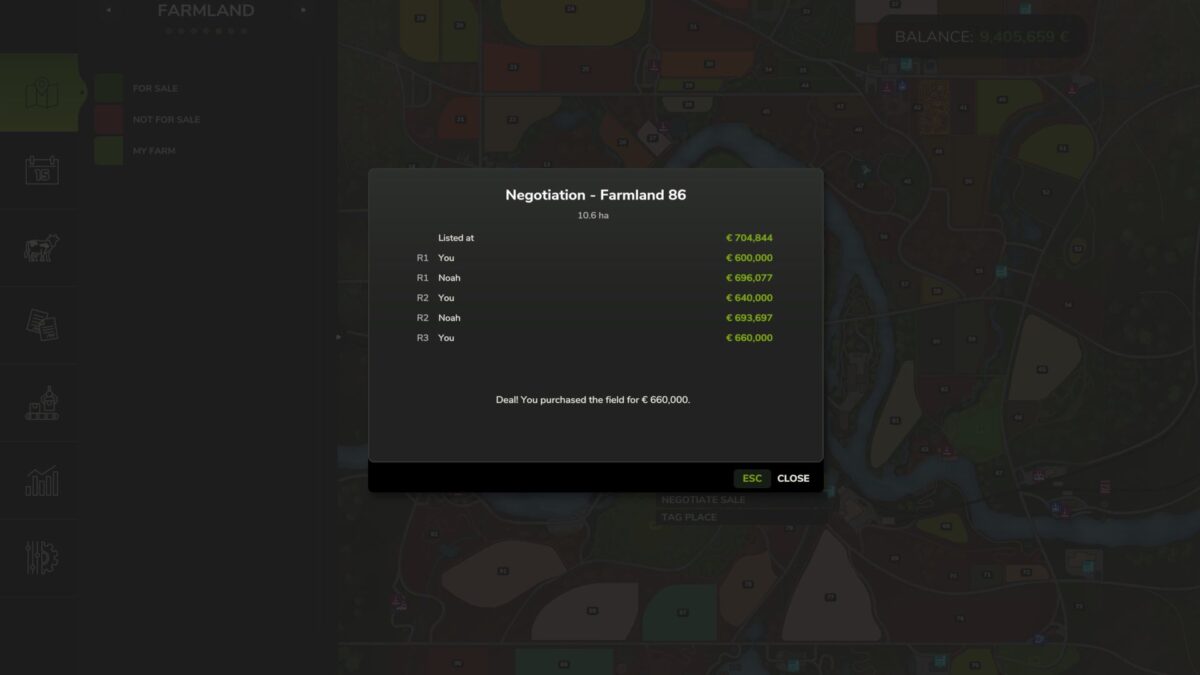
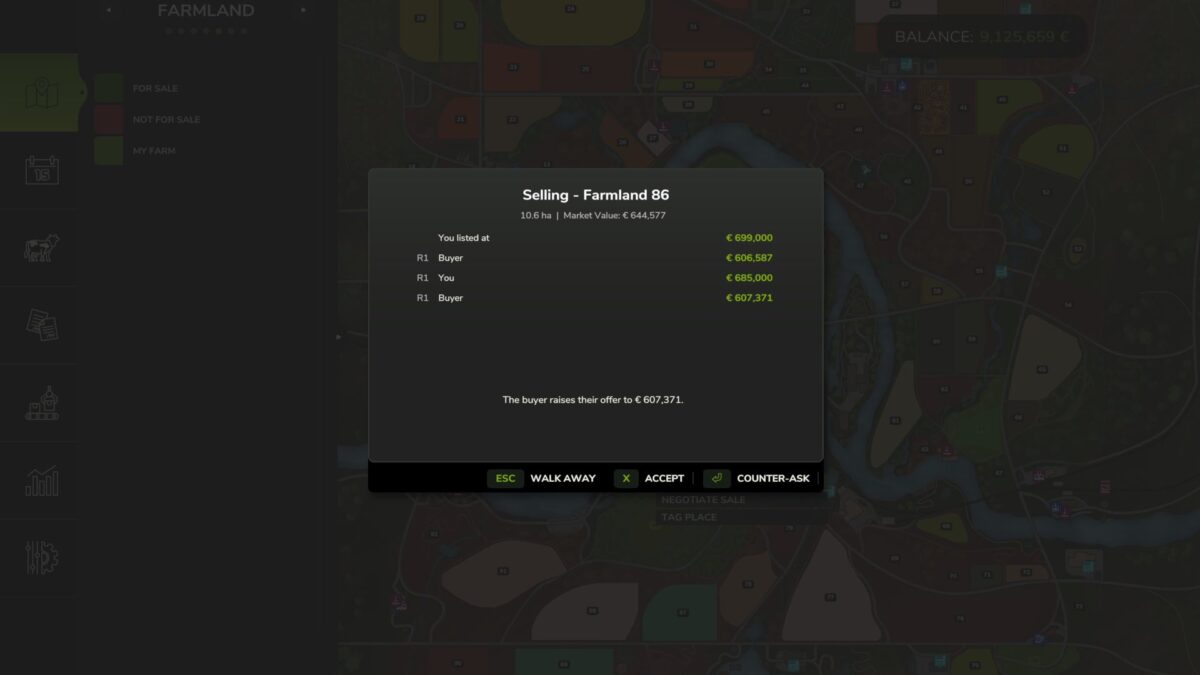
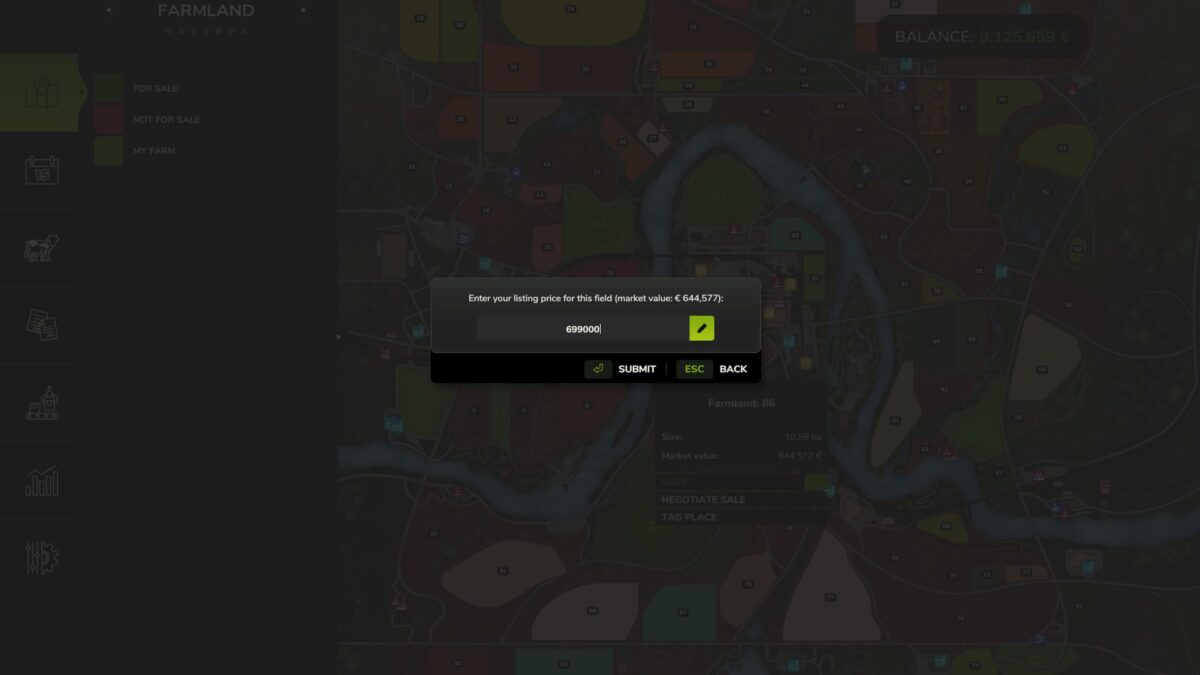
– Negotiation system – buy and sell farmland through offers and counter-offers
– Crop-value adjusted pricing – field price includes estimated harvest value
– Limited field availability – fields rotate daily with seasonal variation
– Five difficulty presets – Easy, Normal, Hard, Harder, Realistic (or off)
– Adjustable base price per hectare
– Map color coding – for-sale and unavailable fields are visually distinct
– All settings accessible from the in-game settings menu
Notes: Multiplayer compatible
Version 0.5:
* Changed base price setting from multiplier presets to direct price per hectare input
* Fixed list price not showing correctly when Precision Farming mod is active
* Fixed logger registration error when multiple Ritter mods are loaded