

MF Old Generation 1970-1990 Pack v 1.0.0.2


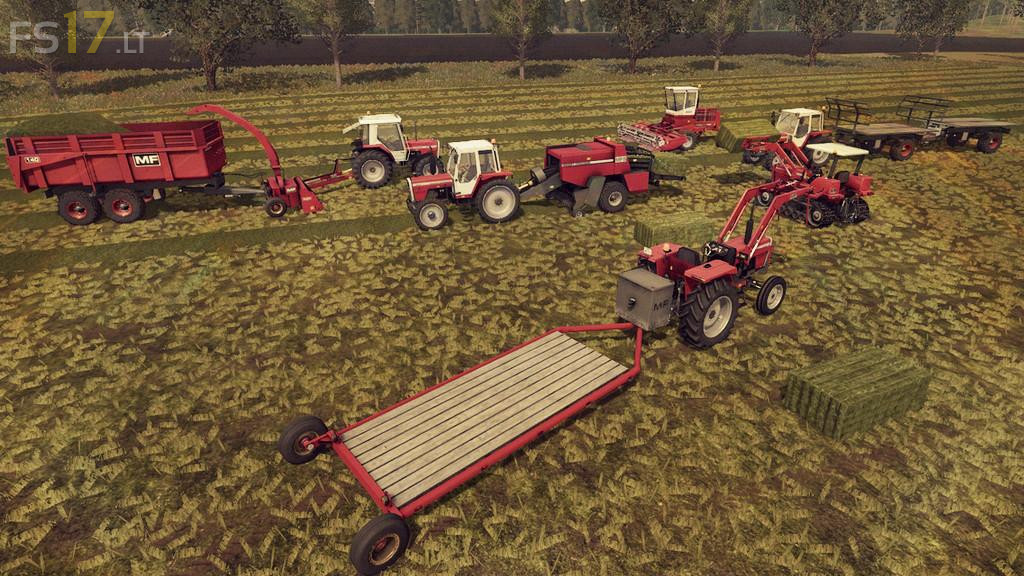
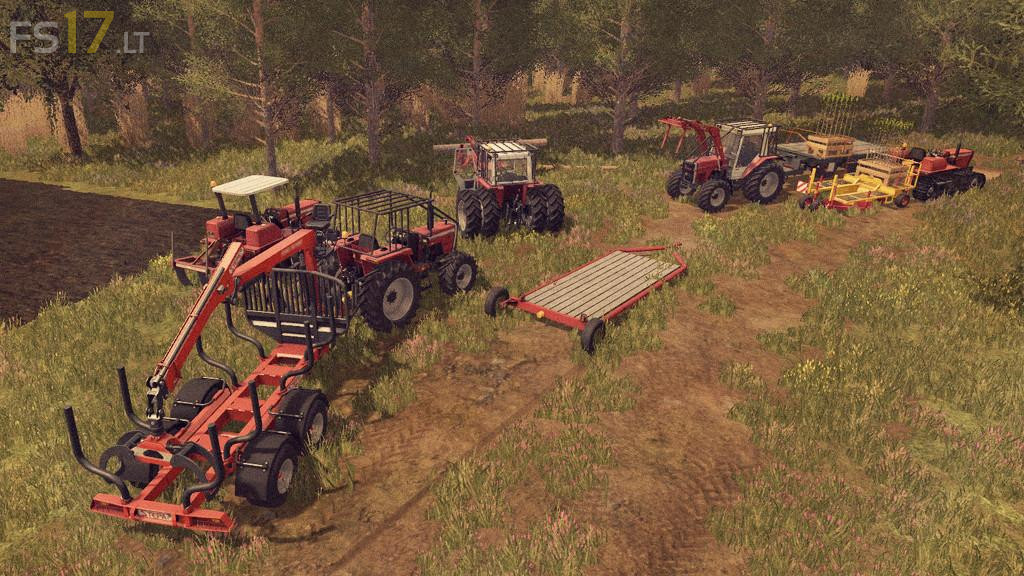
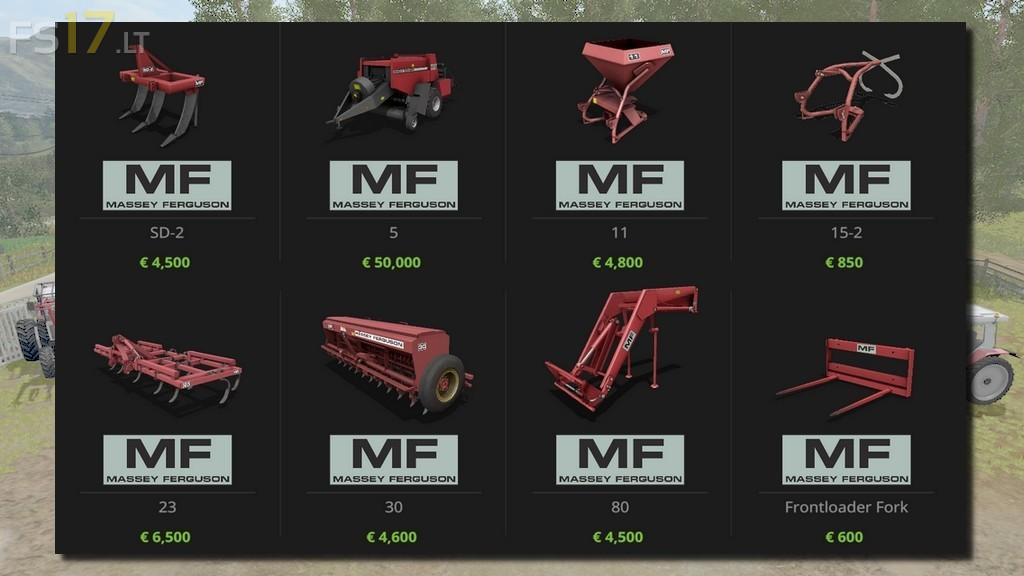
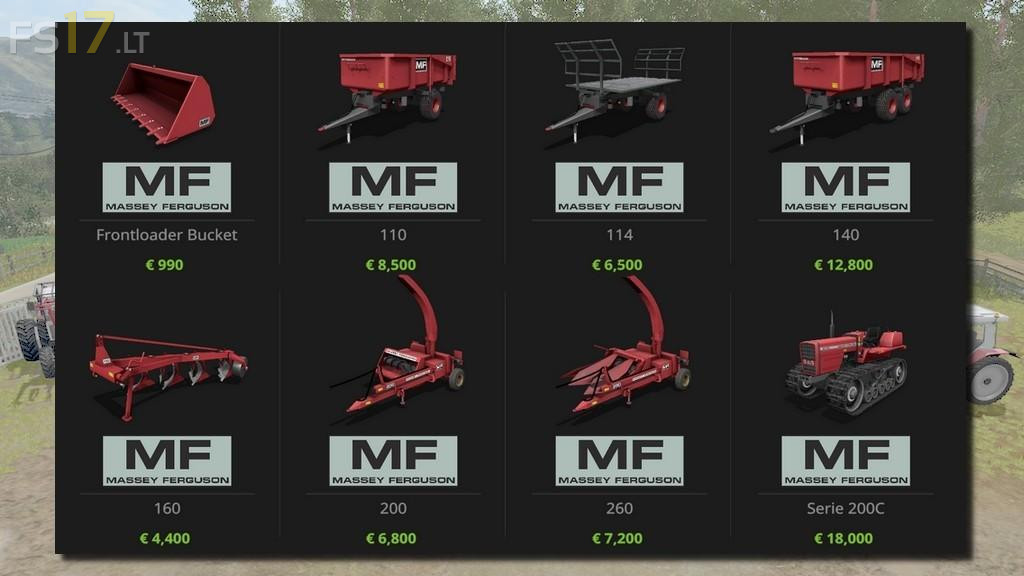
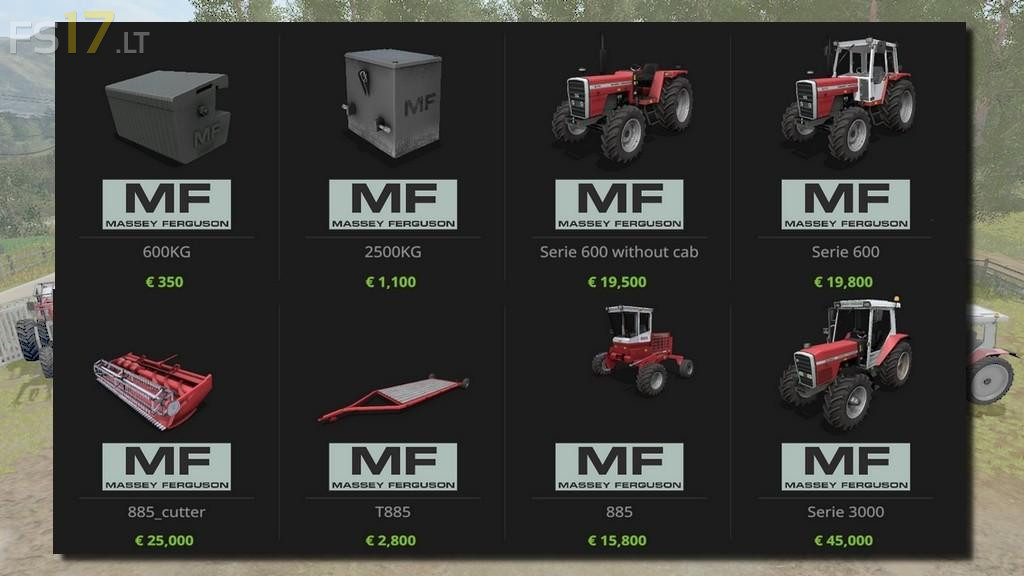
MF Old Generation 1970-1990 Pack v 1.0.0.2
Version 1.0.0.2:
* Added new Combine MF27
* Added new Cutter MF27 Cut
* Added new Round Baler MF125
* Added new Manure Fork MF
* All shaders have been updated
* Adjusted shaders Log grabber MF15
* Adjusted fillVolume MF30 (cover)
* Fixed of baler prize
* Adjusted MF24
* Adjusted MF30
* Fixed support MF885 cutter
* Fixed MF294 FL
* Added Warning Triangle option
* Fixed MF200
* Fixed MF260
* Fixed MF11
* Adjusted MF140 -10% size, Fix fillVolume, Fix dicharge, Fix exactFillRootNode
* Adjusted MF110 -10% size, Fix fillVolume, Fix dicharge, Fix exactFillRootNode
* Adjusted MF114
* Fixed Motor power MF3000
* Added Real 2Wd modele MF600, 600C, 3000
* Added 2wd double all Tractors
* Fixed Motor option price MF600 and MF600C
* Fixed 3-points Rotation MF294C, MF600, MF600C, MF3000
* Fixed all wheels MF3000
The MF125 have a problem when deploy bales and crash game