

Robur LO 3001 v 1.0

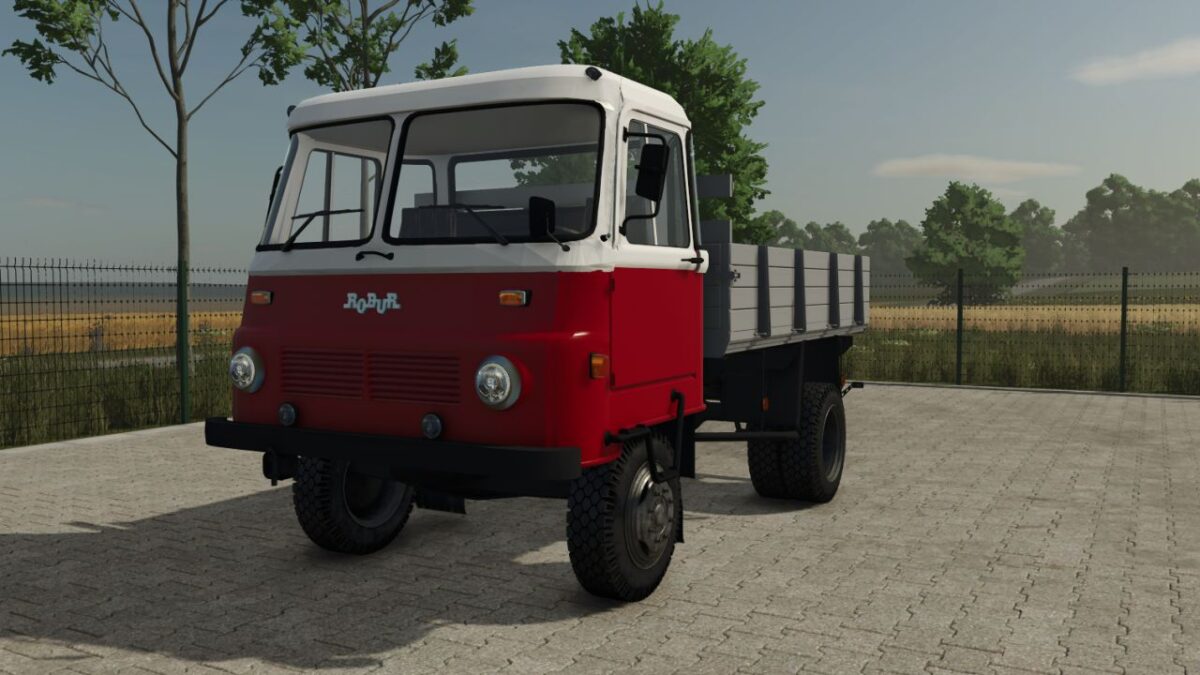
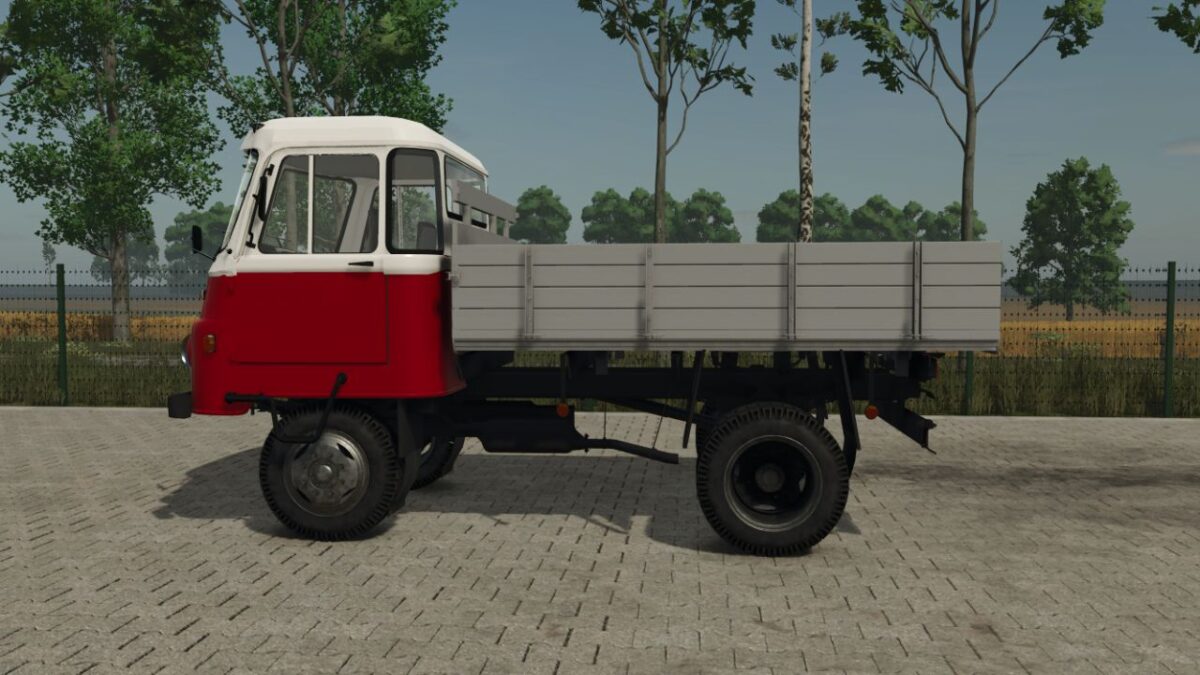
Robur LO 3001 v 1.0
About the mod:
Key Features for your Farm:
Bale Transportation: The spacious flatbed is ideal for hauling hay, straw, or silage bales.
Its low loading height (compared to the 4×4 versions) makes manual loading or using a front loader much easier.
Grain Transport: Equipped with sturdy sideboards, the LO 3001 can be configured as a tipper or a fixed-bed truck to transport grain from the field to your silos.
Authentic Experience: Featuring realistic engine sounds and era-appropriate lighting, this mod captures the true feeling of operating a classic Robur.
Versatility: Whether you are moving pallets of seeds, small tools, or loose materials, this truck handles it with ease on paved roads and solid dirt tracks.
Credits:
honved4