

Invoice System v 1.0.0.3

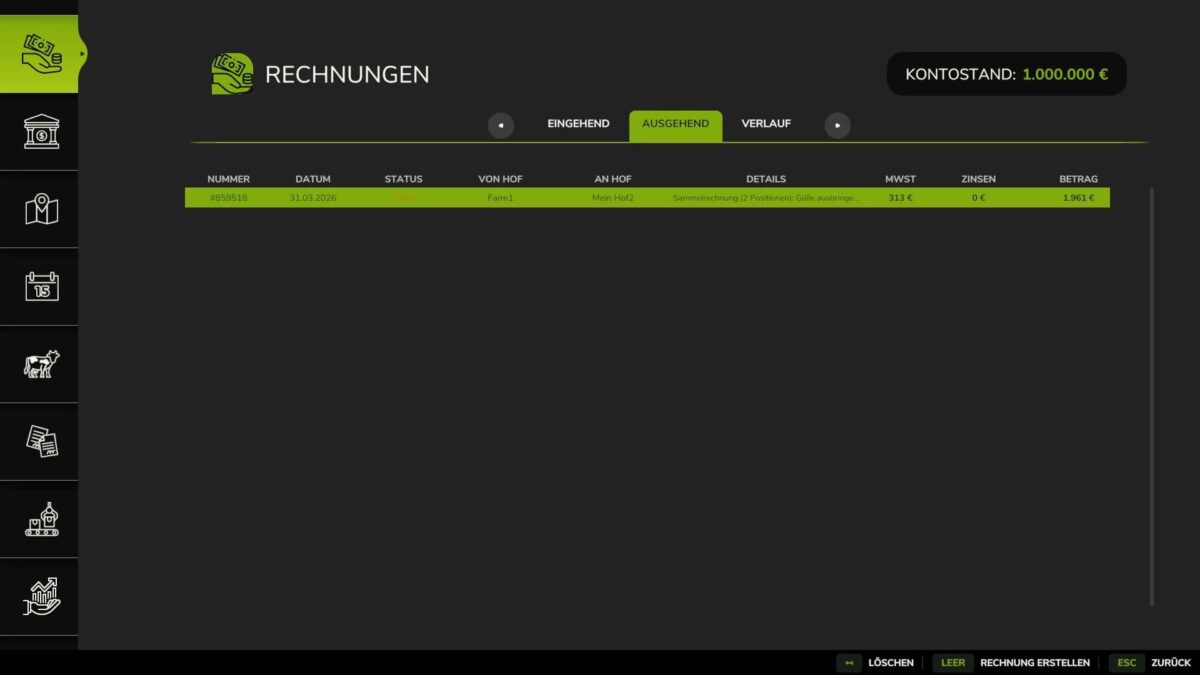
Invoice System v 1.0.0.3
With this mod, you can trade between farms in multiplayer and send each other invoices.
Features:
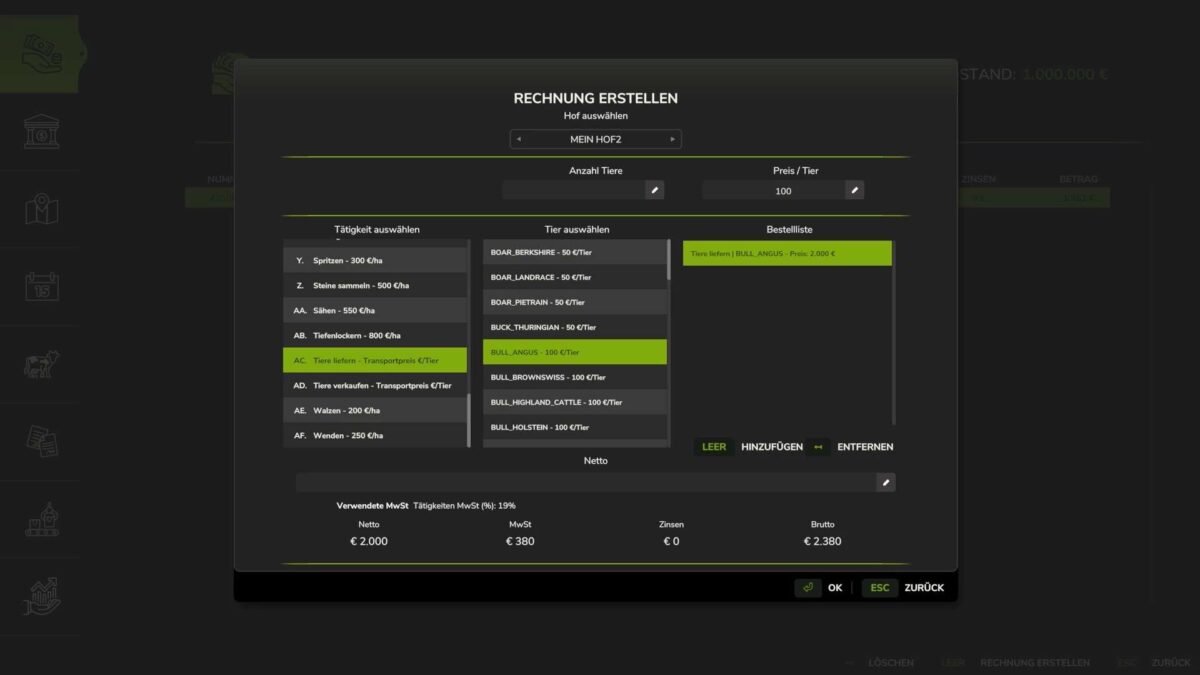
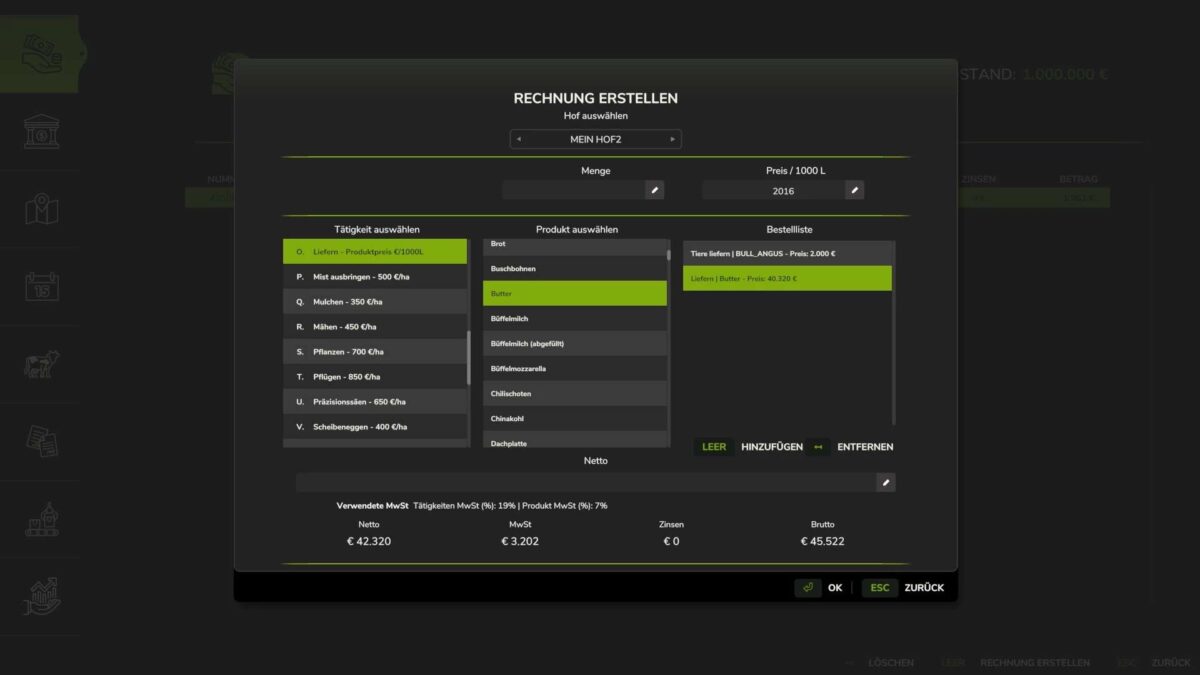
Create invoices via an integrated menu
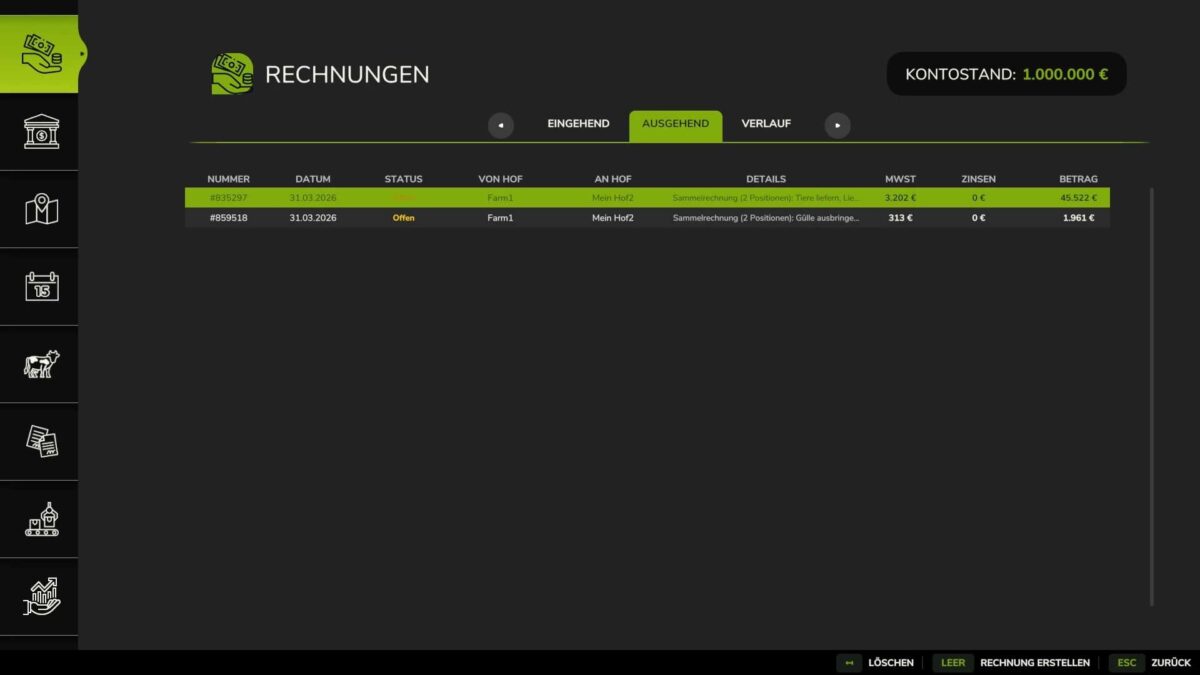
Send invoices to other farms
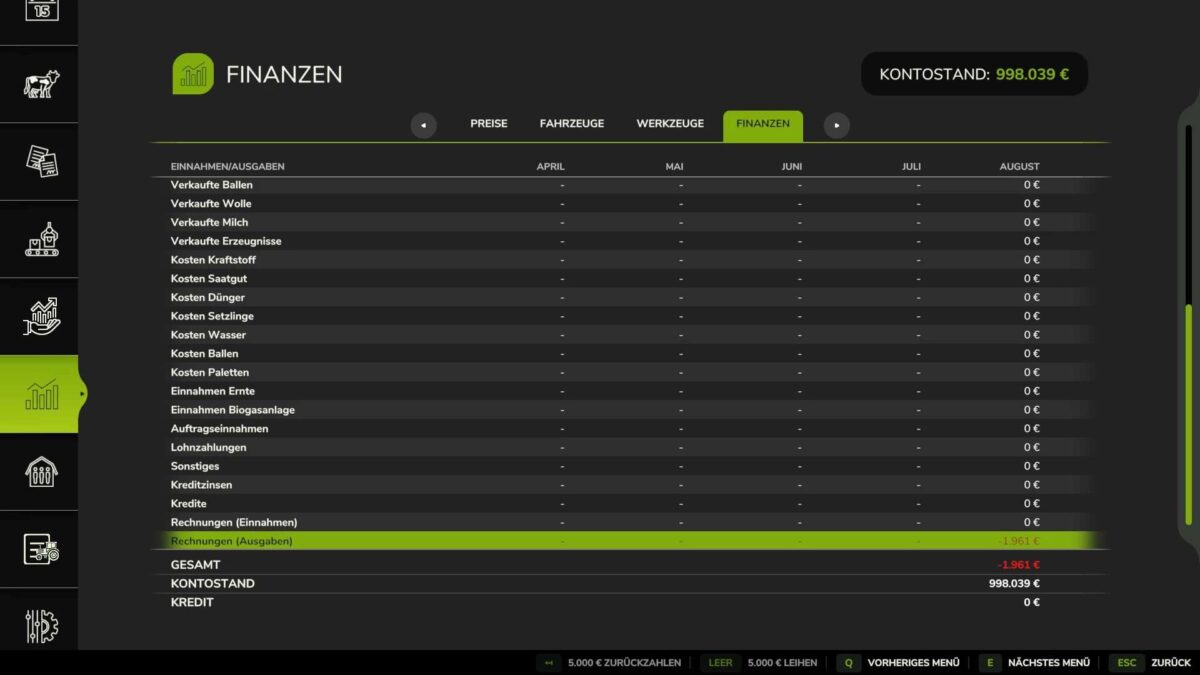
Automatic payment processing after confirmation
Multiplayer synchronization via the server
Invoices are stored for up to 3 days
Support for all GIANTS work activities
For deliveries, all visible fill types from the product list are available, as they are listed as fill types on the map. Therefore, no custom products need to be entered.
Ideal for server projects focusing on economics, roleplay, and professional management.
Not suitable for consoles or single-player.
Important:
This mod is intended exclusively for multiplayer.
The mod is compatible with FS25_Papierkram.
Version 1.0.0.3:
* Duplicate entries removed from the product list
* VAT can be adjusted when selling animals in the settings