

Wola Zabierzowska Map v 1.0.1.0

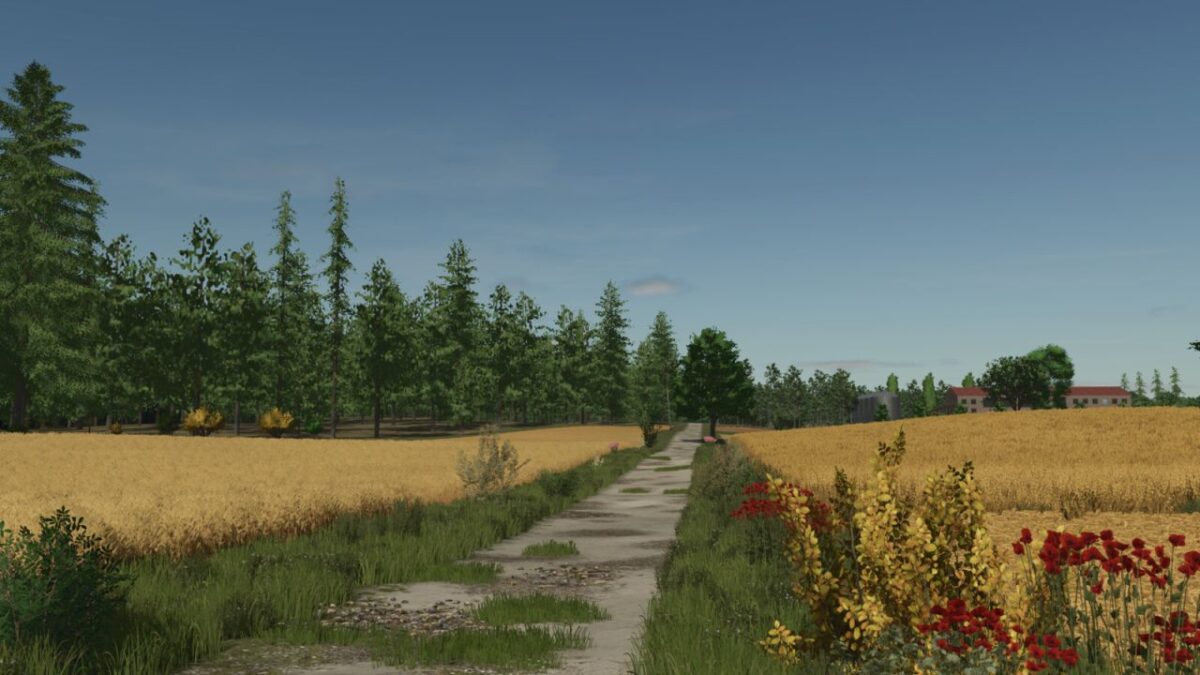
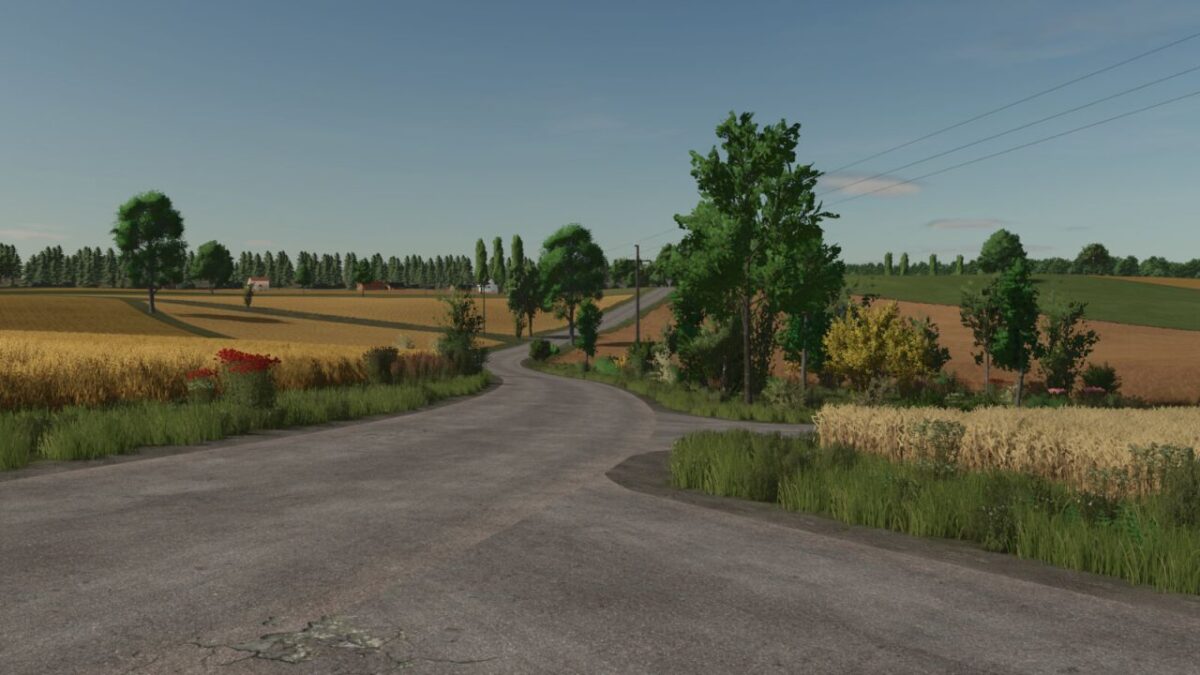
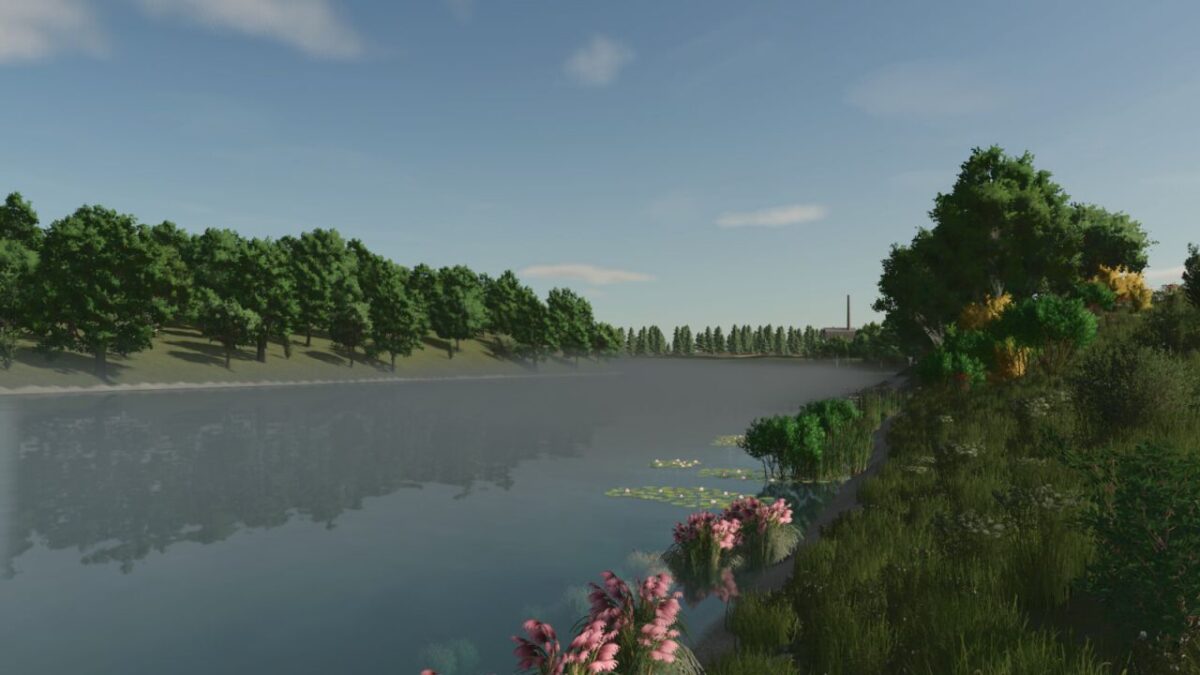
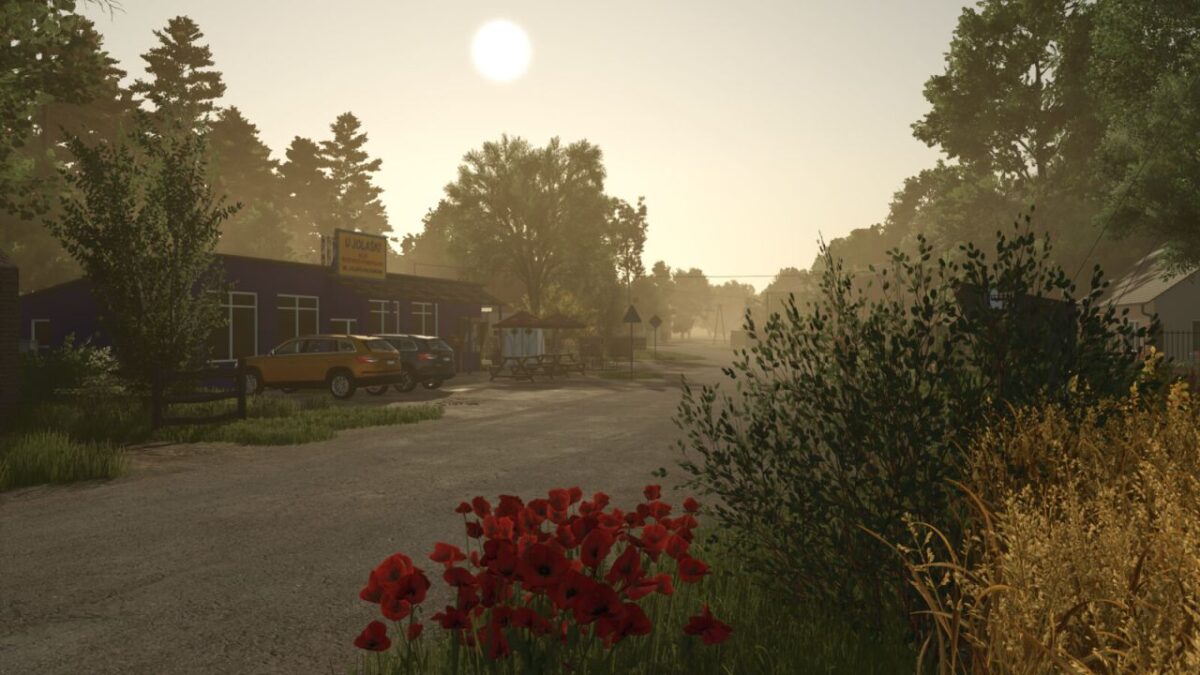
Wola Zabierzowska Map v 1.0.1.0
The map includes:
197 fields
254 areas
Many new crops
Many new productions
2 new cotton harvesters adapted for lavender harvesting
Several points of sale
Many production points
4 farms, including 2 starter farms
Spruce saplings available in the shop
New NPCs
Compatibility with Precision Farming DLC
Compatibility with Highlands Fishing DLC
Multi-angle ground
Many new ground textures and new plants available for painting in the shop
Many new factories adapted to the new products available in the shop
New greenhouse adapted to the production of berries and pumpkins
Changed cultivation periods for some plants
Ability to obtain straw from canola, maize, soybeans and sorghum
New type of straw: Flax straw, which can be used in the spinnery
Many forest areas
Missions involving wood transport, rock removal, and cutting down dead trees
Varied terrain
Autumn and winter details, such as leaf mounds, snowmen, etc.
New collectibles
Version 1.0.1.0:
* Changed the texture of the main roads
* Fixed stones appearing in fields (they work correctly on a new savegame)
* Added a large mustard processing plant
* Added new ground textures available in the shop
* Made minor adjustments to field grass and mustard
* Increased the price of mustard jars
* Several other minor fixes