

Kolonia 2026 Map v 1.0

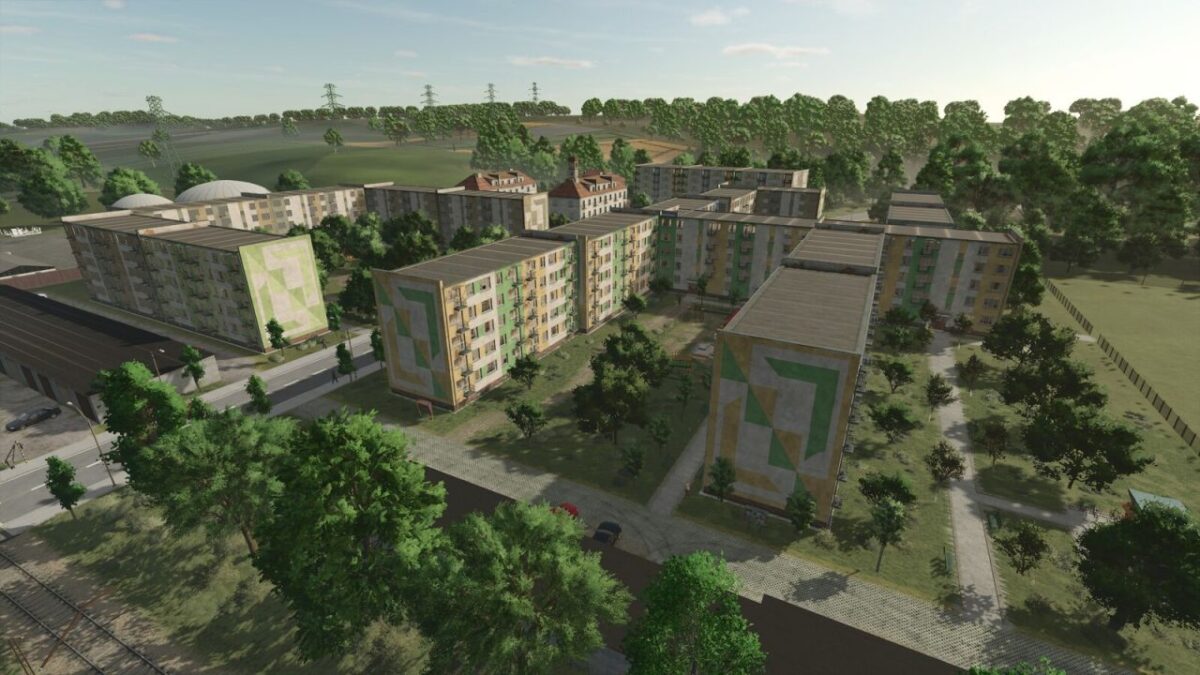
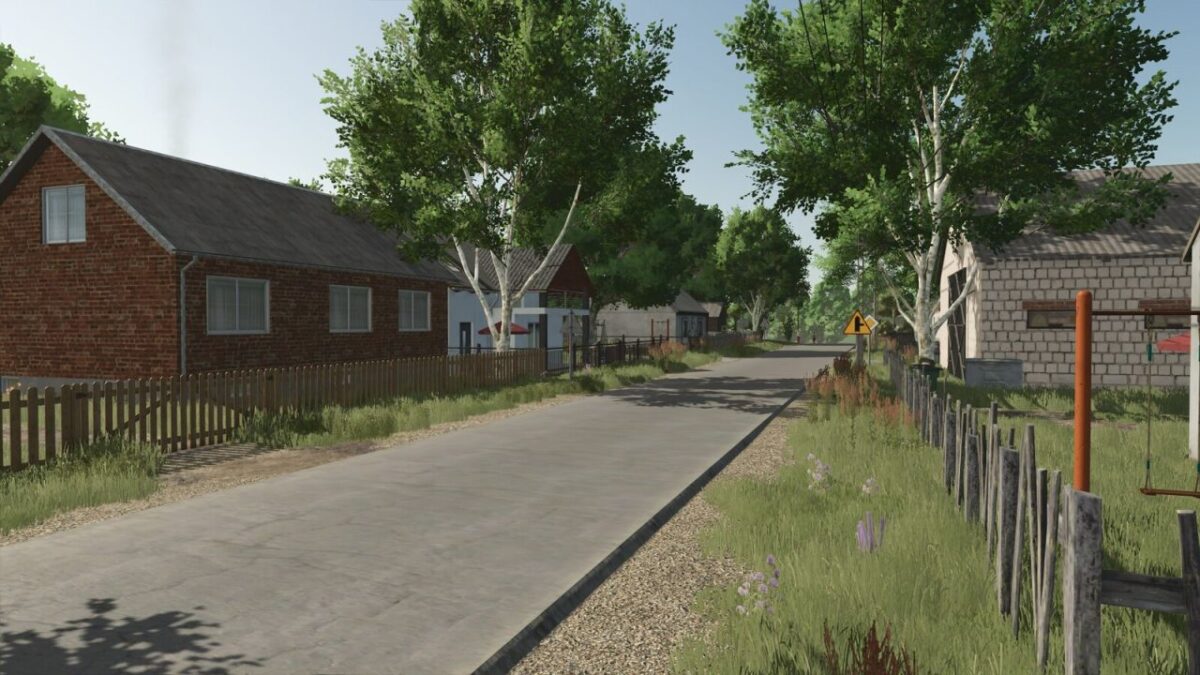
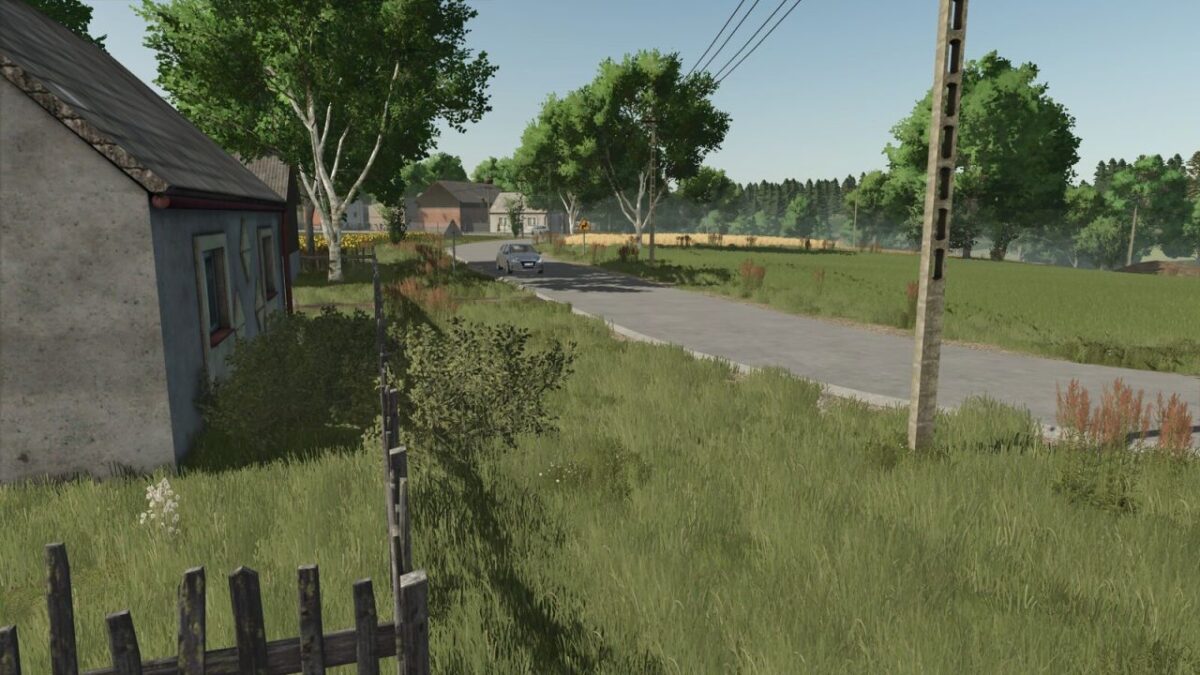
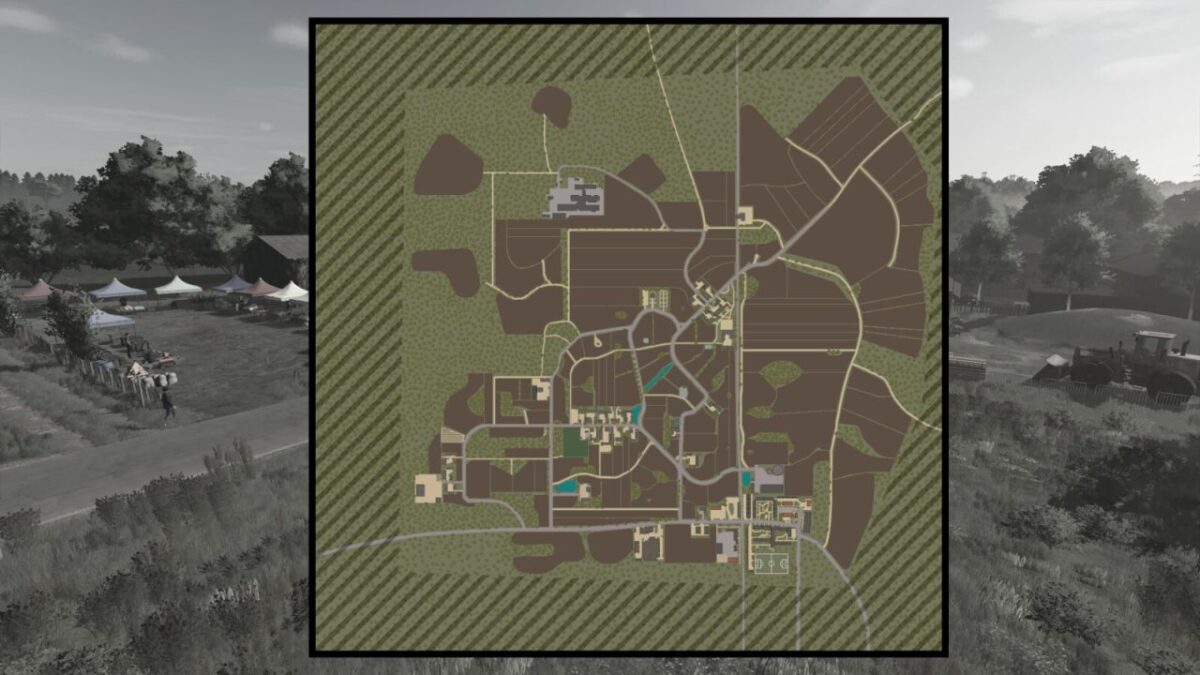
Kolonia 2026 Map v 1.0
– New textures: decoBush, decoFoliage, groundFoliage
– New plowing texture
– Added seasonal decoration: wet roads
– Added several new ambient sounds
– 3 farms
– Warehouse with the option to buy pallets
– Animal dealer
– Many forests
– License plates for the map
– 120 fields (including 25 meadows) (from 0.17ha to 3.97ha)
– 145 arable fields to buy
– 164 lands
– Productions: biogas plant, sawmill and potato processing
– Liming station
– Enlarged furrow
– 3 grain selling points
– 1 bale selling point
– Missions: wood transport, cutting dead trees, and stone crushing
– Map prepared for precision farming
– Collectible items
– 13 new crops (rye, triticale, spelt, mustard, buckwheat, flax, silage corn, green rye, alfalfa, clover, rye with vetch, mustard cover crop, field grass)
– Stubble crushing
– New fuel station