

Faro 4010 Limited Edition v 1.0

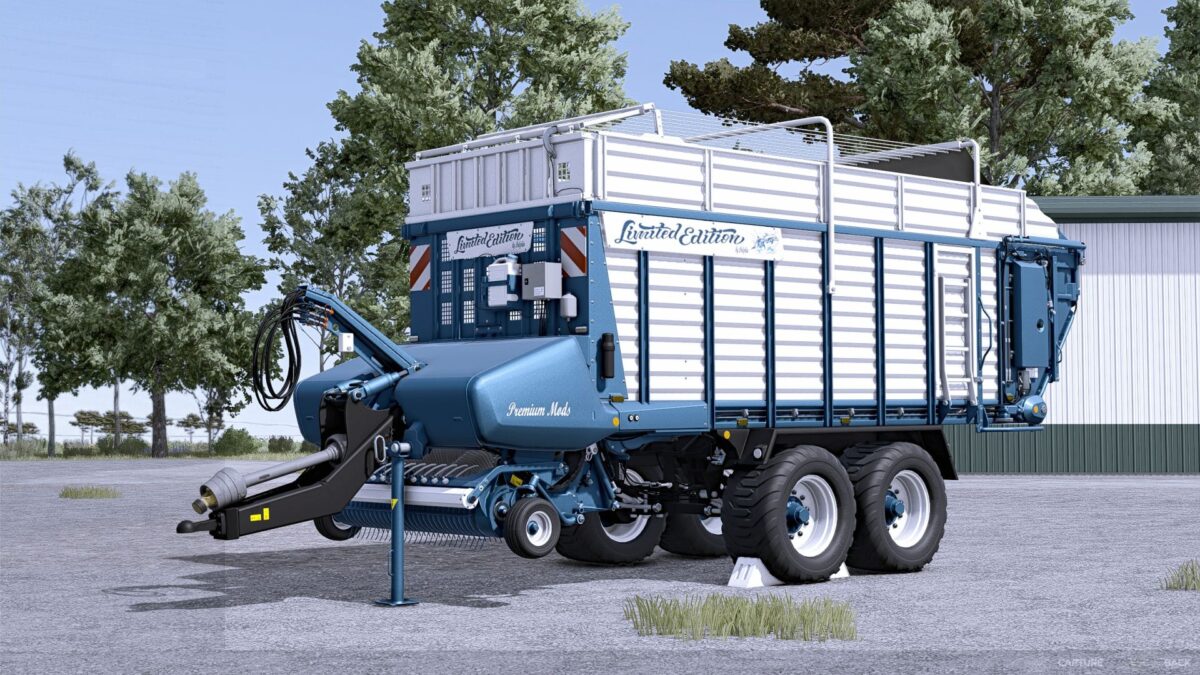
Faro 4010 Limited Edition v 1.0
About the mod:
Price €69,500.
Working width 4m.
Working speed 20 km/h.
Loading volume selectable with or without silage: Standard 26,000/10, Limited 37,000/30 or Ultimate 48,000/60.
Decal selection: Standard, Limited Edition
Rear logo selection: None, Limited Edition, Dolphins.
Rear lettering: None, Limited Edition, Ultimate Farming
Side logo selection: None, Limited Edition, Dolphins
Side lettering selection: None, Limited Edition, Ultimate Farming,
Front lettering selection: None, Limited Edition, Ultimate Farming,
Color selection for main color, design color, frame, cover, drawbar, scratching floor, silage canister, tarpaulin, lettering and rim color.
Repair interval increased.
Credits:
Dolphin